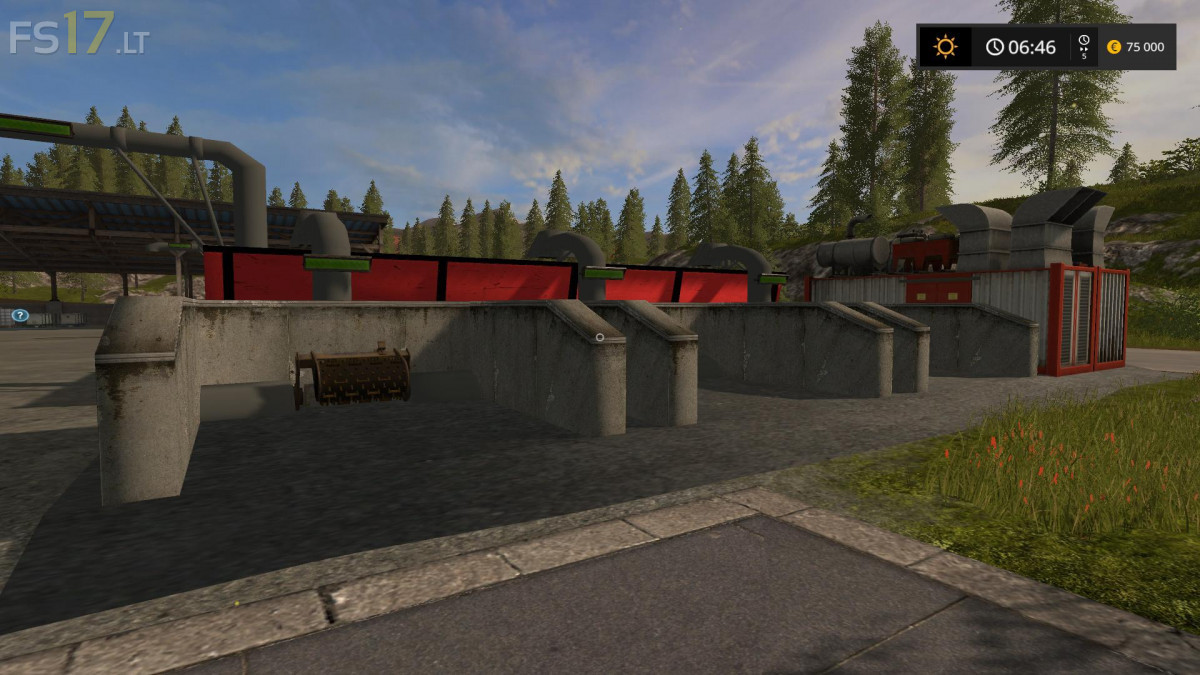
Feed Mixer Pack v 1.4
About the mod:
The filling quantity and output bunker as well as the production speed increased.
Filling bunker (3) per 100000L (straw, silage and grass)
Production: 20000L / hour
Output bunker: 150000L
Here, too, the same, but for the pig feed more fruits can be used.
Cereals (wheat, barley or grain maize), proteins (rape, soya or sunflower) and
Ground fruits (potatoes or beets)
Filling bunker (3) per 100000L (cereals, proteins and earth fruits)
Production: 20000L / hour
Output bunker: 150000L
Credits:
kevink98, Marhu, Kastor
How to install FS17 mods?
Firstly find a mod which you like and want to download. Then download a mod to your PC. Mods are usually in .zip format file. But sometimes it can be in .rar. If a mod file is a .zip format no needed additional actions. If a file is in .rar, then you must unarchive mod with software like WinRar or Zip7. Windows 10 users no need to use software for archives, Win10 itself has a feature to unarchive files.
The next step is to find mods folder in your PC. Usually, it is in Documents/My Games/Farming Simulator 17/2017. Open the "mods" folder and put downloaded .zip archive or unarchived .rar file to this folder.
Last step. Enjoy of FS17 mods!