

Feed Screw v 1.0

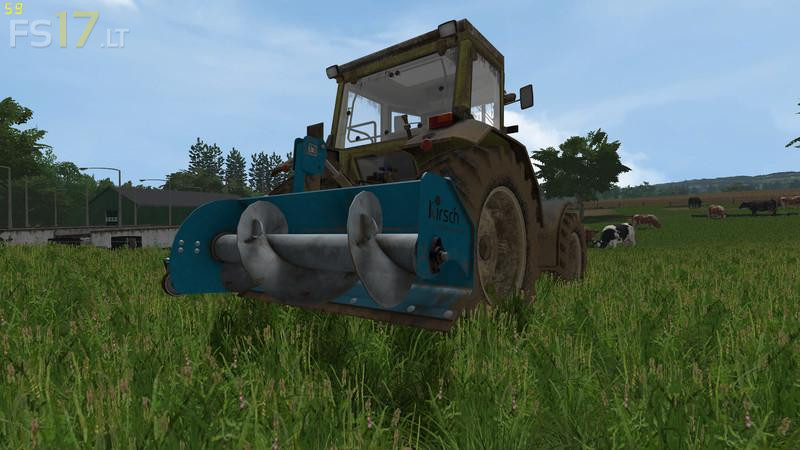
Feed Screw v 1.0
With the feed snail 1 by Kirsch-Farming you can keep the feed trough of the animals clean.
Long been proven by many studies: The economic success depends heavily on the feed intake. We will provide you with the appropriate aid. Only the feed snail from Kirsch-farming combines the three features to improve performance.
Loosen up: compressed food the appetite preventers number one. The pure pushing of the feed does not lead to an increase in performance. The cherry-farming loosening blades on the snail ensure the best result.
Mixing: The animals as gourmets select the presented feed, whereby it is segregated. The mixing blades, in cooperation with the folded plate, ensure an optimal mixture of the feed.
Conveying: The last step is to feed the feed back into place. By the rotating snail, the feed is quickly and comfortably brought back into the reach of the animals even with heavy feed, the welded-through construction is no compromise.