

Fendt 6275L & 9490X Pack v 1.0

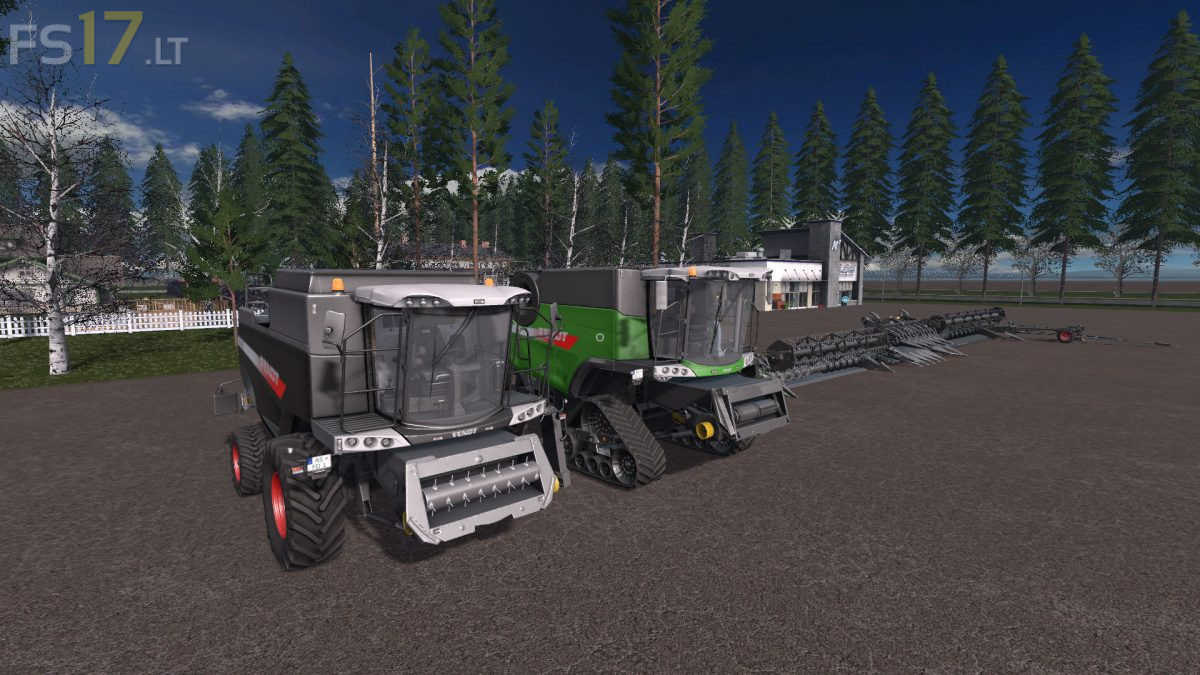
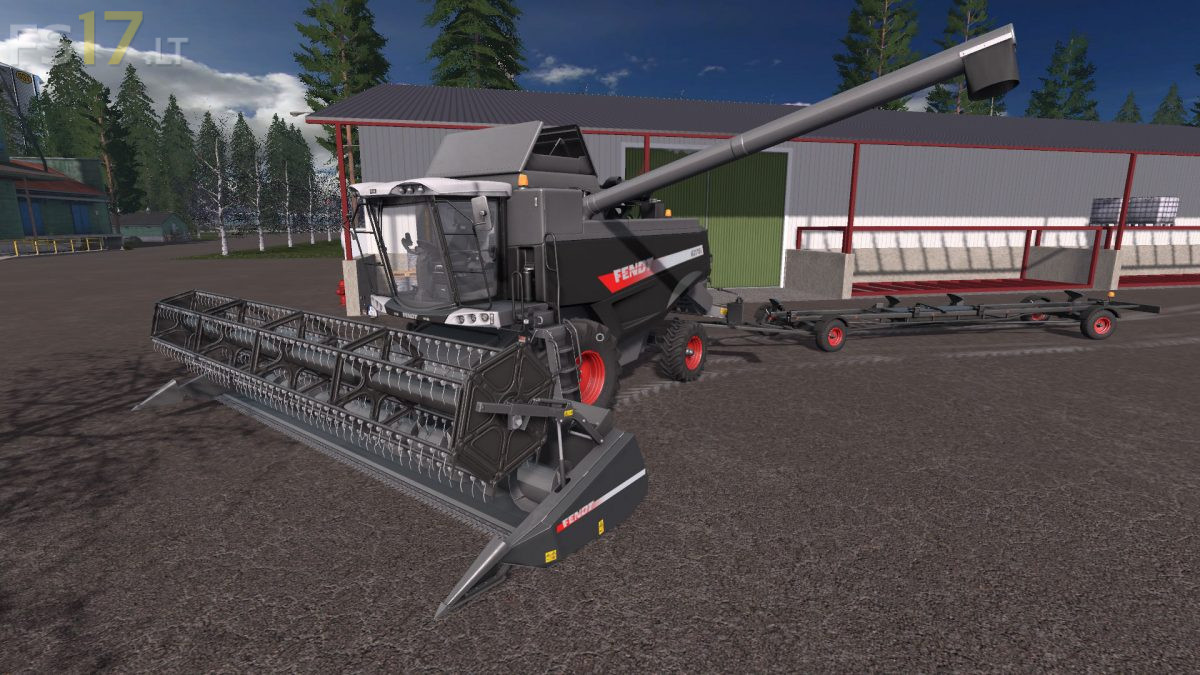
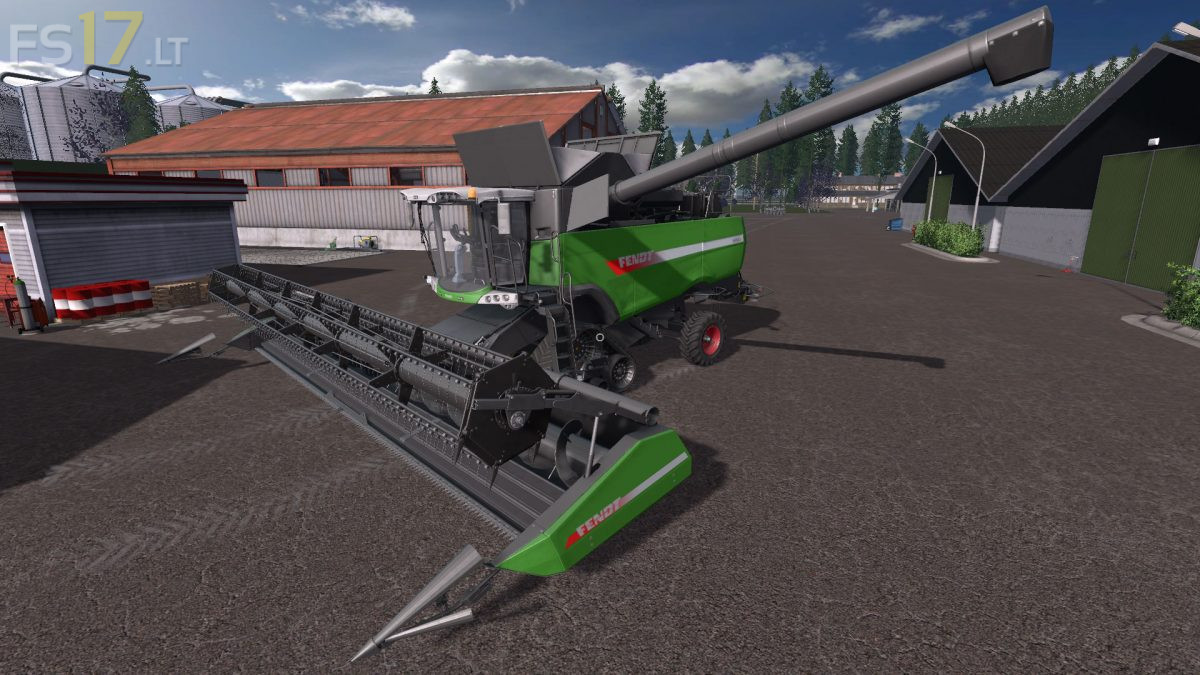
Fendt 6275L & 9490X Pack v 1.0
The Pack consist of:
Fendt 6275L Harvester:
– Power 306 hp
– Capacity 9100 liters
– Choice of Color (3 Colors)
– Washable
Fendt 9490X Harvester:
– Power 496 hp
– Capacity 12500 liters
– Selectable Wheels
– Choice of Color (3 Colors)
– Washable
Capello Diamant HS8 Header:
– Working width 6 meters
– Working speed 12 km/h
– Choice of Color (3 Colors)
– Washable
Capello Diamant HS12 Header:
– Working width 9 meters
– Working speed 12 km/h
– Choice of Color (3 Colors)
– Washable
Fendt Free Flow 25FT Header:
– Working width 7.6 meters
– Working speed 10 km/h
– Choice of Color (3 Colors)
– Washable
Fendt Power Flow 35FT Header:
– Working width 10.7 meters
– Working speed 10 km/h
– Choice of Color (3 Colors)
– Washable
Fendt Header Trailer:
– Selectable Design
– Choice of Color (3 Colors)
– Washable