

Fendt Favorit 816 v 3.0


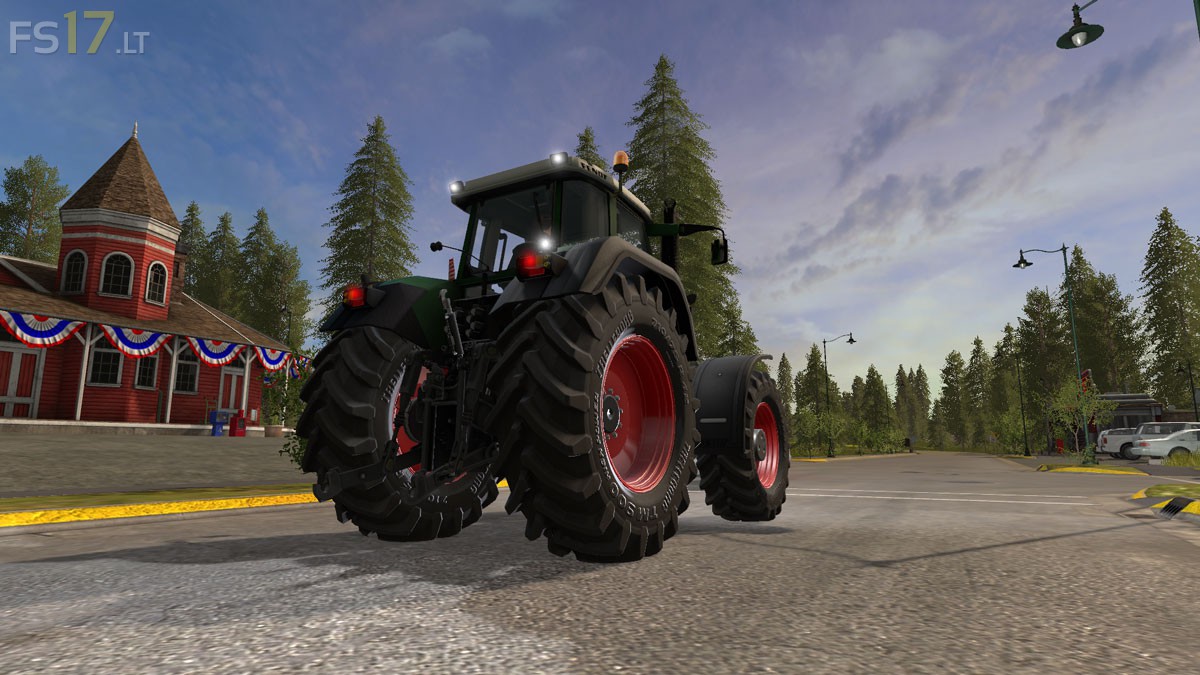
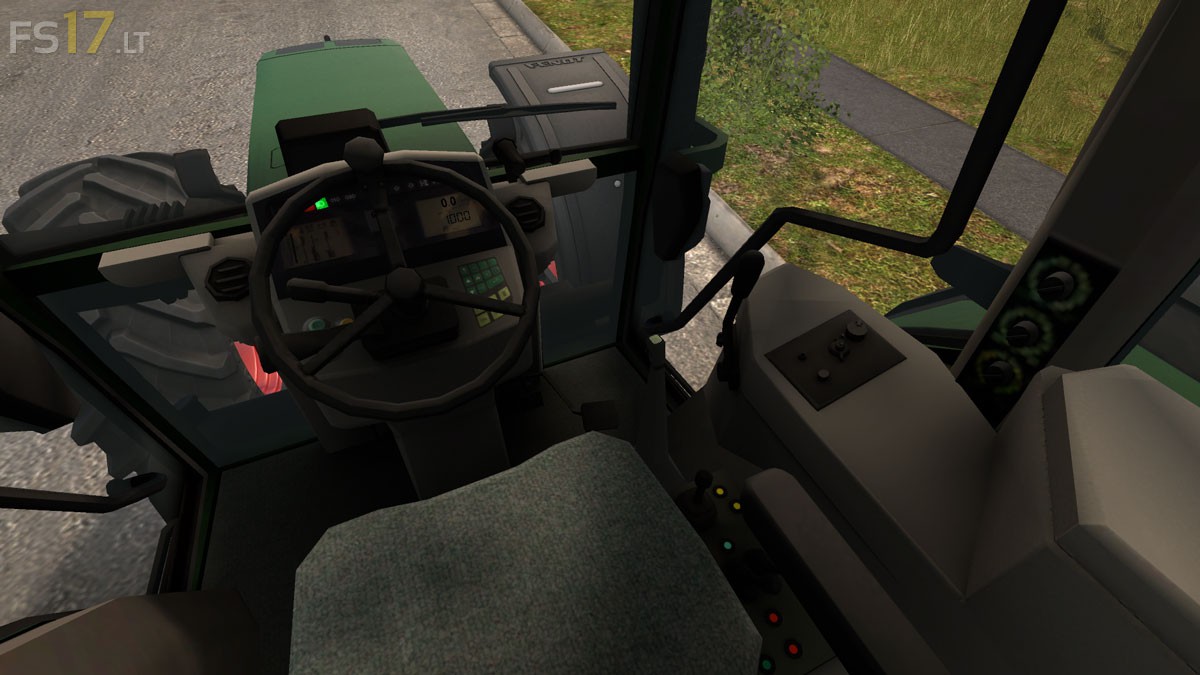
Fendt Favorit 816 v 3.0
About the mod:
– Engine Setup: 360 hp, 435 hp, 557 hp, 692 hp
– Wheels Setup: Standard Wheels, Twin Wheels, Wide Tires, Wheel Weights
– Speed 63 km/h
– Frontloader Attacher
– IC Control
– Open doors, back window, sunroof
– Working Mirrors
– Lighting
Price: 56.755 €
Credits:
Agroferm
Doesnt work on multi 🙁
Er et fedt mod med en enkelt lille fejl, som jeg ikke kan finde ud af
Error: Failed to open xml file ‘C:/Users/Frank/Documents/My Games/shaders/vehicleShader.xml’.
Error: Can’t load resource ‘C:/Users/Frank/Documents/My Games/shared/rough_cube.dds’.
C:/Users/Frank/Documents/My Games/FarmingSimulator2017/mods/FS17_FendtFavoritPackV3_Agroferm_ModLandNet/Fendt_Favorit8xx.i3d (635.32) ms