

Fendt Vario 1000 Series v 2.0

Fendt Vario 1000 Series v 2.0
Mod Functions and Changes:
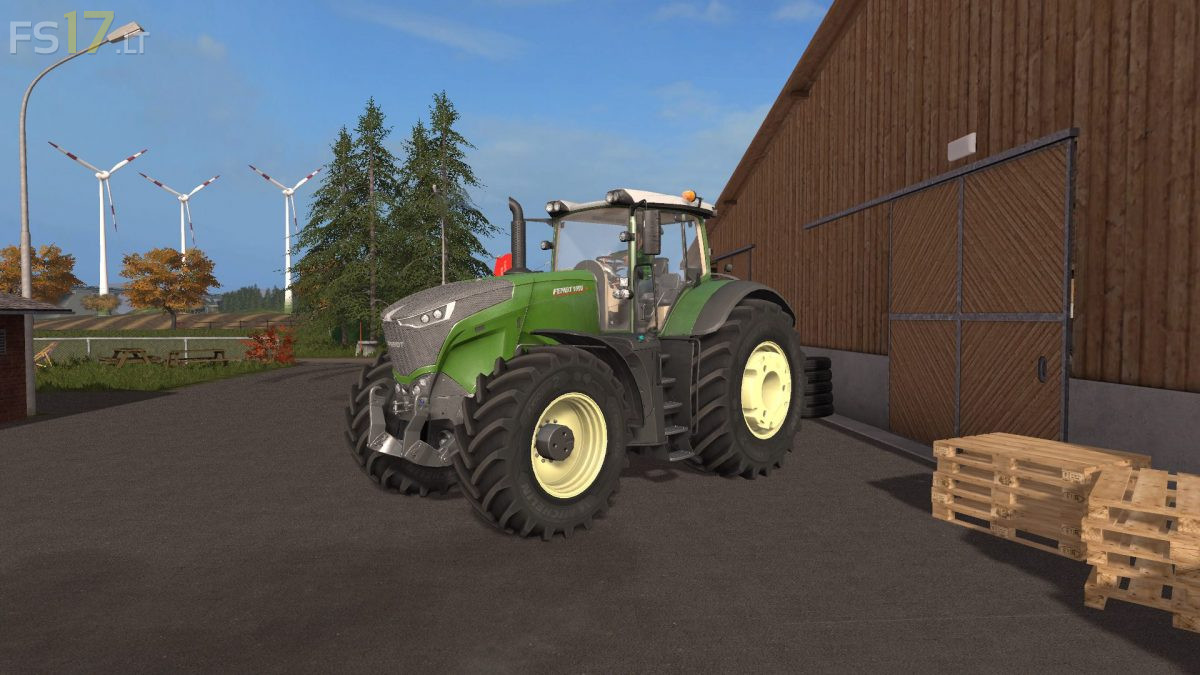
* Texture changes, new green color
* Added Michelin Tire Configuration (also with weights)
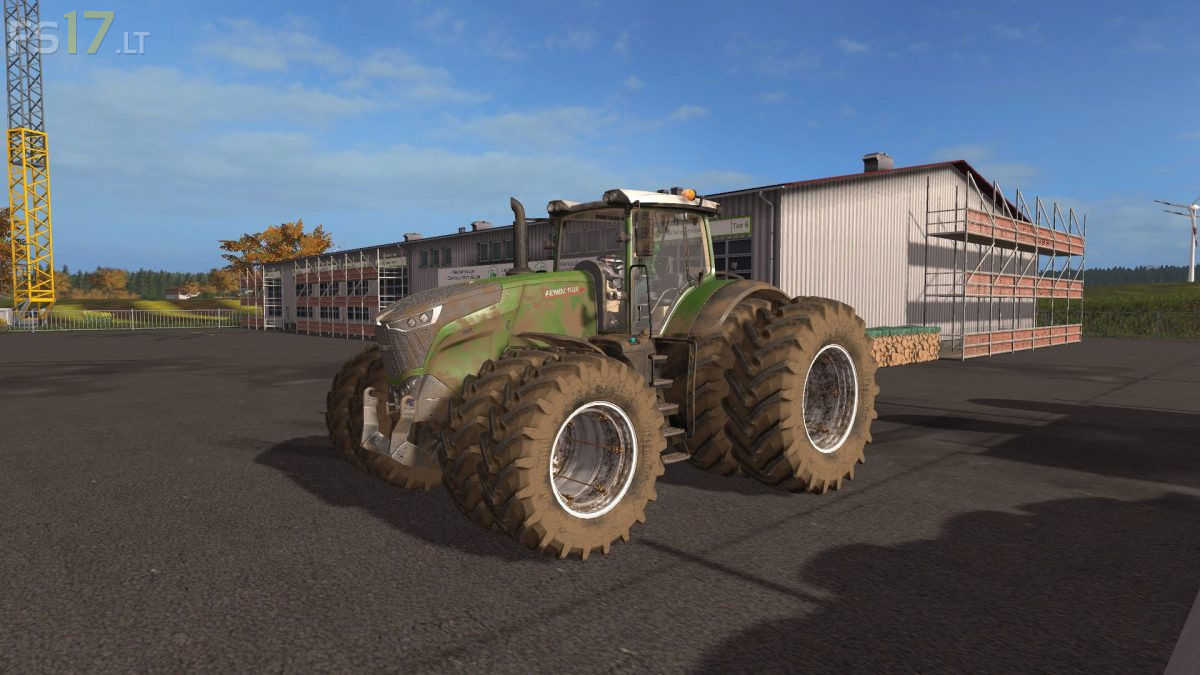
* Added Dual Tires Configuration
* New Trelleborg tire texture and Configuration
* Added Interactive Control
* New IC Buttons Design
* Folding steering column
* Door and back window animation
* You can open door also from outside (R)
* Added cylinder animation to back window
* Foldable Fronthydraulik (IC)
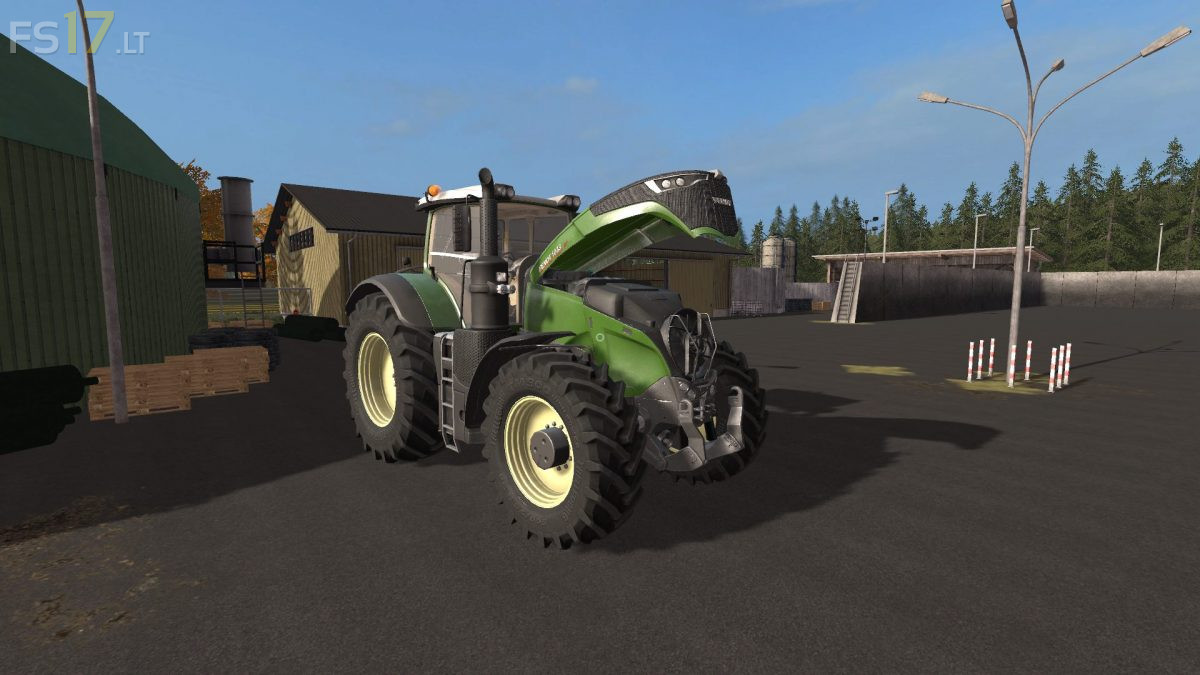
* Openable Bonnet (IC)
* Variotronic Screen On/Off (IC)
* Control Panel computers (Amazone, Krone, Poettinger, Horsch)
* Warning signs on IC
* Foldable Warning signs
* RDA in wheels on IC
* Left and right fender on IC
* Work position for Beacon lights (IC)
* Engine fan animation
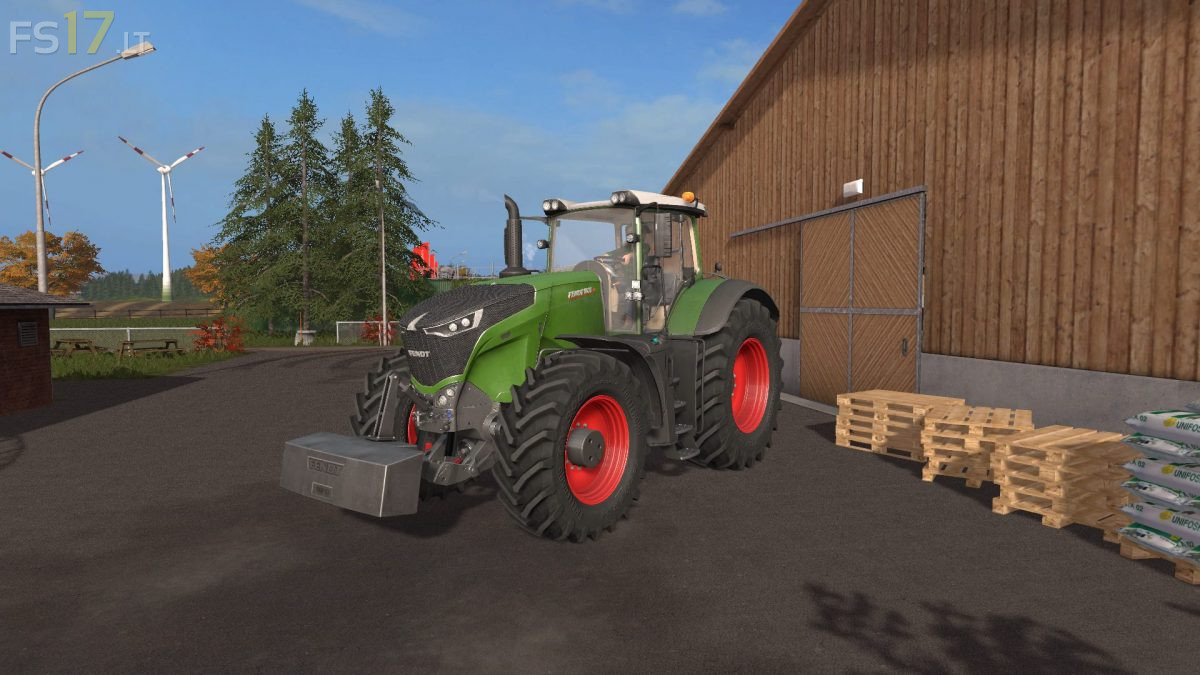
* Design Configuration with White Grill
* Fixed Steering Radius
* Added Dynamic Hose
* Added New Engine Vario 1042
* Changed engine power to real data and added one on chip, up to 600 hp
* New Corrected Lights
* Mirrors position change
* Corrected Front hydraulic
* Added Dynamic Exhaust
* Added Beifahrer/Passenger Script
* Washable Changes
* Better optimization in the game
* Corrected log errors, it is clean now
* In pack also 2 Fendt Weights
* Other visual changes and much more
très bon mode seul ombre au tableau, le 1050 est beaucoup trop disproportionner par rapport au 939 alors que dans la réalité la différence de dimension entre les deux est imperceptible.
dimension réel : 1050 6.16m l 939 5.65m
3.57m h 3.35m
autrement excellent mode mon but n’est pas de dénigré le modeur mais d’aider à arriver a un mode réaliste au mieux possible.
1050 6.16m longueur 3.57m hauteur
939 5.65 longueur 3.35m hauteur