

Fendt Vario 900 Series v 1.0.0.2

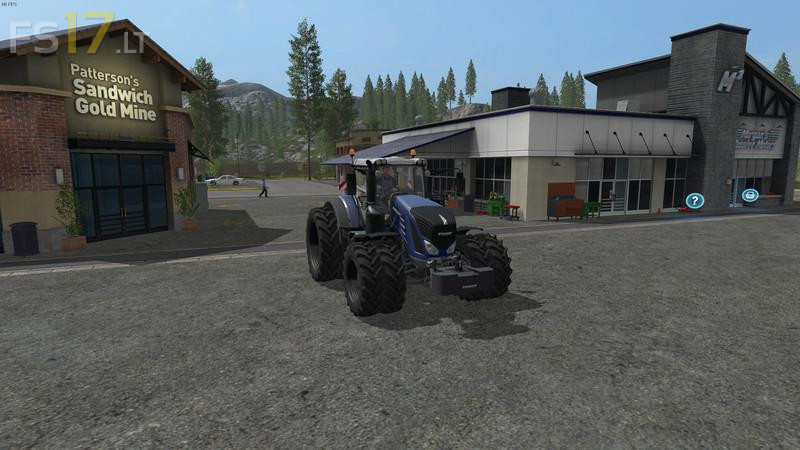
Fendt Vario 900 Series v 1.0.0.2
About the mod:
Version 1.0.0.2:
Added side warning panels with lights.
Added Fendt weight by JD7530-Chris. Weights included are: 650, 1100, 1500, 2300.
Added 1038 Vario with 396hp.
Added 1042 Vario with 435hp.
Added 1046 Vario with 476hp.
Added 1050 Vario with 517hp.
Removed Twin rear with weights.
Removed Wide tires with weights.
Removed interior lighting (may put it back in).
Removed Case 620 engine as an upgrade.
Removed New Holland T4.35 as an engine upgrade.
Credits:
Giants, McKnight
So what wheel options does it have now if you have removed most of them?