

Fliegl DK180 88 and DDK240 v 1.1

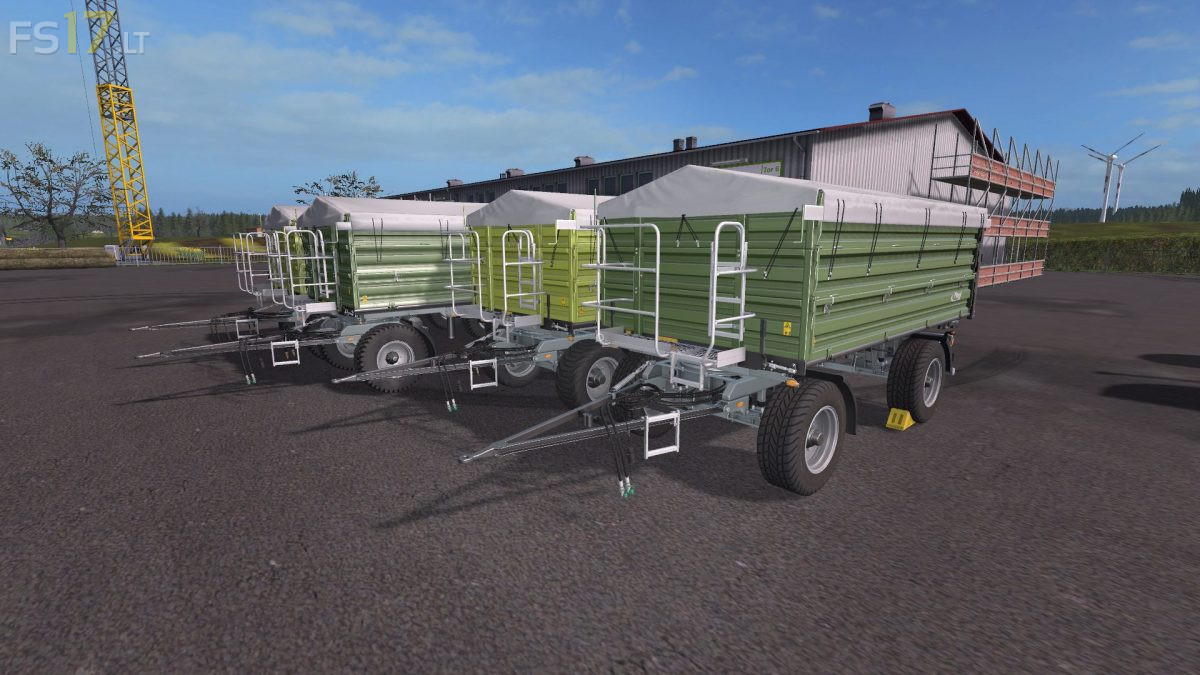
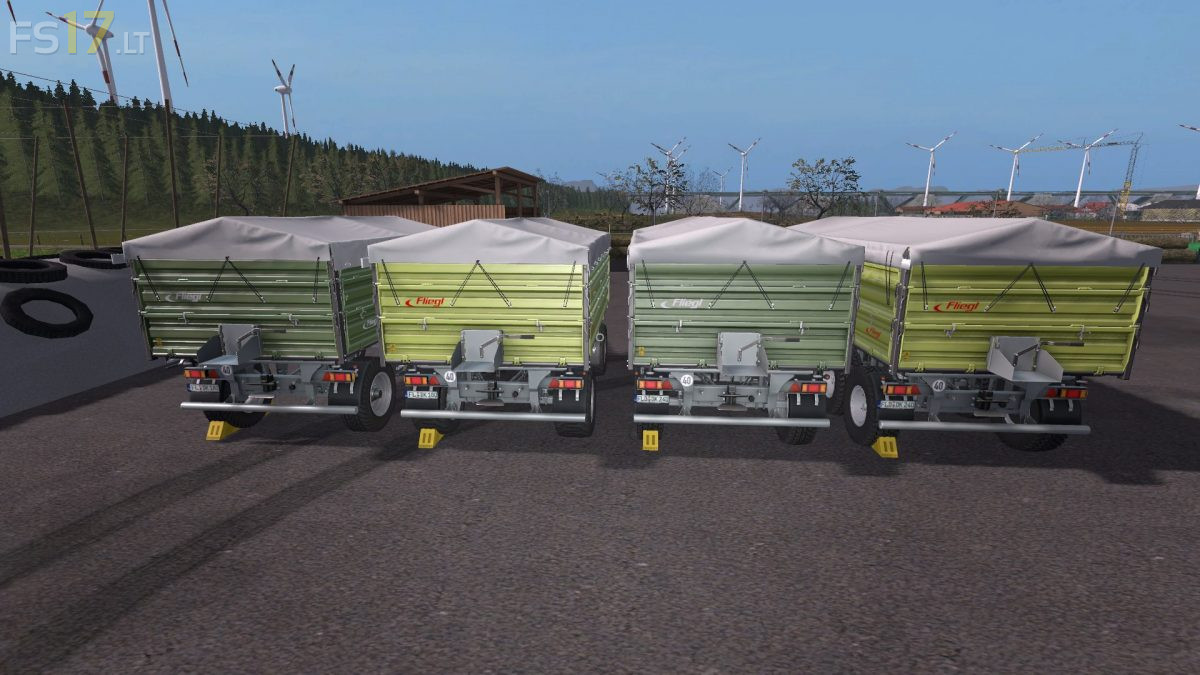
Fliegl DK180 88 and DDK240 v 1.1
About the mod:
Fliegl DK180 88:
– Two versions: Dark Green and Light Green
– Capacity 18000 liters
– Selectable Wheels
Fliegl DDK240:
– Two versions: Dark Green and Light Green
– Capacity 24000 liters
– Selectable Wheels
Version 1.1:
* 3 Axle turntable added and adjusted
* New Numbers
* Mudguards on the crown
* Coronas exchanged
* License plate light
* Dynamic Hoses
* 5 additional wheel variants added (Nokian, Trelleborg wide, Nokian wide, Multistar (rim) on Nokian, Trilex (rim) on Nokian)
* Otherwise the trailer has the usual standard features
Credits:
Giants, speedy77, Oylerhenry, FBM-Team