

Frisian March Map v 2.2

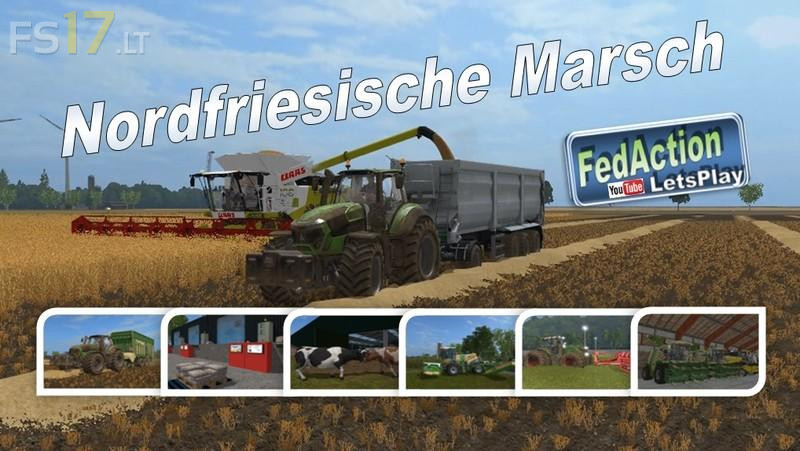
Frisian March Map v 2.2
Version 2.2:
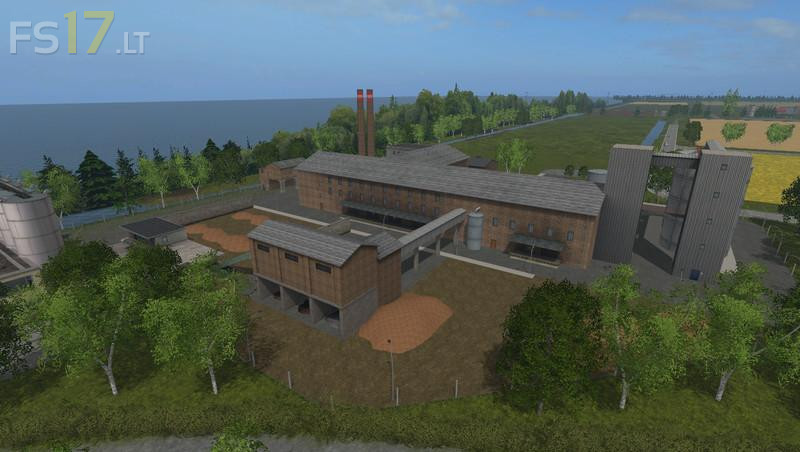
* Pulp Factory: production of paper pallets and cardboard pallets (woodchips, water and empty pallets)
* Fruit Farm: fruit varieties are apple, pear, cherry and plum (compost, water, empty pallets and cardboard pallets)
* More silo storage capacity at the yard, woodchip now storable
* Trigger feeding troughs in the cowshed, pigs and sheep improved
* Trigger compound feeding unit enlarged
* Switch the light in the cow shed to on / off
* More space for sugar beet in the sugar factory
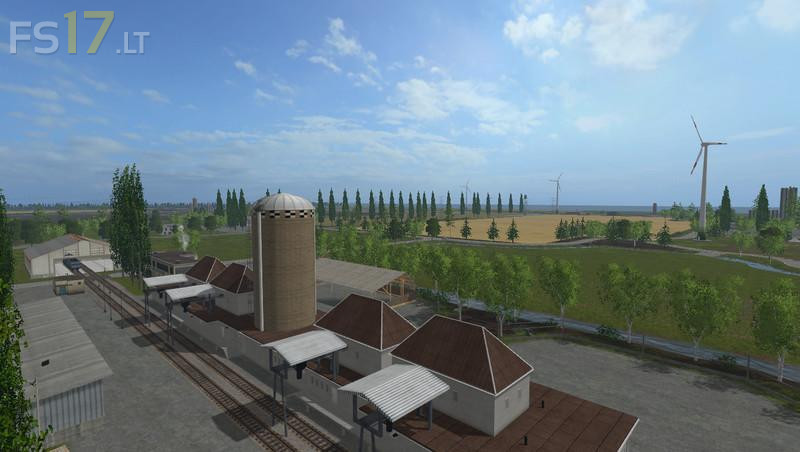
* Sale at the port and station brings back money (without departure bonus for a better comparison)
* All pallet collectors are adjusted (as good as no palette place note free mistakes more)
* LUA error fixed with maize cutters
* Shader Fahler fixed from 9 pm
* Floating tree, double tree, flickering tree fixed
* Colli of the pallets
* Smoke behind paper factory no longer exists
* Some more minor flaws fixed