

FSH Modding Map v 6.1

FSH Modding Map v 6.1
About the mod:
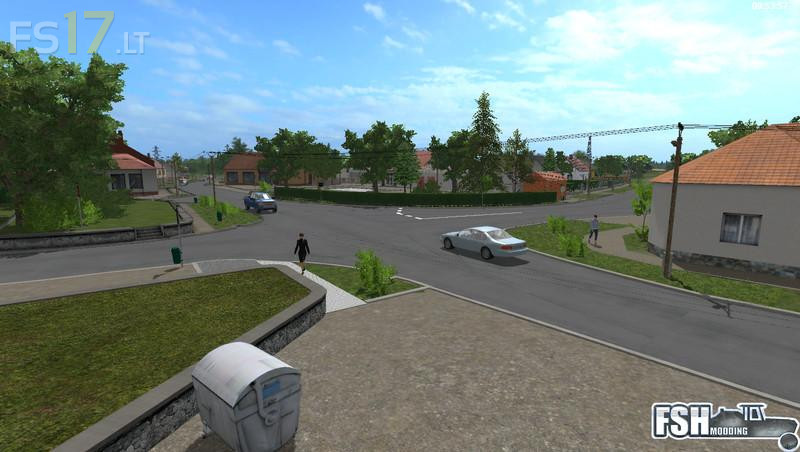
– Car traffic
– Birds, wool sales in the village behind the store (marked on map)
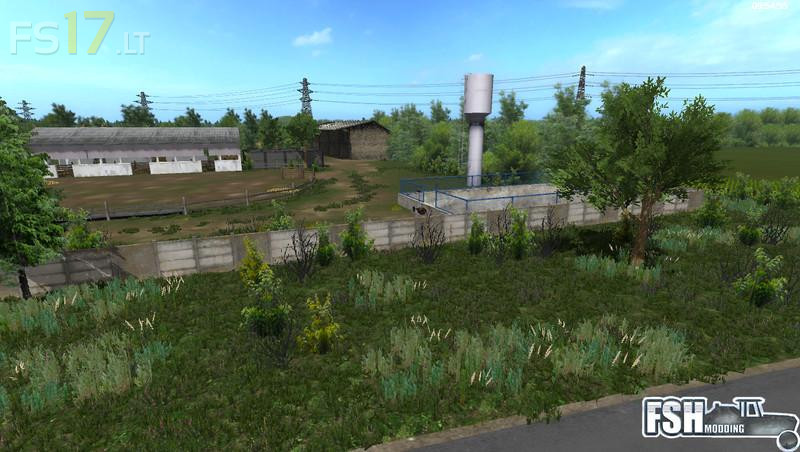
– Populated sewage suction option that can be dispensed in the waterworks, cleaning plant (marked on the map)
– Reservoirs for cows, pigs to be filled from watercourses or natural waters
– The game indicated that “Do not get too deep into the water” there was a raised ground level
– Transferred the manure purchase to the pet dealer
– System mission
– The location of the enclosed storage in the pig farm
– Great village
– cow, sheep, pig and hen
– High resolution PDA
– BGA
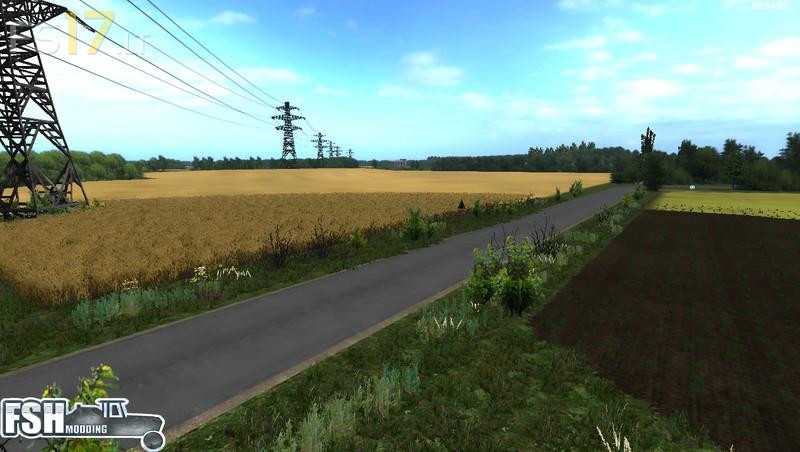
– Buyable field
– Chopped Straw
Credits:
gamerhzs, mj111, webalizer
I have “you don’t won this field” problem when i work on my own field near the other!Please correct this.