

German Town Map v 1.0

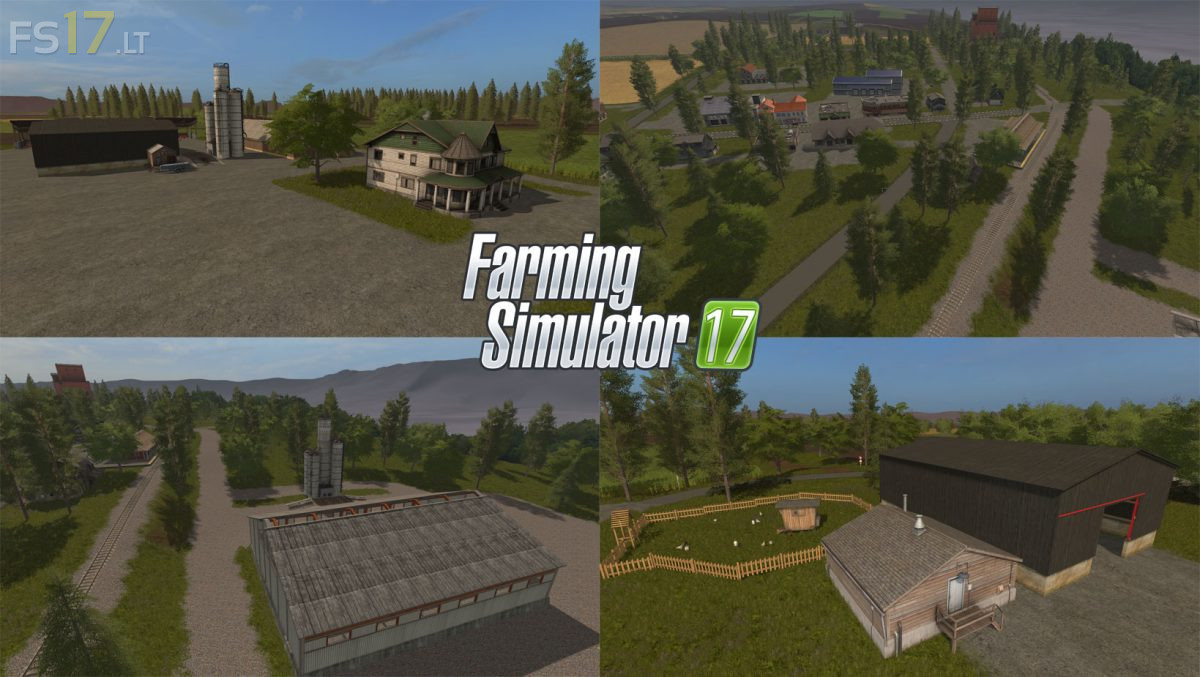
German Town Map v 1.0
– 4x map with all of the crops of the vanilla game (meaning 4 times the size in area of a default map)
– 145 fields ranging from 0.33 ha to 62 ha, totaling roughly 830 ha (over 2000 acres), with vast amounts of forest/timber land
– 3 main farms with silos and plenty of space for placeables with sheep, pigs and cows at each, loads of extra flat spaces scattered throughout the map for placeables
– Biodiesel plant built in using Fabrik Script (gates open at 7:00 and close at 20:00); takes canola and produces fuel, forage, and digestate in a 40:40:20 ratio; fuel can be used in all vehicles, loaded into the fuel browsers, or sold to Schaible
– 12 sell points (including BGA, spinnery, biodiesel, etc.)
– Multiple silage silos, multiple silos that can be expanded
– Dynamic traffic system (speeds range from 30 km/h to 80 km/h)
– Seasons mod ready with custom seasonal temperatures built in
– A single rail line that circumnavigates the map with expanded train consist
– Gold nuggets