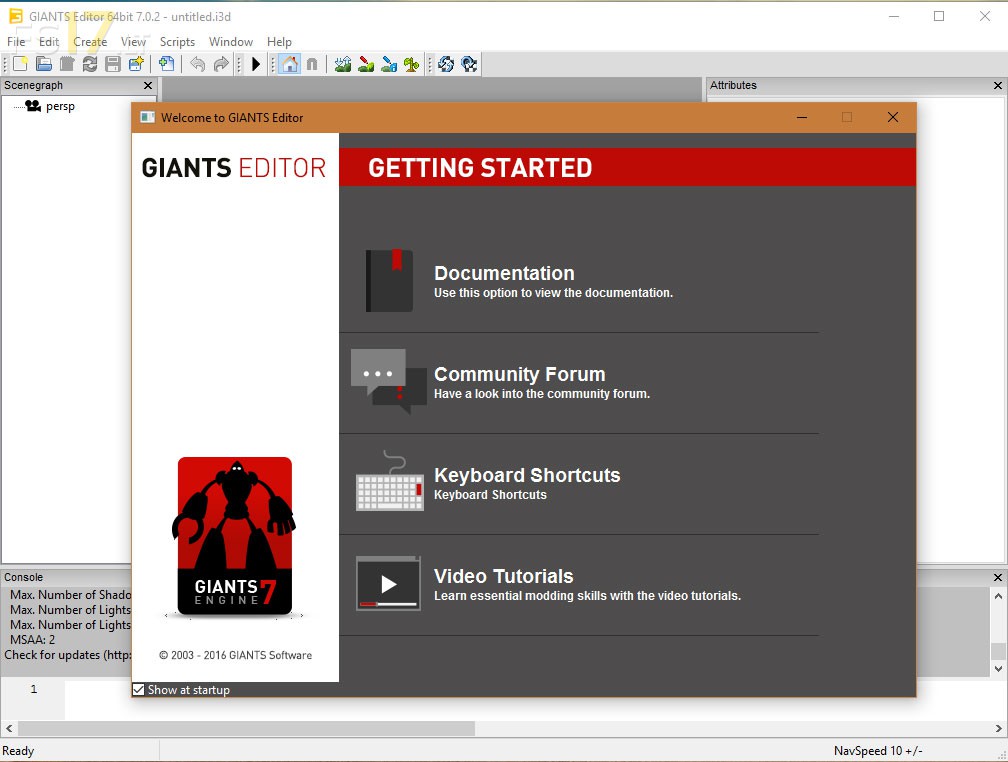
Giants Editor v 7.0.2 (64-bit)

FS19 mods

giants-editor

About the mod:

Version 7.0.2:
* Increased max number of editable custom-shader-parameters
* Using srgb for mod texture dds
* Create mod from game writes descVersion=31
* Report mod conv proper error-message in case of uploading to big files
* Fixed modding tools proper save paths
* Fixed undo stack size when undoing
* Fixed texture viewer showing wrong color space in drop down
* Fixed texture viewer and mod texture selection to show “convert to dds” if the png is selected while a dds exist
* Fixed srgb linear conversion with dds conversion in texture viewer
* Fixed mod conv old file was opened after conversion
* Fixed getting started dialog
* Fixed opening of converted mods

Credits:
Giants

How to install FS17 mods?

Firstly find a mod which you like and want to download. Then download a mod to your PC. Mods are usually in .zip format file. But sometimes it can be in .rar. If a mod file is a .zip format no needed additional actions. If a file is in .rar, then you must unarchive mod with software like WinRar or Zip7. Windows 10 users no need to use software for archives, Win10 itself has a feature to unarchive files.

The next step is to find mods folder in your PC. Usually, it is in Documents/My Games/Farming Simulator 17/2017. Open the "mods" folder and put downloaded .zip archive or unarchived .rar file to this folder.

Last step. Enjoy of FS17 mods!

3 thoughts on “Giants Editor v 7.0.2 (64-bit)

  • luke says:
    2017-09-02 at 09:49

    its+not+working

  • olek91 says:
    2018-10-30 at 22:02

    ok

  • Вадим says:
    2023-02-15 at 17:12

    Возникшая проблема привела к прекращению роботы программы

Leave a Reply

Your email address will not be published. Required fields are marked *