

Global Market v 0.8.5

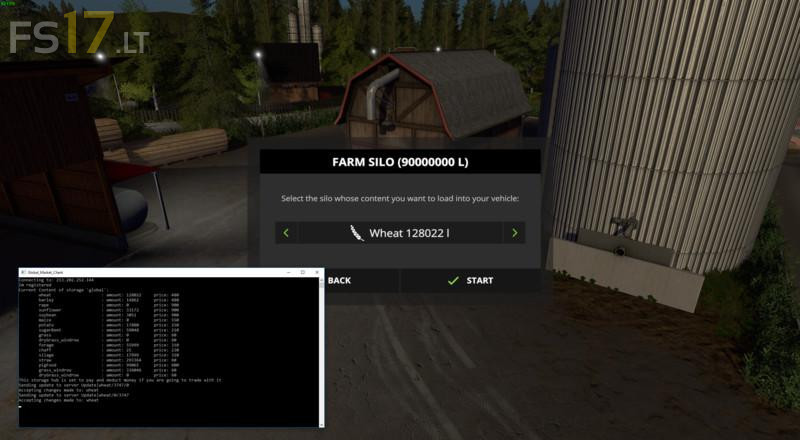
Global Market v 0.8.5
The Global Market mod gives you the opportunity to trade with players on different servers or who are actually playing in Singleplayer mode.
The Global Market mod connects you to a storage which is handled on a dedicated server. There you can connect you with the “global” storage and buy all kinds of goods such as wheat, silage or finished pig feed, which was previously sold to the storage by another player or maybe by you previously.
Therefore, the mod consists of 3 parts:
1. A placeable “Global Storage”. This is a modded hayloft. There you can sell and buy all kinds of goods.
2. The “global market” script to manage the content of the “Global Storage” and write any changes into an xml file
3. The client software that examines the xml document and matches the content with the server.
So you can now exchange goods between different savegames / servers / players.
Detailed instructions are included with the mod. (Readme file)