

Goldcrest Valley II Map v 6.0.1.0


Goldcrest Valley II Map v 6.0.1.0
Version 6.0.1.0:
Animal Zones:
* Consolidated all animal zones (cow, sheep and pig) to the main farm.
* Removed chicken eggs and sell points (chickens still roam around the farm).
Fields:
* Moved fields 12, 14 and 15 to work with new farm layout.
* Resized field 27.
Farm:
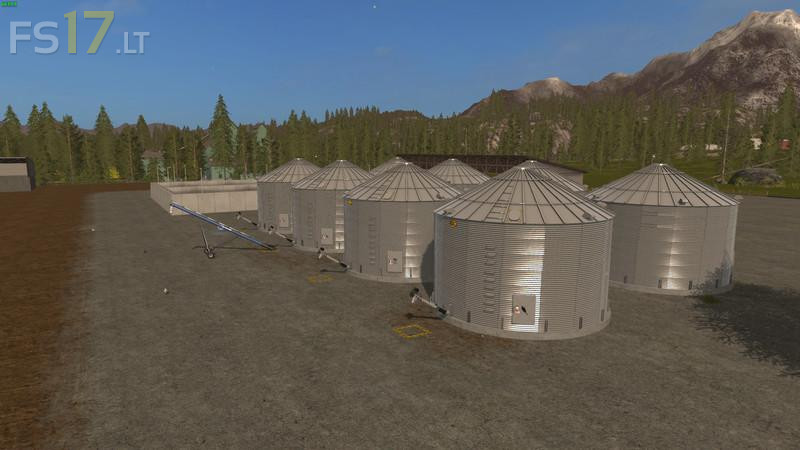
* There are 8 silos dedicated for one fill type each (wheat, barley, rape, maize, sunflower, soybean, chaff and silage).
* There are a number of crop storage building’s for all other crops that silos do not take.
* Augars are required to fill and empty silos (Augar mods are build into map).
* Farm Barn/ Bale destroy also takes chaff, straw, dryGrass_windrow and grass_windrow.
* Vehicle reset, resets vehicle at the farm.
* Farm has the seed, fertilizer and liquidFertilizer placements.
* Farm has a refuel tank.
* There are 2 water pump stations (one at Farm) that provide water free of charge.
Mary’s Farm:
* Mary’s Farm doubles as a sell point for buying liquid manure.
* Mary’s Farm has 4 silo you buy pigFood, manure, chaff, silage and grass.
* Mary’s Farm has the seed, fertilizer and liquidFertilizer placements.
* Mary’s Farm has a refuel tank.
Active Scripts:
* Chopped straw mod
* Manure mod
* Combine straw fix
Misc:
* Moved Livestock Market.
* Removed unused shed’s and other buildings that I felt were in the way or served no purpose.
* Changed a large amount of the terrain for fields and around fields.
* Info Layer, tipCol has been updated map wide.
* All buildings, feeding and watering areas have snow mask for seasons mod.
* Trains have x2 extra cars of each type.
its good just you forgot collisions on field 15, hired worker no like
Yes, field 15 definitely has a problem on the side furthest from the farm, where the edge of the field is on an angle. Worker collides something in that area and when you are driving, camera shifts to a close up of the vehicle you are operating. Good map so far, other than that.