

Great Country Map v 1.8


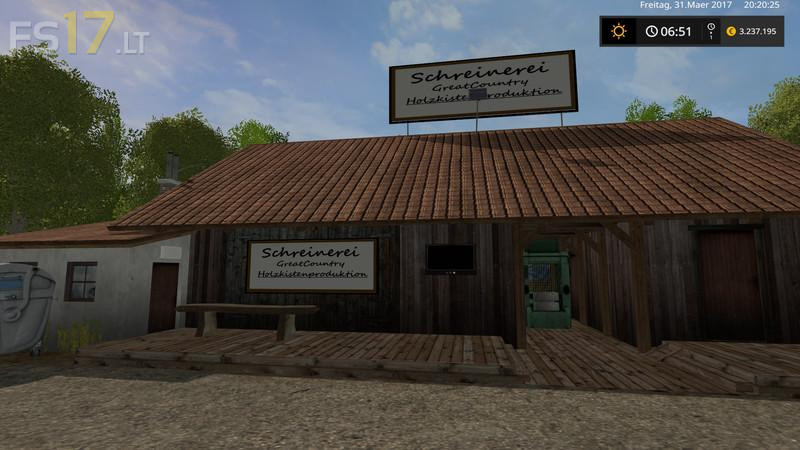
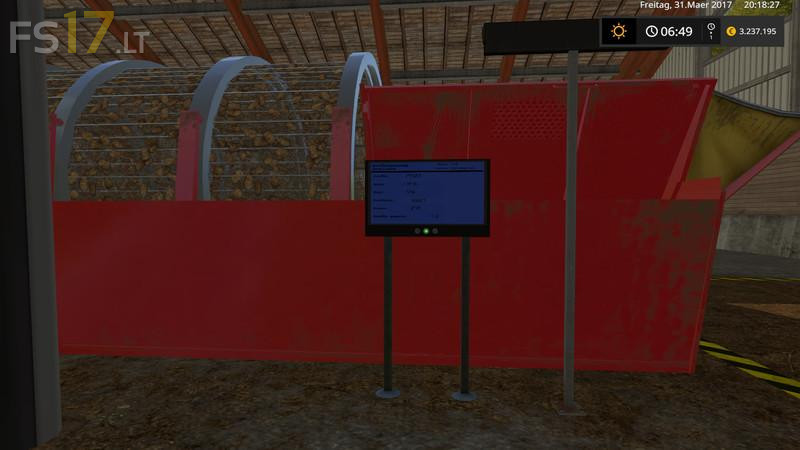
Great Country Map v 1.8
About the mod:
Version 1.8:
* Map adapted to Seasonmod that means there is no snow in the buildings and on the streets, there was the Streaming service on the road
* All the trees on the Great Country exchanged because of the Seasonmod looks even more beautiful if in the autumn
* The leaves become discolored and in winter no leaves are on the tree
* Texture error in the cheese pallets
* New triggers installed at the grain mill
* Silo filling capacity increased to 900000 capacity
* Pallet production is doubled
* Server errors fixed up to 7 pieces but are not game related
* At the refinery the compost quantity reduced
Credits:
KevinK98, Farmer_Andy, Marhu, RC_Devil, GTX Mods., niggels, FS modding, Kastor, NKB-Modding, Nils23, fasi, auwgl, BlackSheep, FSM Modding Team, Kyosho, NLD Farmer, fqC art, möchtergernbauer