

Green Countryside Map v 1.2.0.1

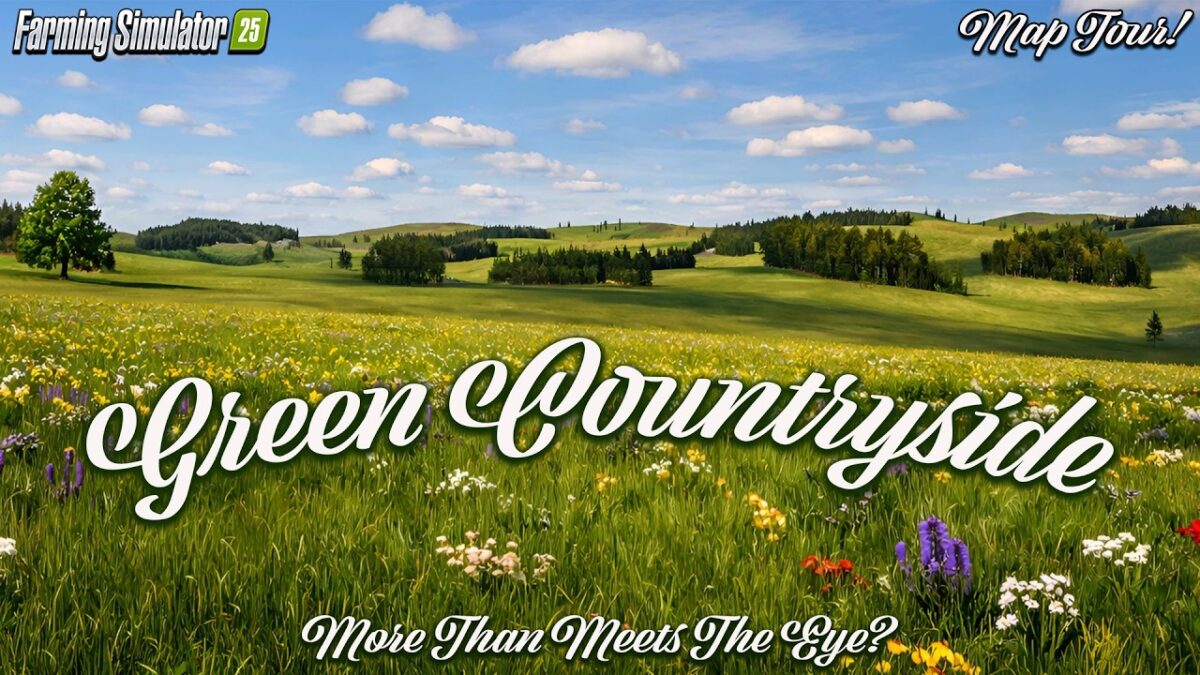
Green Countryside Map v 1.2.0.1
Map Details:
– 64 purchasable plots for €60,000 each
– One starting field with a farm is included
– Over 60 millable ground textures
– Over 50 millable decorations
– 5 pretzels to collect
– Two selling points (farm shop and farm)
– One construction yard and one fire station are included
Additional crops and revised crops:
– Spring wheat (Wheat)
– Spring barley (Barley)
– Winter wheat
– Winter barley
– Triticale
– Spelt
– Rye
– Green rye
– Vetch rye
– Grain corn (Maize)
– Silagemaize
– Alfalfa
– Clover
– Fieldgrass
– Revised meadows
– Mustard
– Catchcrop Mixture
– Flowering cover crop
– Separate drive-through silos for clover and alfalfa are available in the building menu.
– An extra Multipack D14 bale wagon is installed for packed bales.
Additional products:
– Solids
– Apples
– Apple juice
Version 1.2.0.1:
* Silage sales fixed, as well as issues with selling at Hofer
* Additional orders no longer cause problems
* Animal purchase prices and buying options adjusted depending on the animal
* FoliageDamage.xml revised