Green River 2017 Map v 2.0.0.3

FS19 mods

About the mod:

– Main farm with Cows, Sheeps, Chickens.
– Pig farm.
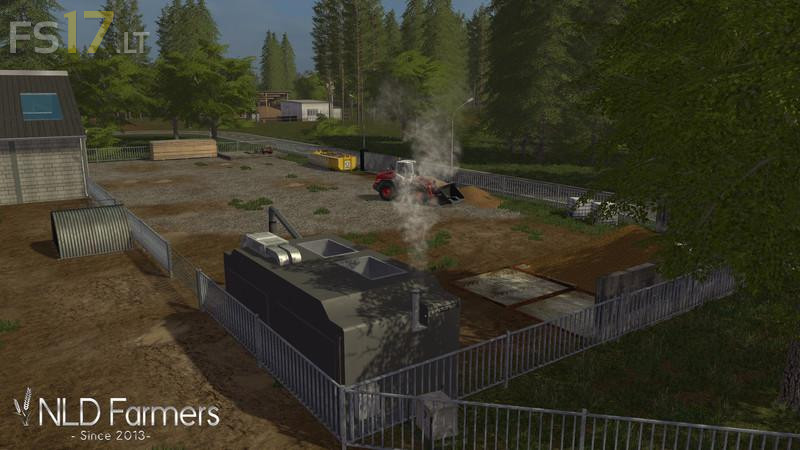
– Biogass facility.
– Contracter where you can also store your crops.
– Vehicle shop.
– Multiple Farmshops, The Ballon Tree, Blacker Hall, and Drewtons where you can sell your Crops Wool and Eggs.
– Livestock dealer where you can buy and sell cows, sheeps and pigs.
– Allgreen Energy where you can sell woodchips, trees and wooden planks.
– Milk Factory where you can sell your milk
– Sawmill where you can bring trees to make wooden planks.
– Gardenshop where you can buy trees and sell manure and liquid manure.
– A large forestry area.
– Village.
– More than 160 acres of fields.
– Crops: Wheat, Barely, Canola, Sunflower, Soybean, Mais, OilSeedRadish Potatoes, Sugar beets, Poplar.

Version 2.0.0.3:
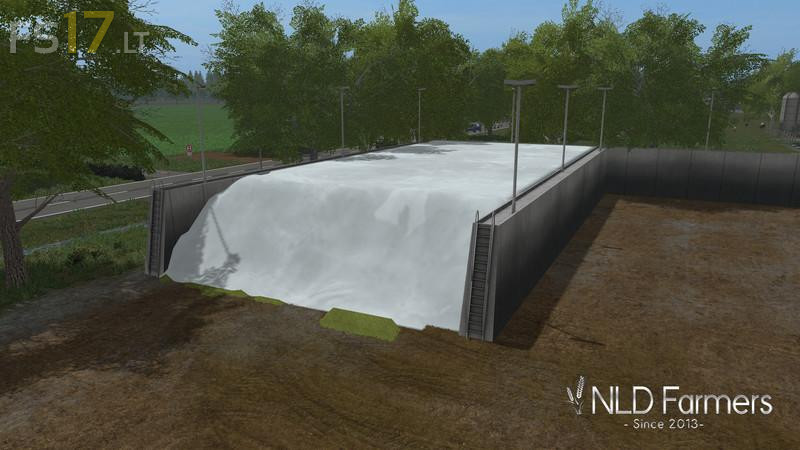
* Fixed Farm Silo Plane
* Fixed Translation
* Updated PDA

Credits:
NLD Farmers, Bart, Richard, Jaguar95, Modding Welt, Giants, CebuljCek, Mythic Modding, bluebaby210, Vertexdezign, Katsuo, Dutch Agricultural Modelling, steffen30Muc, Buschi, Xentro, Fatian, CHRIS1988, Eifok Team, ReFFarmer, Fatian, Marhu, Luxfarm, Steffen30muc, Nick98.1, rafftnix, BM Modding, fruktor, fendt2000, MadMax, GoldFox, Marhu, Farmer_Andy, RC-Devil, mkausen, bluebaby210, manni_112, softfox, Xentro, m4ppj3cts

How to install FS17 mods?

Firstly find a mod which you like and want to download. Then download a mod to your PC. Mods are usually in .zip format file. But sometimes it can be in .rar. If a mod file is a .zip format no needed additional actions. If a file is in .rar, then you must unarchive mod with software like WinRar or Zip7. Windows 10 users no need to use software for archives, Win10 itself has a feature to unarchive files.

The next step is to find mods folder in your PC. Usually, it is in Documents/My Games/Farming Simulator 17/2017. Open the "mods" folder and put downloaded .zip archive or unarchived .rar file to this folder.

Last step. Enjoy of FS17 mods!

Leave a Reply

Your email address will not be published. Required fields are marked *