

Guelzow Map v 1.1

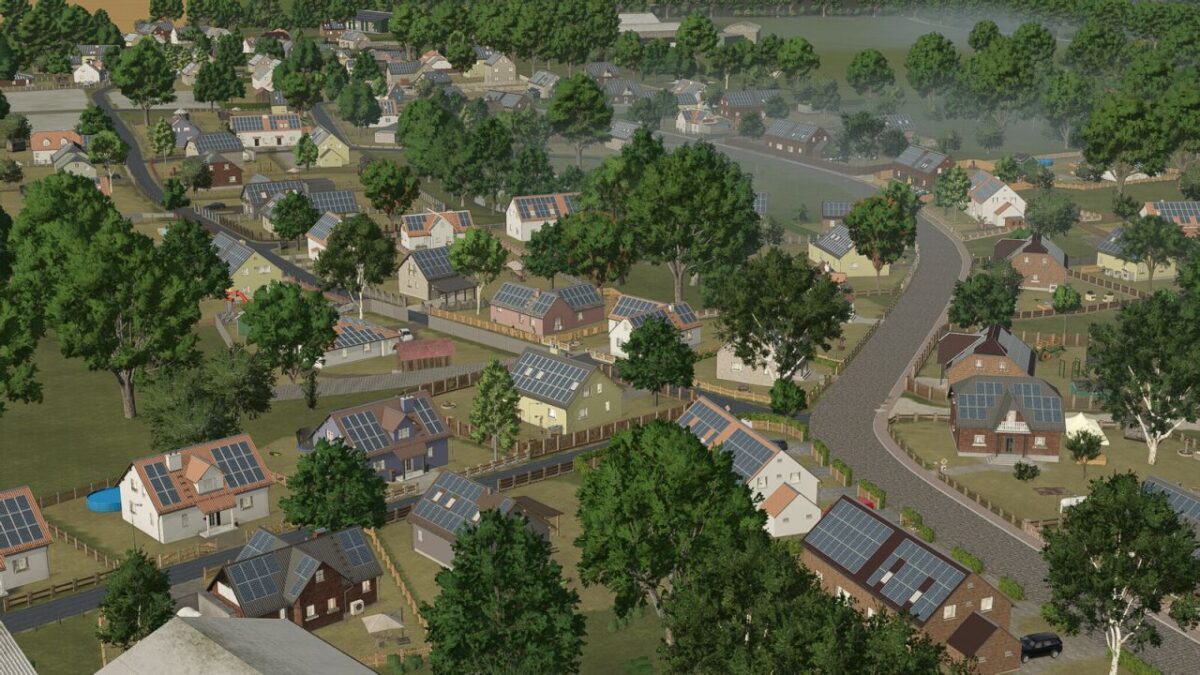
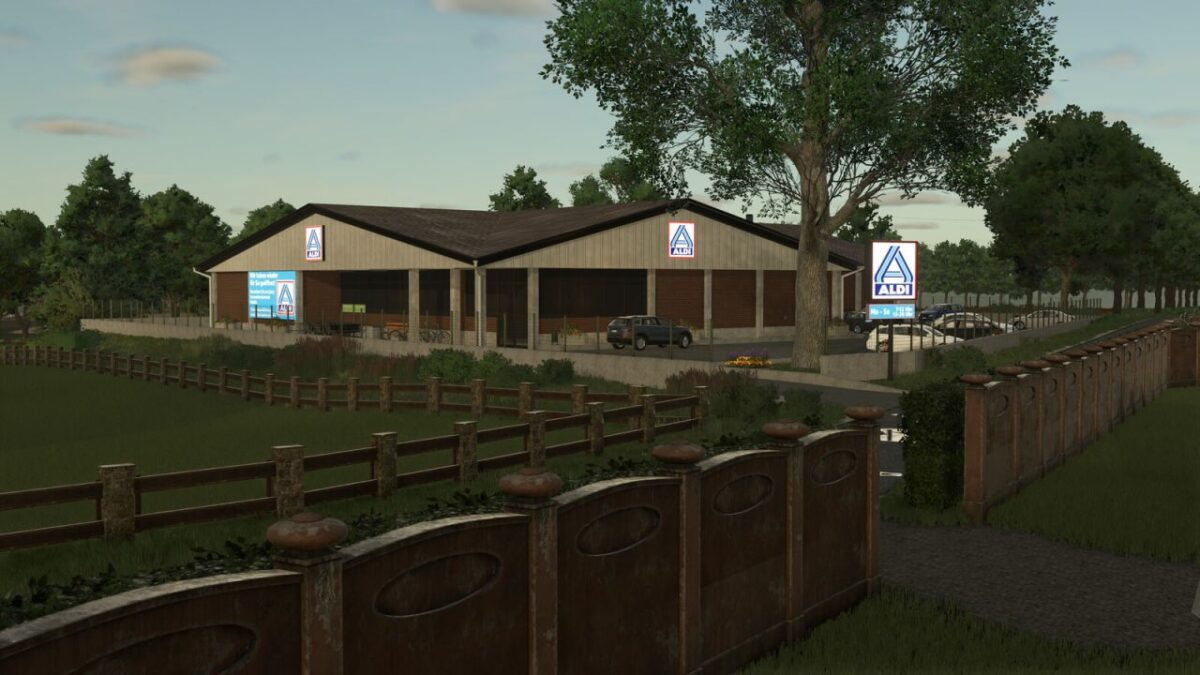
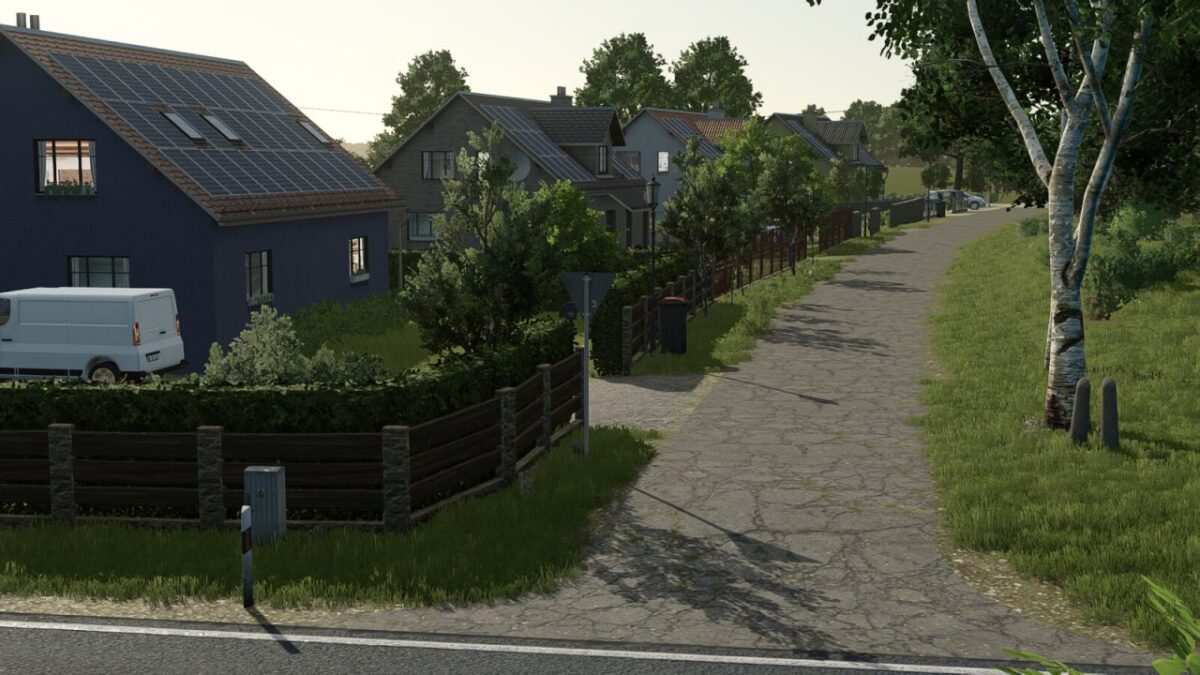
Guelzow Map v 1.1
– 32 soil angles
– New crops: Rye, Spelt, Triticale, Green Rye, Wick Rye, Mustard, Humus Activator, Silage Maize, Flowering Cover Crops, Winter Wheat, Summer Wheat, Winter Barley, Summer Barley, Clover, and Lucerne
– Partial replanting with realistic road layouts, fields, and road signs
– Realistic stubble destruction
– Seed and harvest calendar adjusted
– More paintable textures added (also ingame)
– Cotton and sugar cane are not grown by AI
– Local registration plates
– Changed lime texture
– 40 fields with a total area of 1246 hectares
– 15 grass fields with a total area of 72 hectares
– The total area: 1318 hectares
– 8 removable farms
– In-game help added
– Realistic yields and sale prices
– Realistic feeding values
– Custom soil map for Precision Farming
– New crops added for animal feed
– Custom Colorgrading/Environment
Version 1.1:
* Cutter effects fixed
* MotionPath Effects fixed
* Floating tree brought back to the ground
* Village road reworked
* Cobblestone road reworked
* Crop yields adjusted for cereals, corn, sunflowers, soybeans, sorghum, potatoes, beets, parsnips, green beans, and flowering cover crops.
* Straw and swath yields adjusted for wheat, winter wheat, barley, winter barley, oats, rye, triticale, spelt, rapeseed, and soybeans.
* Chopping yields adjusted for cereals, corn, silage corn, sunflowers, soybeans, sorghum, vetch rye, and green rye.
* Swath chopping adjusted for wheat, winter wheat, barley, winter barley, oats, rye, triticale, spelt, rapeseed, and soybeans.
* Swath threshing extended for winter wheat and winter barley.
* Mower converter adjusted for meadow, vetch rye, and green rye.
* Seed and seed treatment converters for cereals, rapeseed, sorghum, sunflowers, soybeans, and corn have been added or recalculated.
* Foliage damage configuration expanded for the adjusted base game and template crops.
* Wood chip balancing adjusted: poplar yield reduced and selling price rebalanced.
* Configuration XMLs adjusted: fruitTypes.xml, fillTypes.xml, densityMapHeightTypes.xml, foliageDamage.xml.
* Foliage XML files adjusted: barley.xml, winterBarley.xml, wheat.xml, winterWheat.xml, oat.xml, rye.xml, triticale.xml, spelt.xml, canola.xml, soybean.xml, sorghum.xml, sunflower.xml, maize.xml, potato.xml, beetRoot.xml, parsnip.xml, greenBean.xml, floweringCatchCrop.xml.
* Preparation for FS25_CCM_Production_Pack.zip.
* Rapeseed growth visually reworked.
* Minor fixes.