

Hagenstedt Extreme Map v 2.1

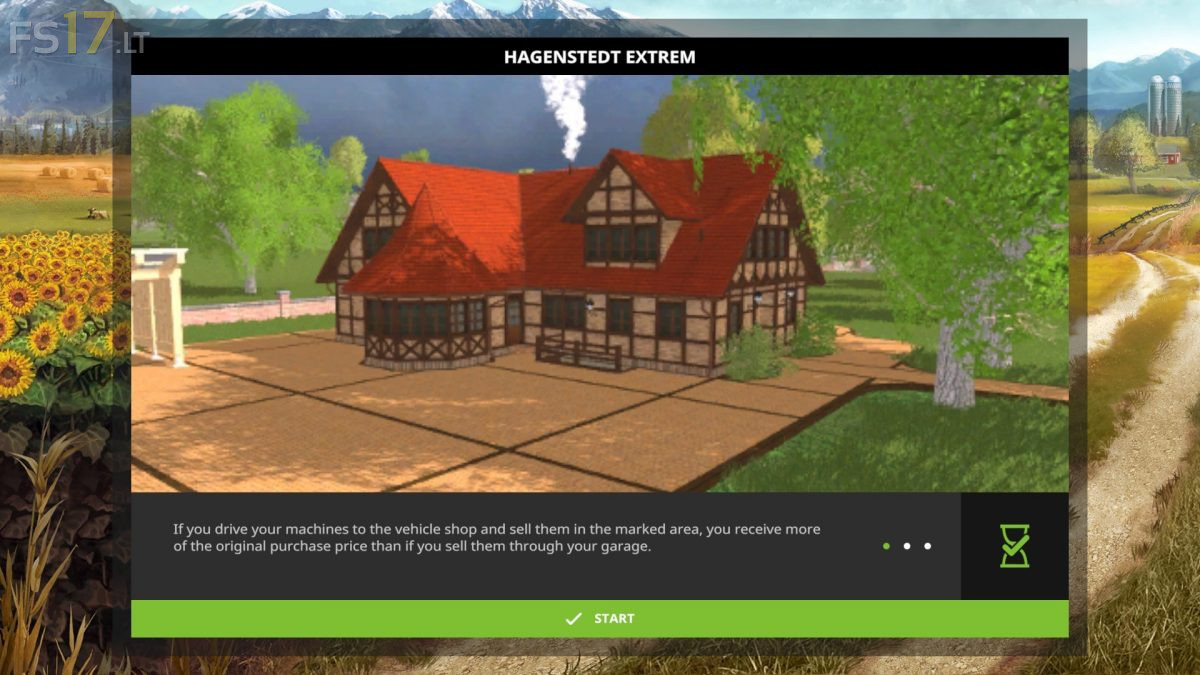
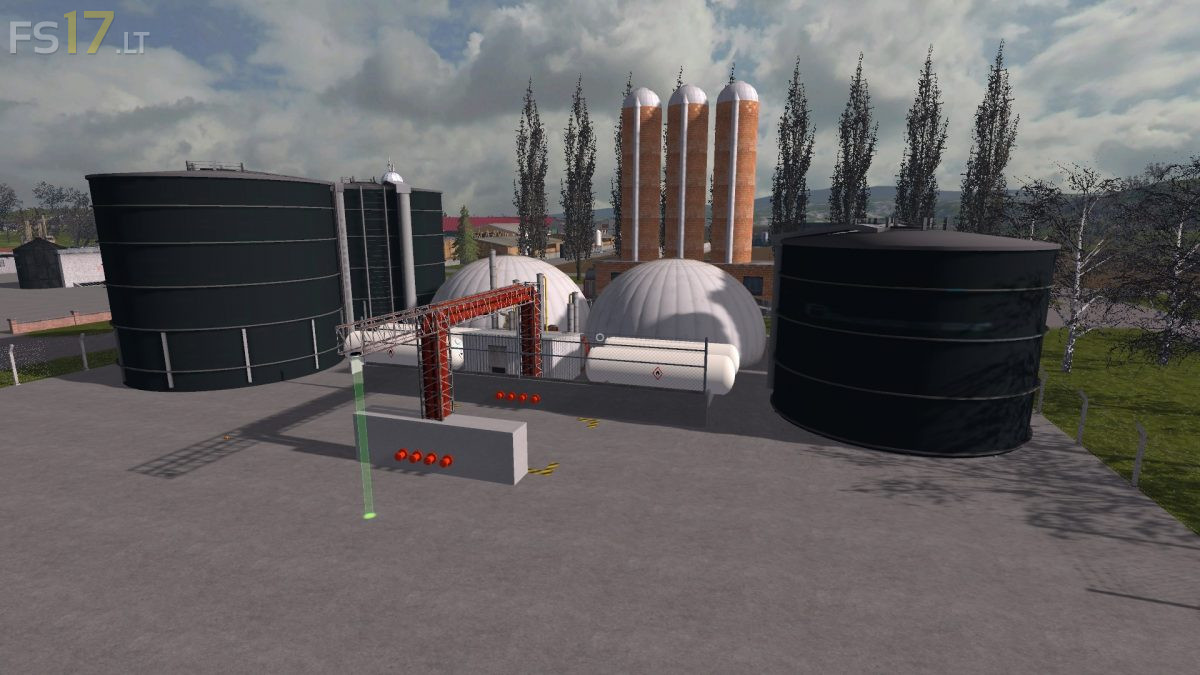
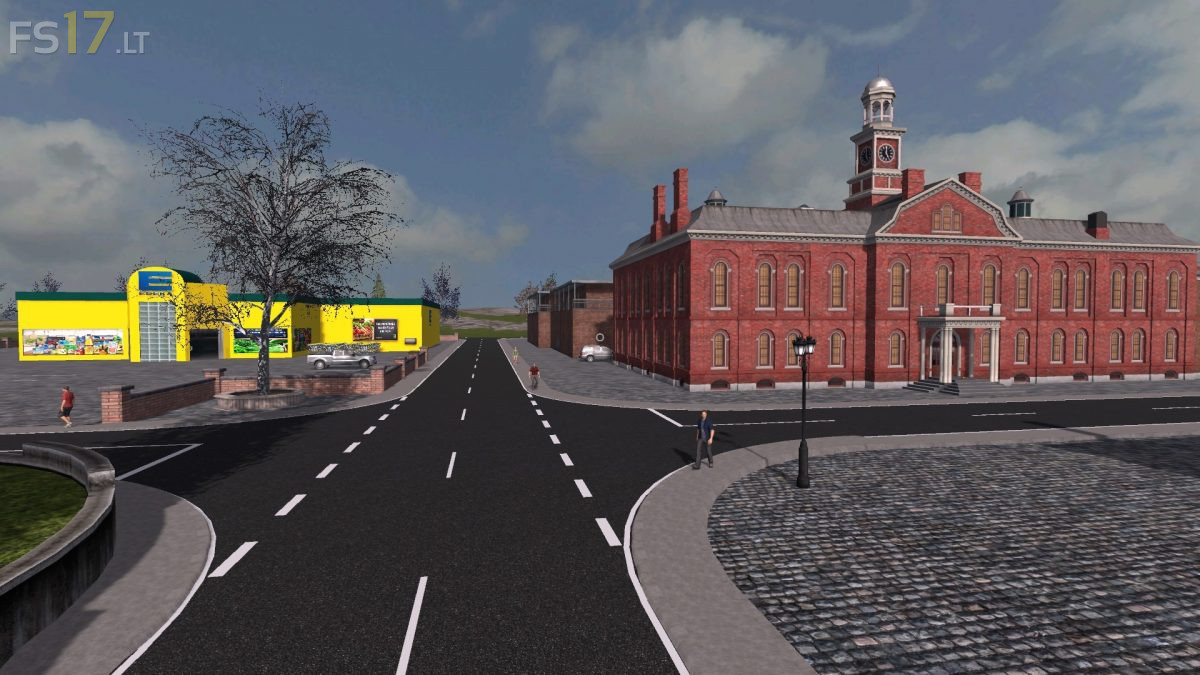

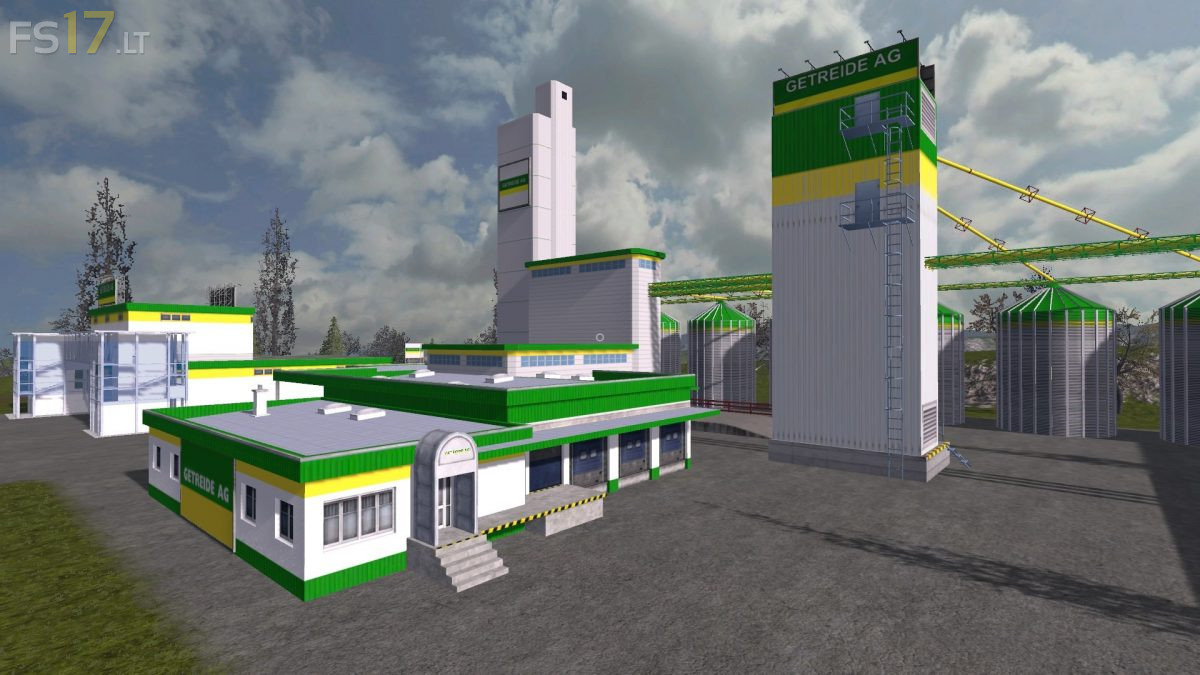
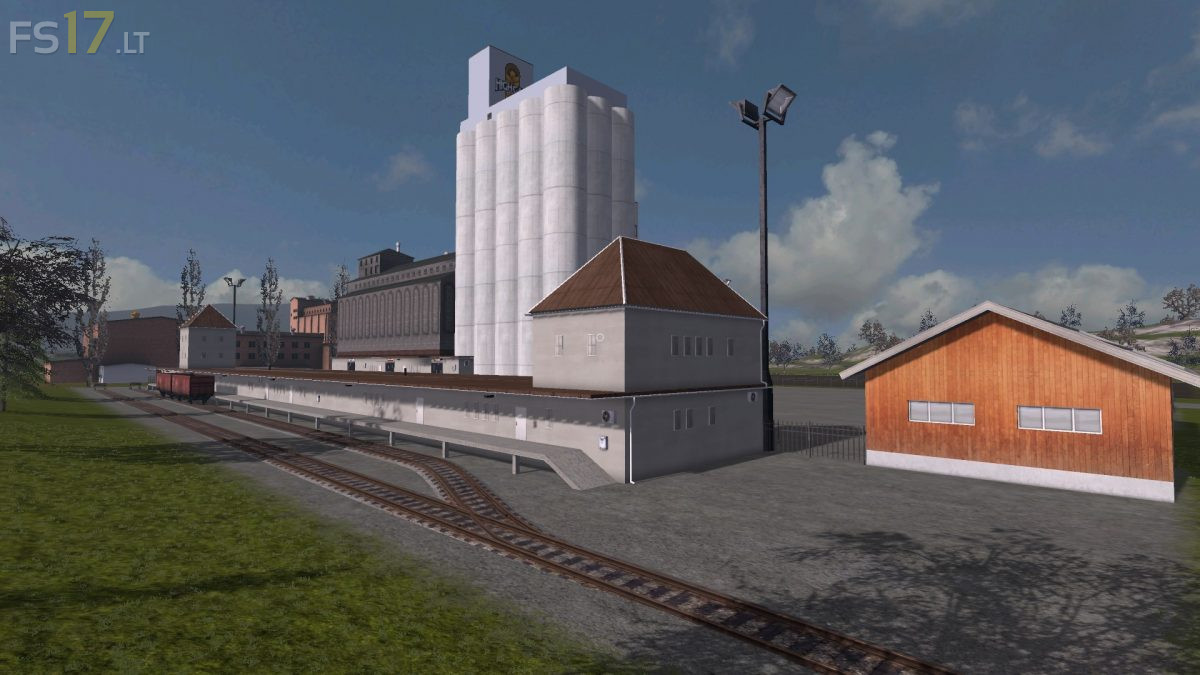
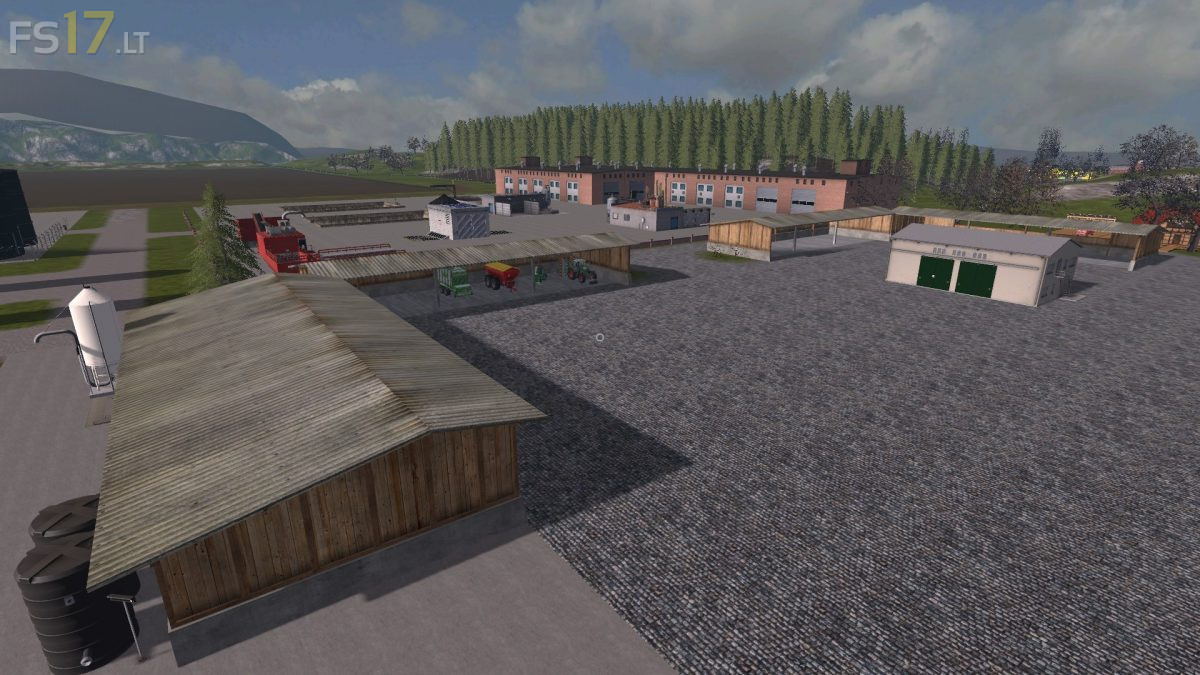
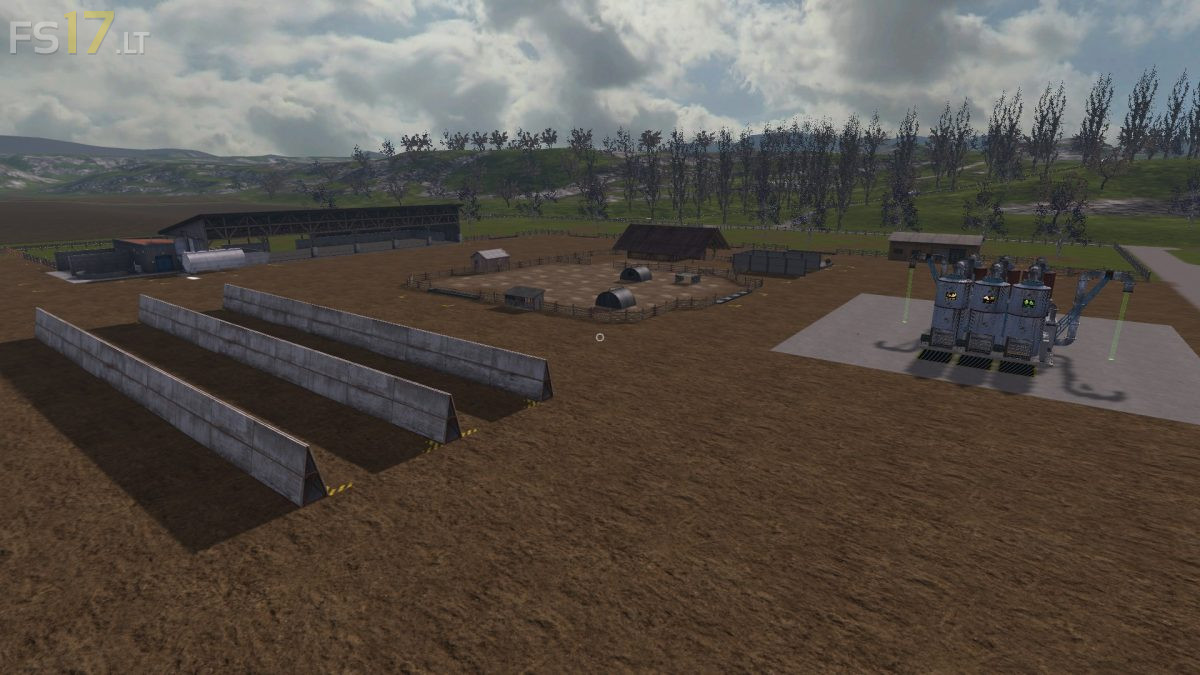

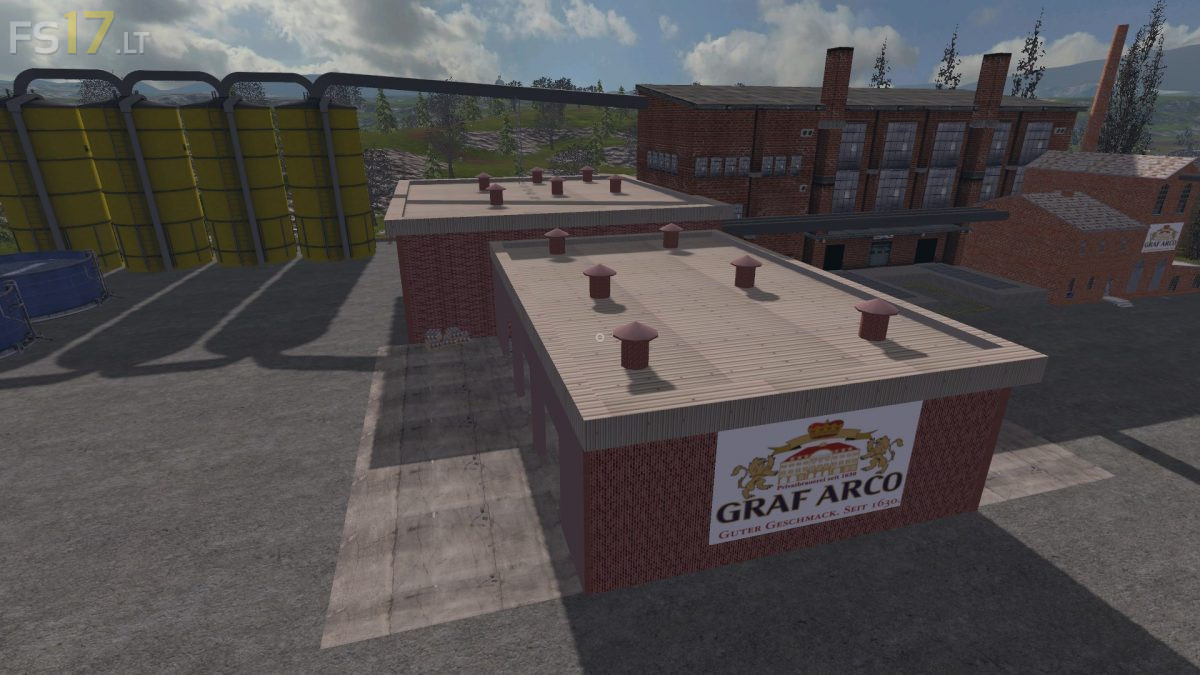
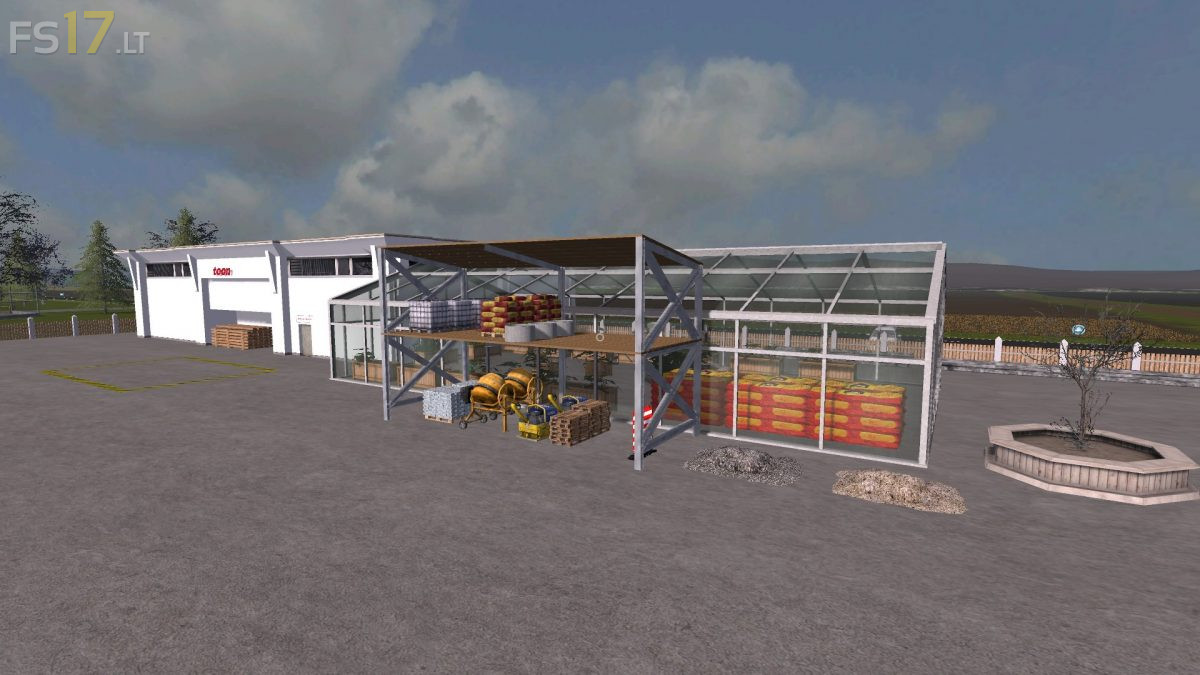
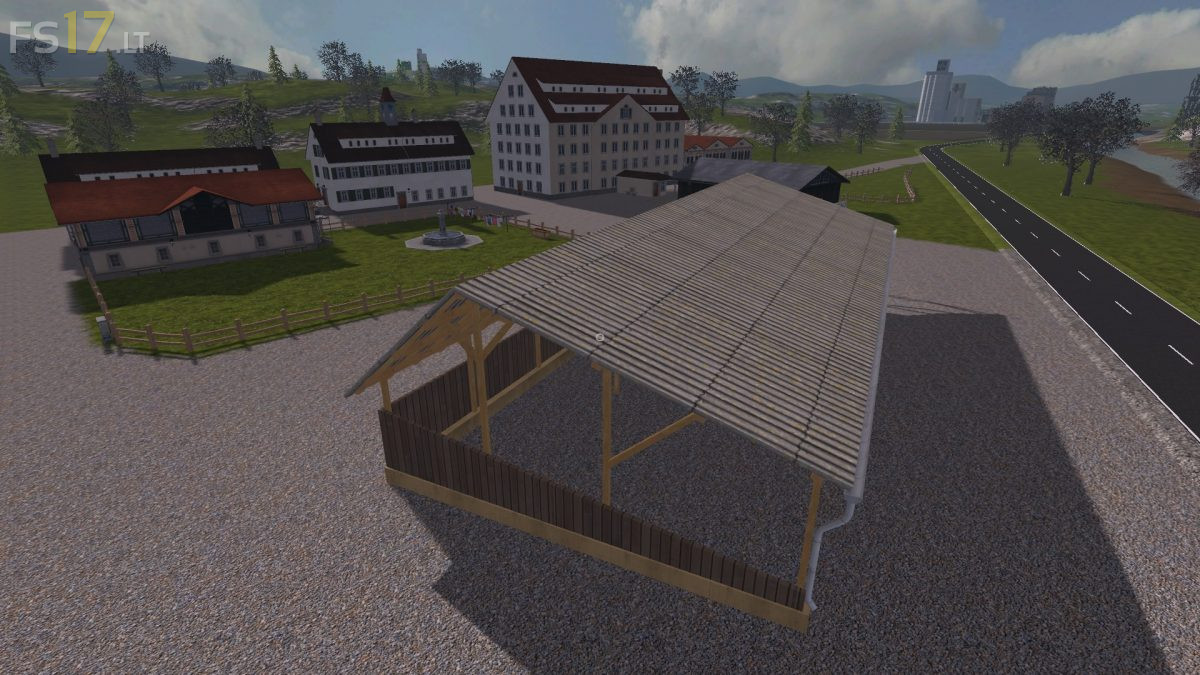
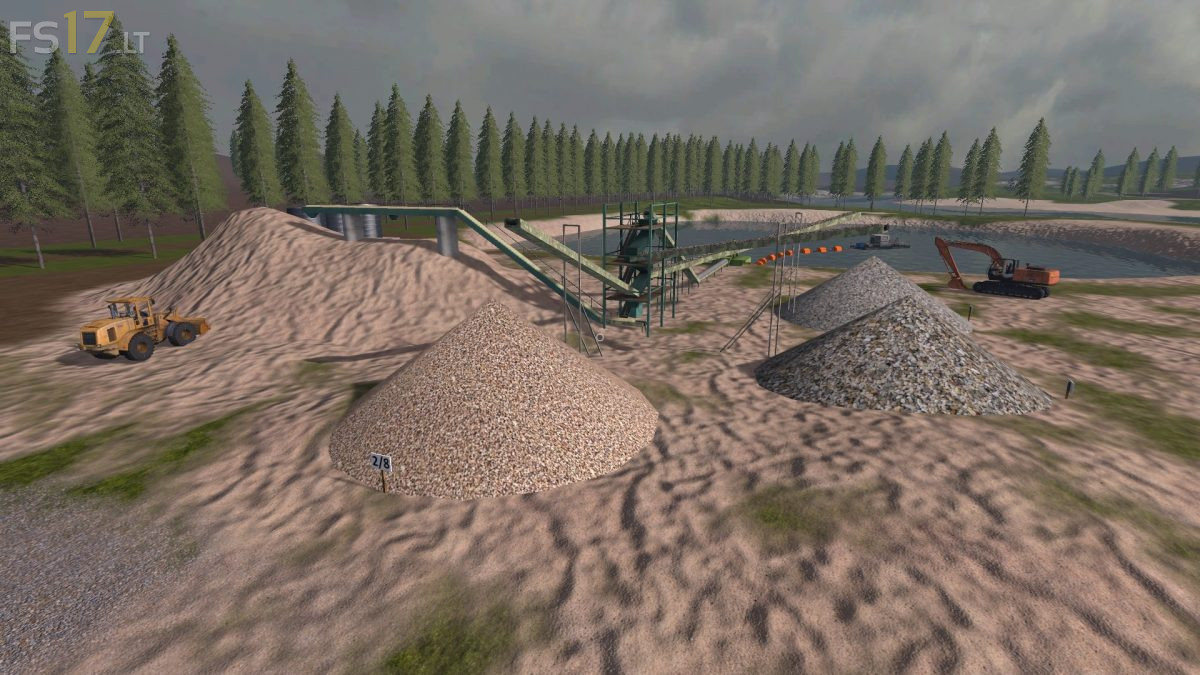
Hagenstedt Extreme Map v 2.1
About the mod:
Version 2.1:
* SlurryDungLime Mod works again
* Problems with Straw on box 27 has been fixed
* Silos for lime, seeds and fertilizer were exchanged
Credits:
dondiego, mati7766, Rene248, GE-Mapping, möchtegernbauer, EngeldesHasses, San_Andreas, Farmer_Andy, Hardstyler, webalizer, Blacky_BPG, Farmerahner, atze1978, SLJ-AGRAR, gamerhzs, Christen Farmland Technik, El Cid, Marhu, Kastor, Harrybo, Kobold Koby, BaTt3RiE, kevink98, Nils23, slowtide63, BlackSheep, fqC art., Slivicon, Al-Modding, Dorset.