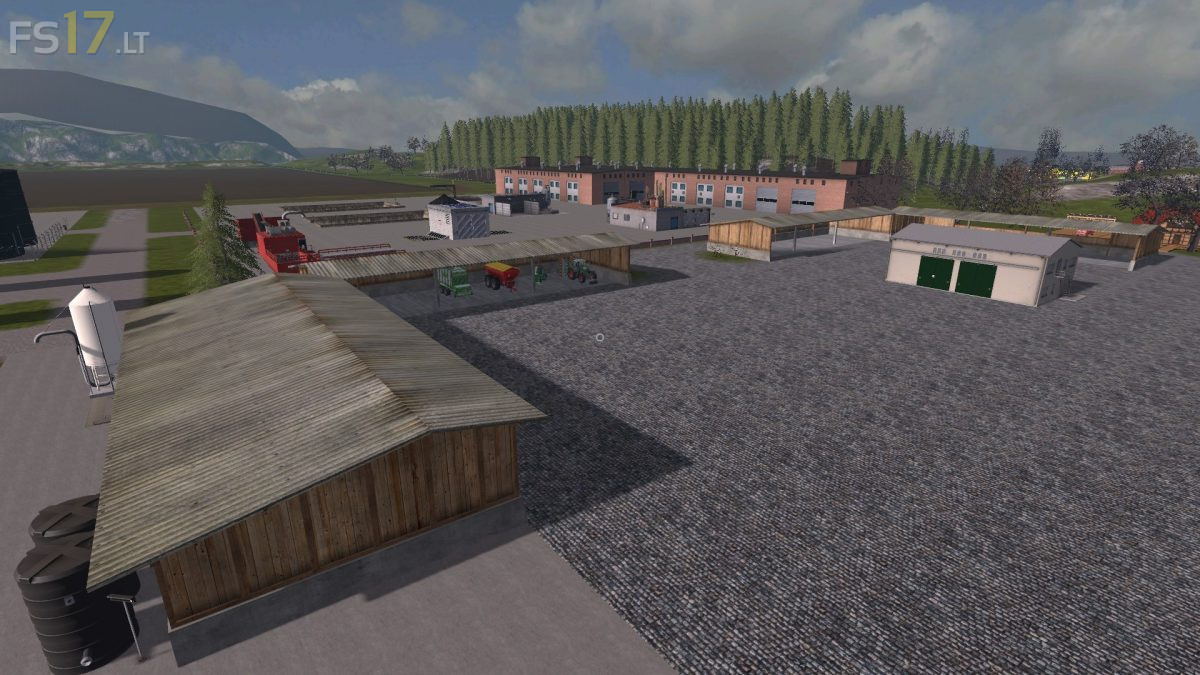
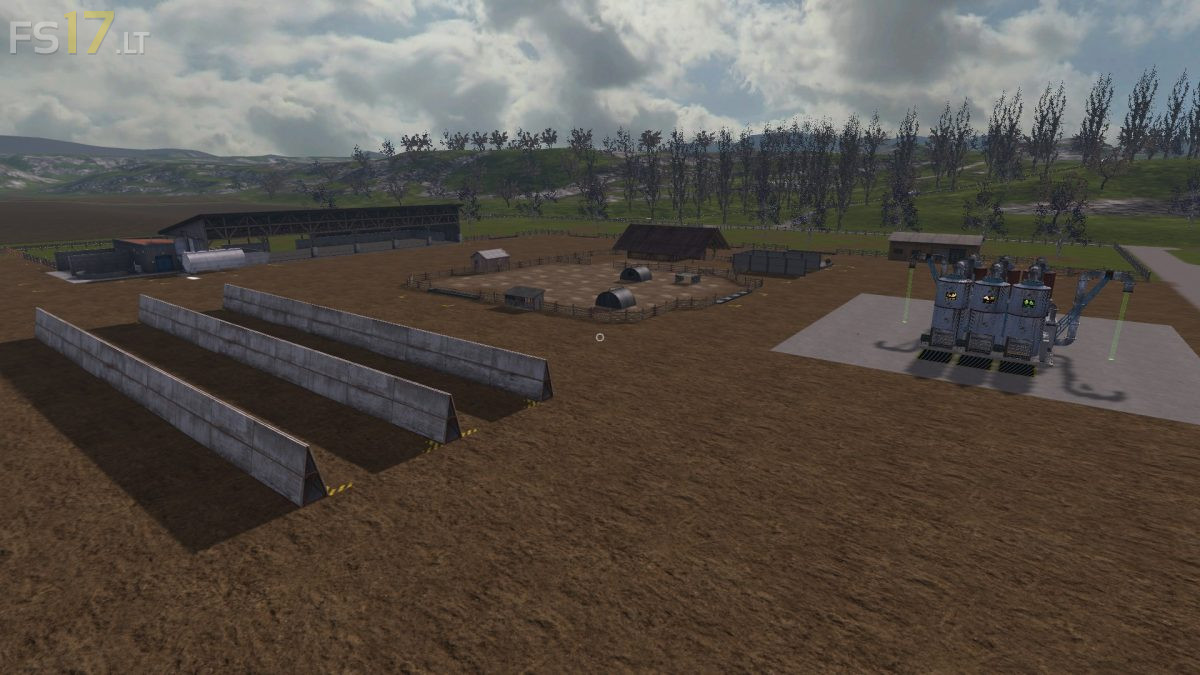
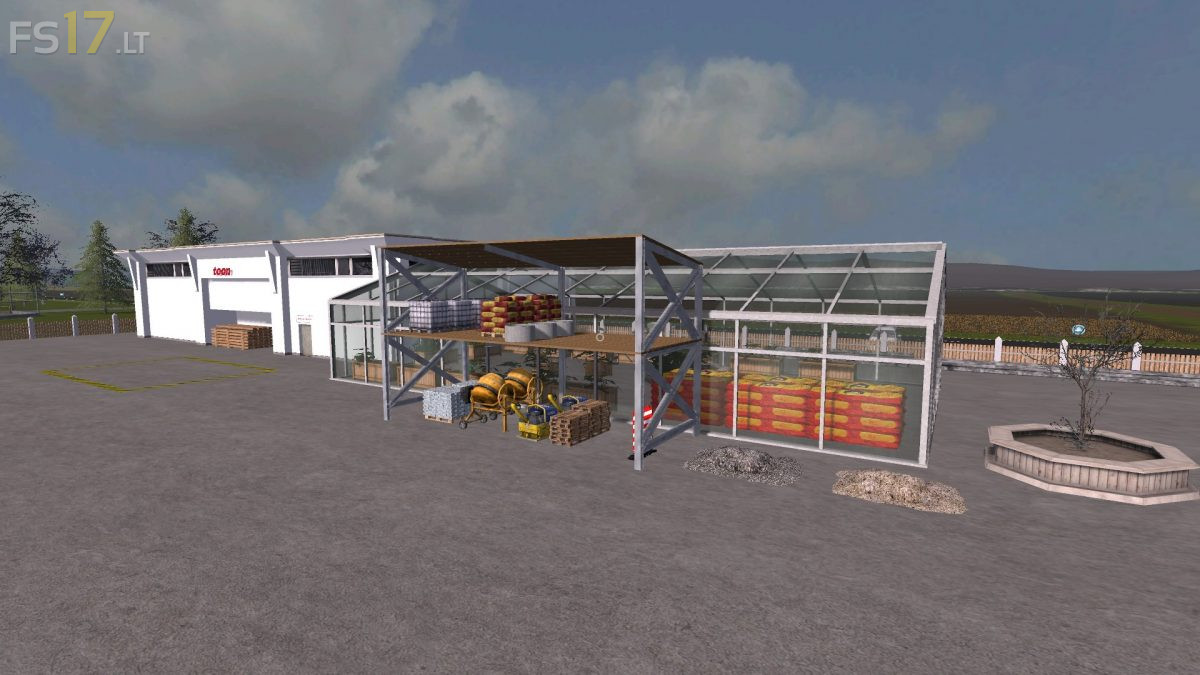
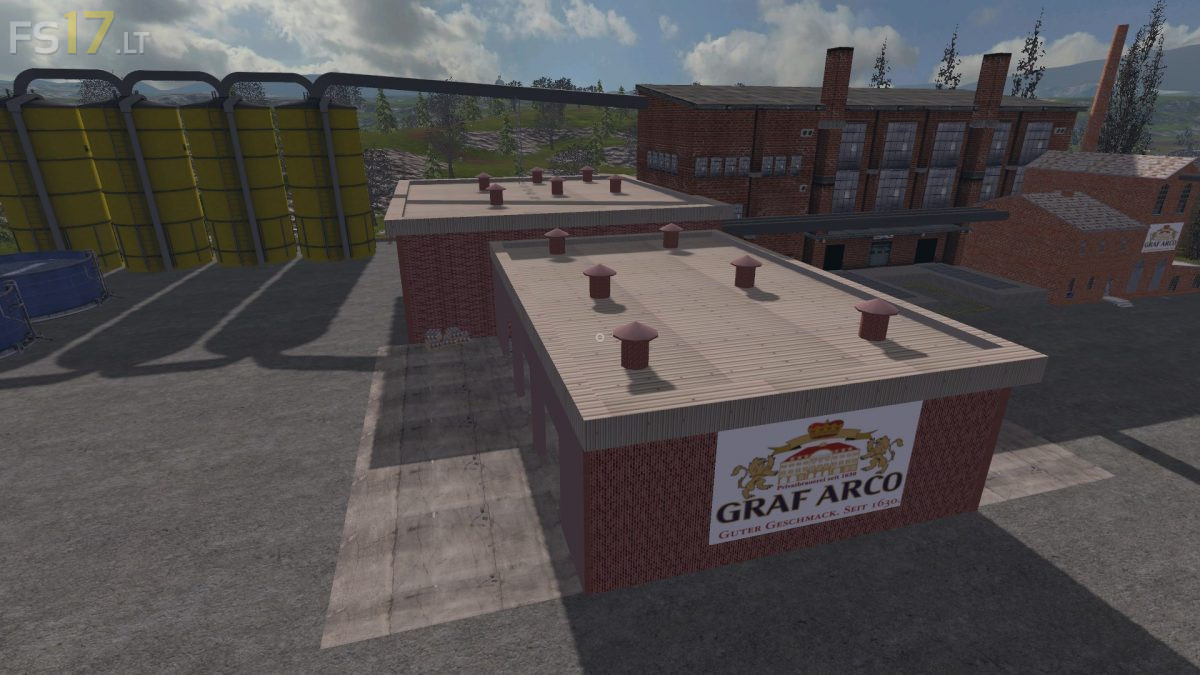
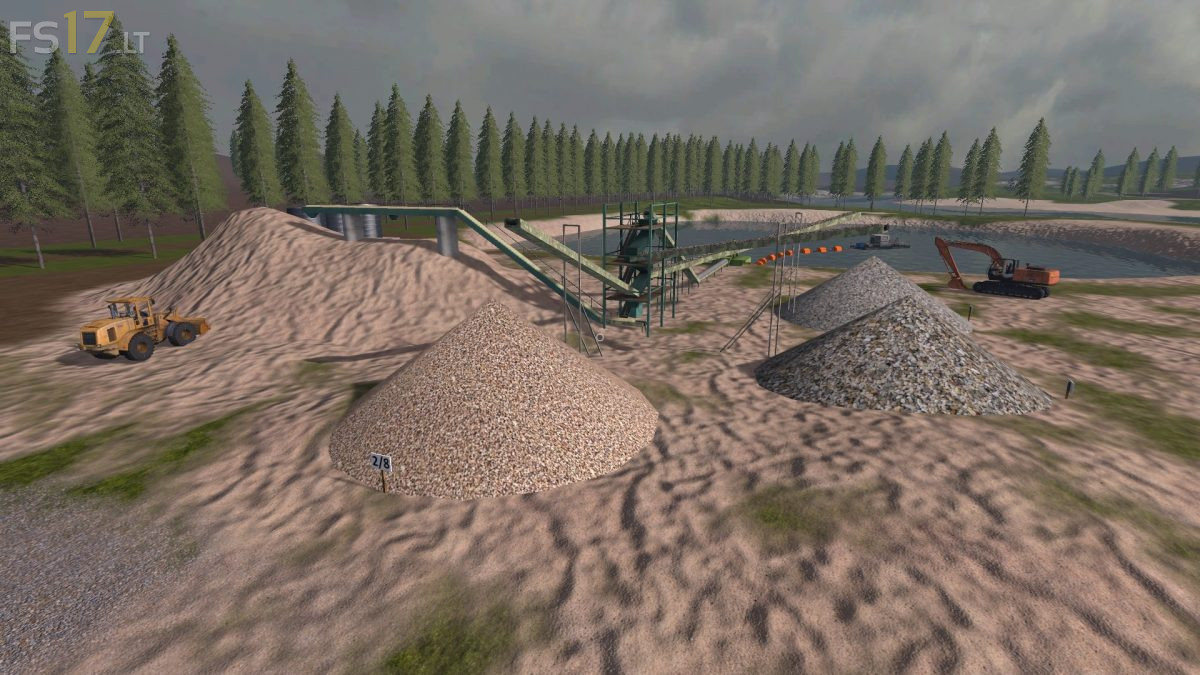
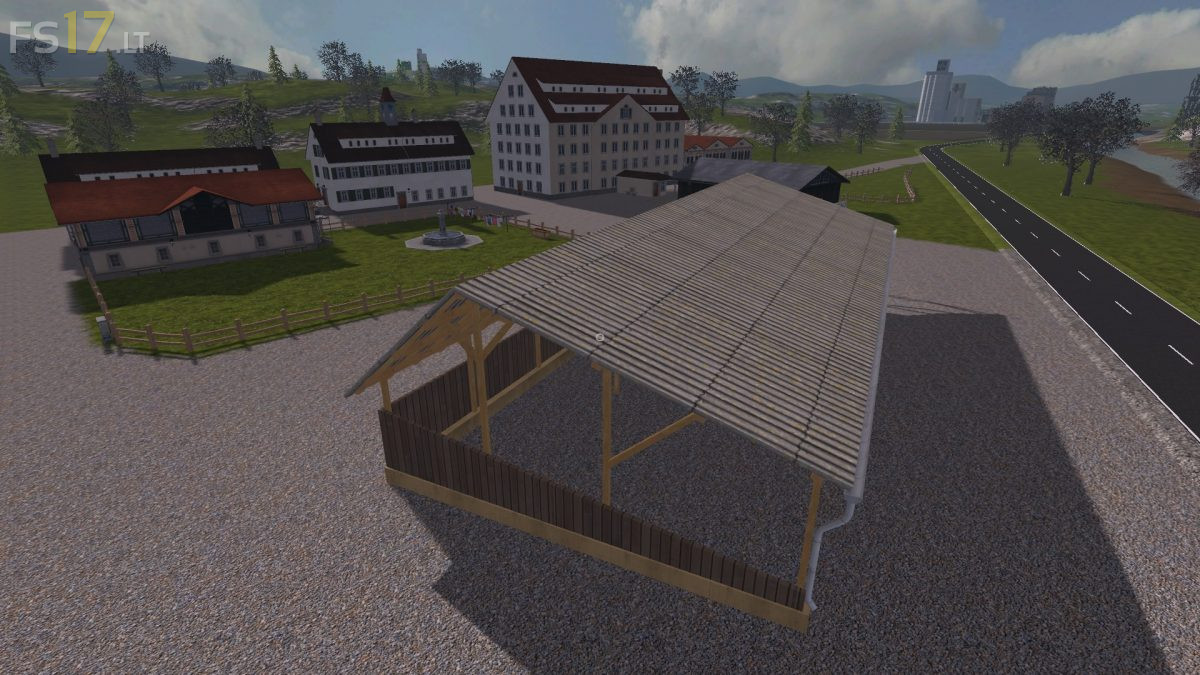
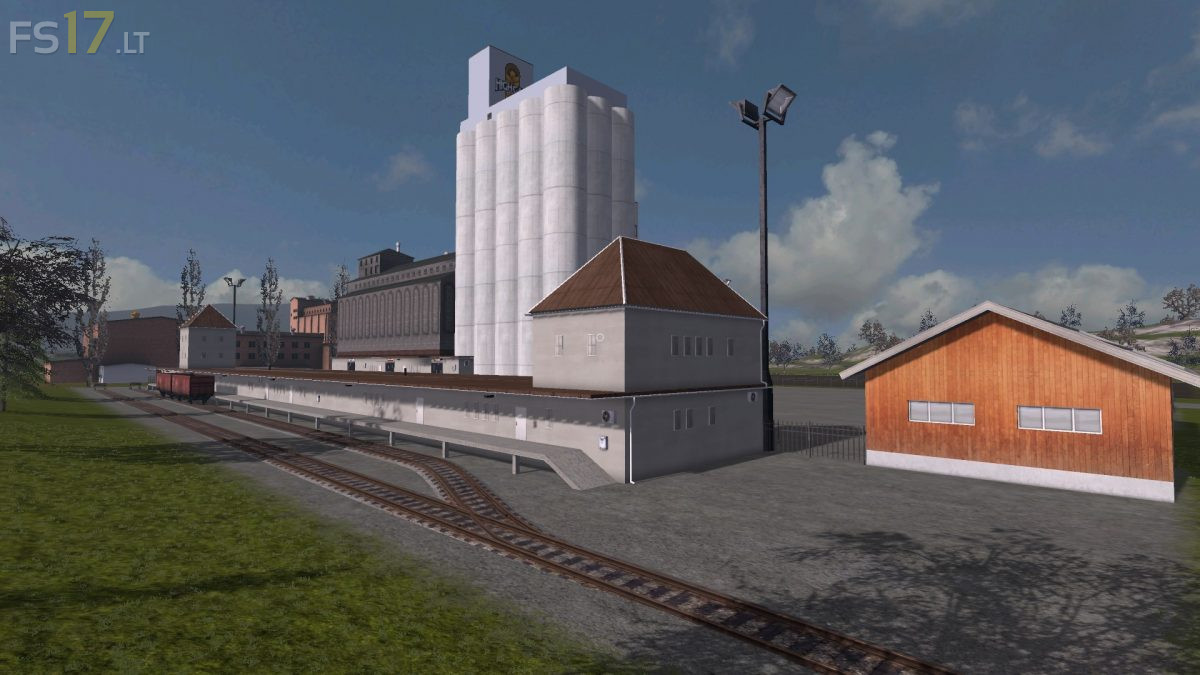
Hagenstedt Extreme Map v 2.3
FS19 mods

About the mod:

Version 2.3:
* Problems with loading of sausage at slaughterhouse has been resolved
* Some bugs have been fixed
* Small improvements

Credits:
dondiego, mati7766, Rene248, GE-Mapping, möchtegernbauer, EngeldesHasses, San_Andreas, Farmer_Andy, Hardstyler, webalizer, Blacky_BPG, Farmerahner, atze1978, SLJ-AGRAR, gamerhzs, Christen Farmland Technik, El Cid, Marhu, Kastor, Harrybo, Kobold Koby, BaTt3RiE, kevink98, Nils23, slowtide63, BlackSheep, fqC art., Slivicon, Al-Modding, Dorset.

How to install FS17 mods?

Firstly find a mod which you like and want to download. Then download a mod to your PC. Mods are usually in .zip format file. But sometimes it can be in .rar. If a mod file is a .zip format no needed additional actions. If a file is in .rar, then you must unarchive mod with software like WinRar or Zip7. Windows 10 users no need to use software for archives, Win10 itself has a feature to unarchive files.

The next step is to find mods folder in your PC. Usually, it is in Documents/My Games/Farming Simulator 17/2017. Open the "mods" folder and put downloaded .zip archive or unarchived .rar file to this folder.

Last step. Enjoy of FS17 mods!

One thought on “Hagenstedt Extreme Map v 2.3
  • Lacifarmer! says:
    2018-02-20 at 16:48

    Hi!
    Why can not you sell the animals to the slaughterhouse? Why do not Kastor food tools work, or why can not you see the mods? 1.5.3 I have a recent update.

Leave a Reply

Your email address will not be published. Required fields are marked *