
Hand Tool Drop v1.0.0.0

FS25 mods

Hand Tool Drop v1.0.0.0

Hand Tool Drop v1.0.0.0
Hand Tool Drop v1.0.0.0
About the mod:

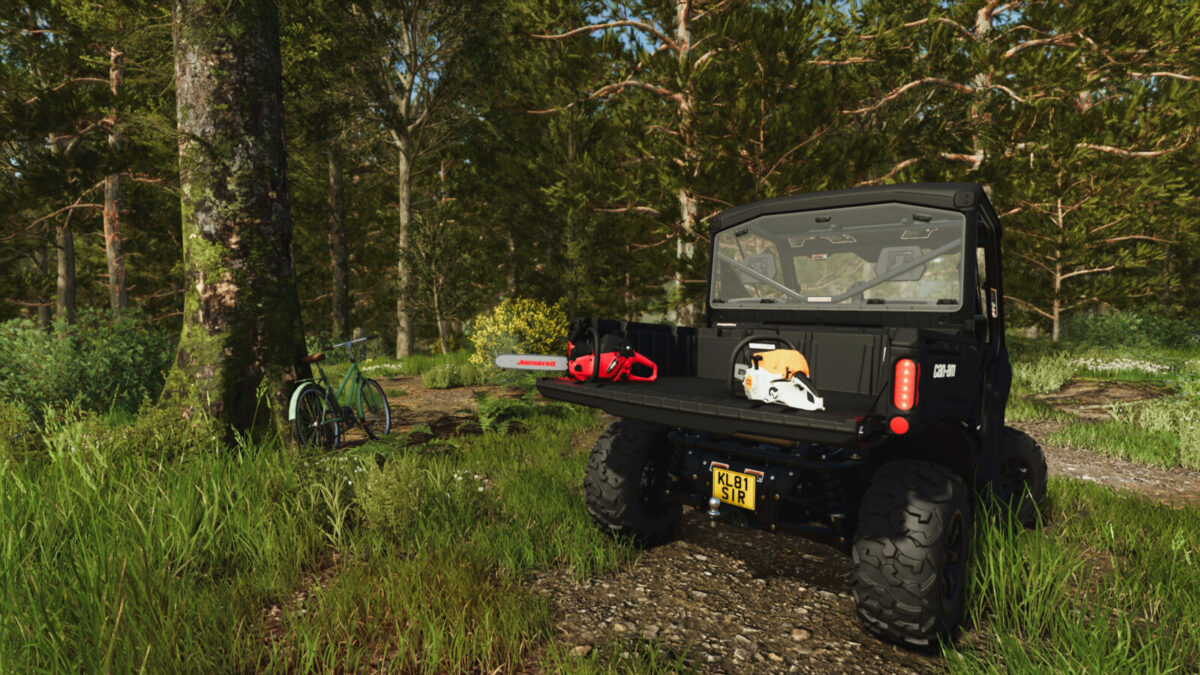
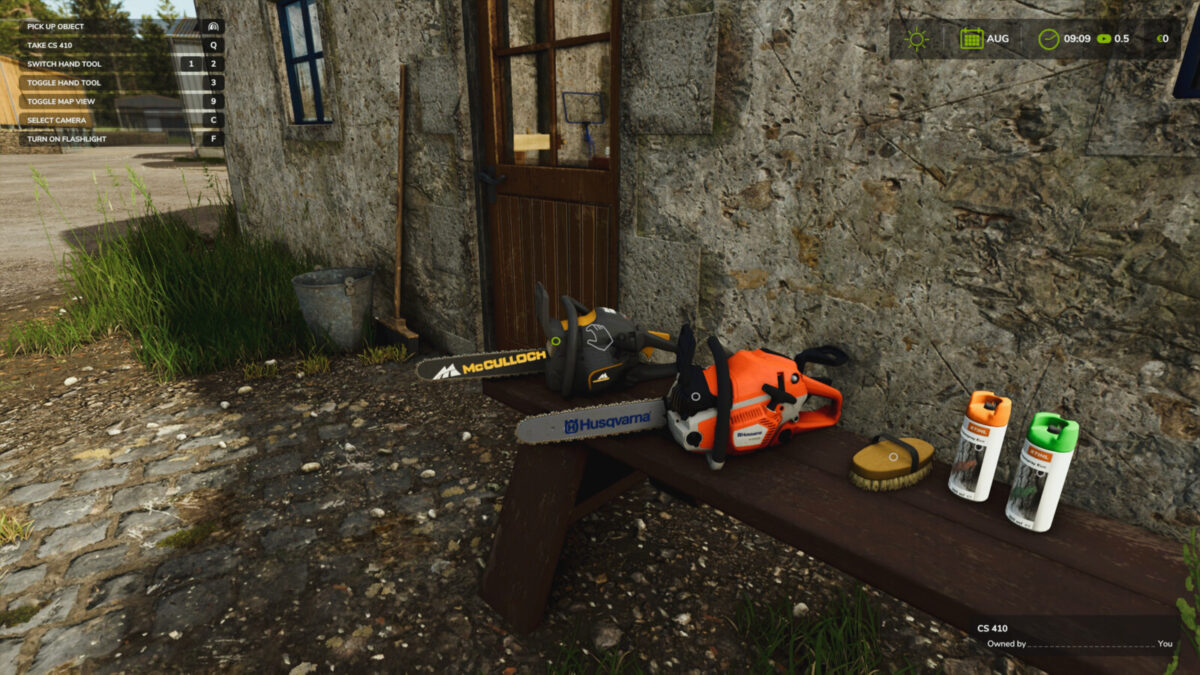
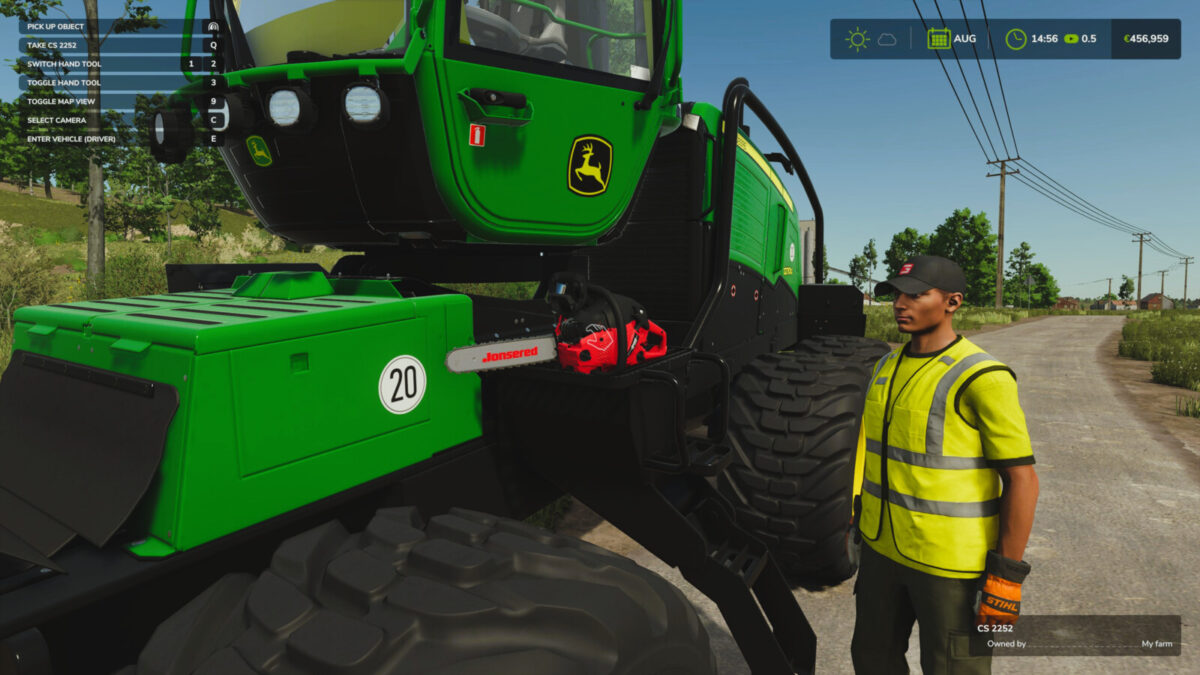
Allows you to put down selected hand tools and pick them up again later.
Features:
– Carry dropped tools by hand or secure them with tension belts for transport.
– Enable interactive zone markers to find nearby dropped tools.
– Tools keep their ownership and position in the savegame.
– Supports dropping only compatible hand tools, including those from mods and DLCs.
Hotkeys:
– Press Q to drop the held tool or equip a nearby dropped tool you are looking at.
For more information or to report a bug, please visit GitHub (modnext/handToolDrop).

Credits:
aaw3k

How to install FS17 mods?

Firstly find a mod which you like and want to download. Then download a mod to your PC. Mods are usually in .zip format file. But sometimes it can be in .rar. If a mod file is a .zip format no needed additional actions. If a file is in .rar, then you must unarchive mod with software like WinRar or Zip7. Windows 10 users no need to use software for archives, Win10 itself has a feature to unarchive files.

The next step is to find mods folder in your PC. Usually, it is in Documents/My Games/Farming Simulator 17/2017. Open the "mods" folder and put downloaded .zip archive or unarchived .rar file to this folder.

Last step. Enjoy of FS17 mods!

Leave a Reply

Your email address will not be published. Required fields are marked *