Hide Player Positions v 1.0

FS25 mods

Hide Player Positions v 1.0
About the mod:

PURPOSE
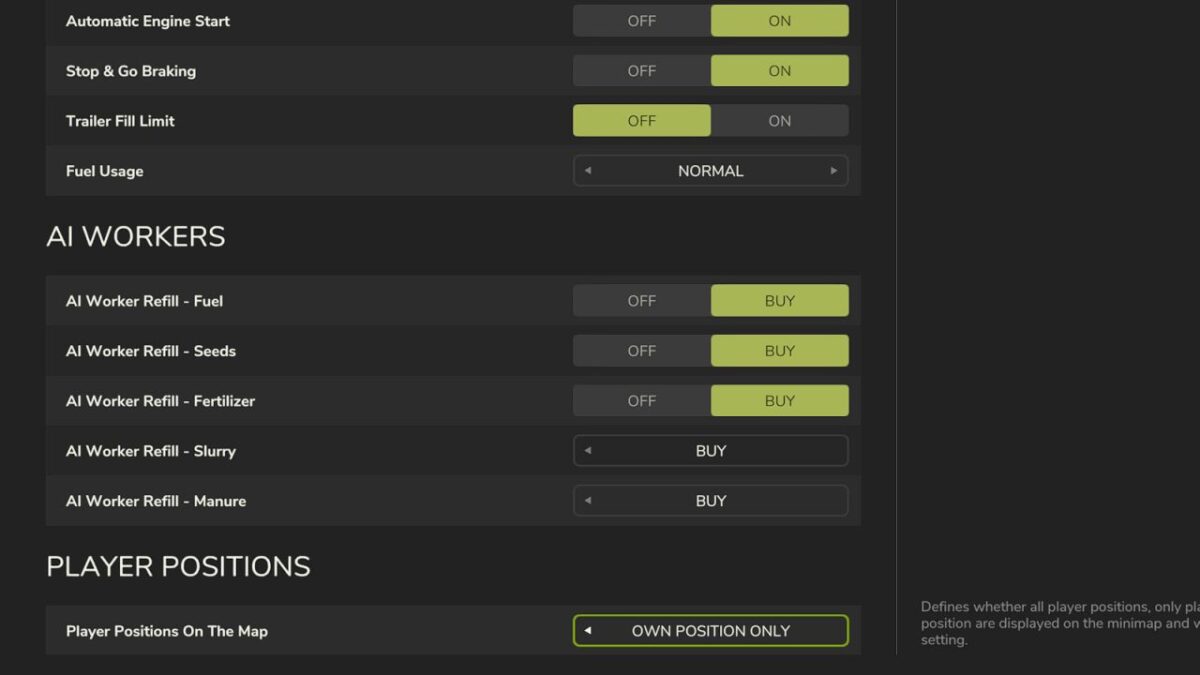
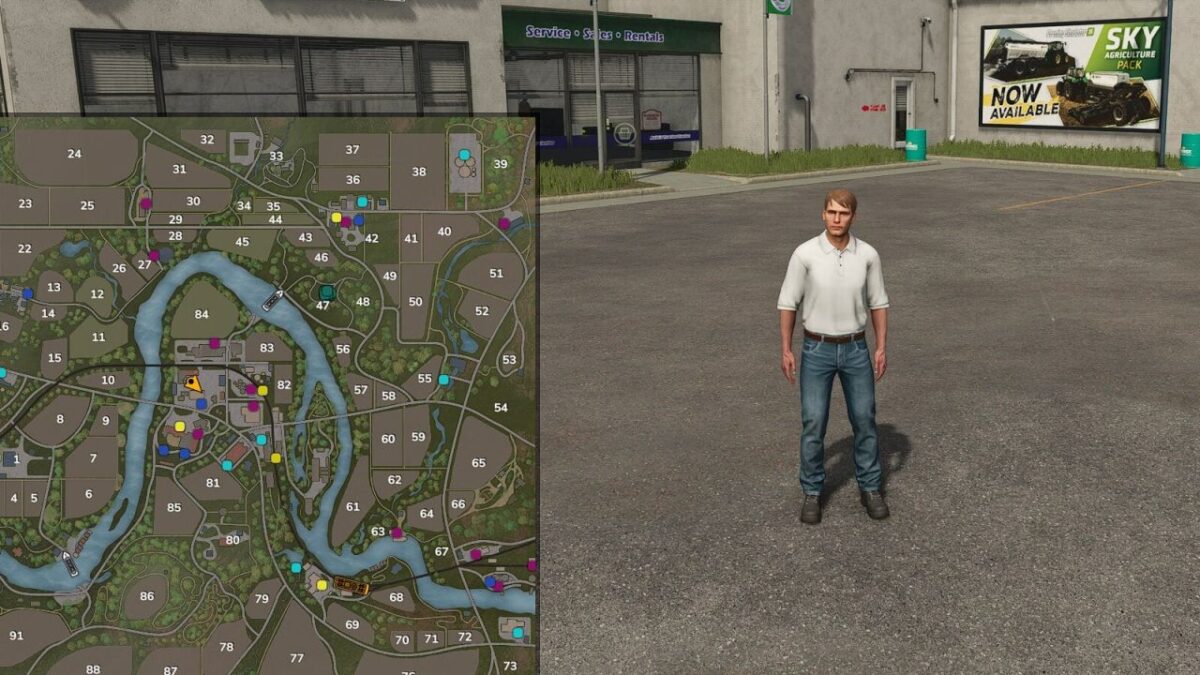
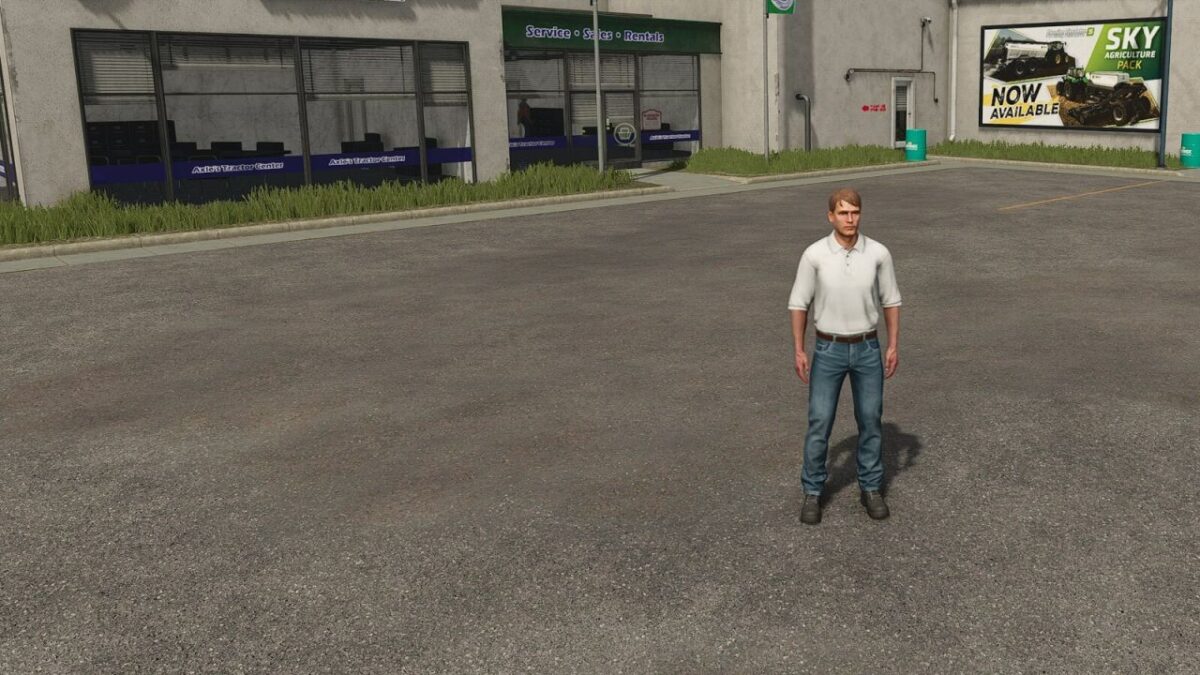
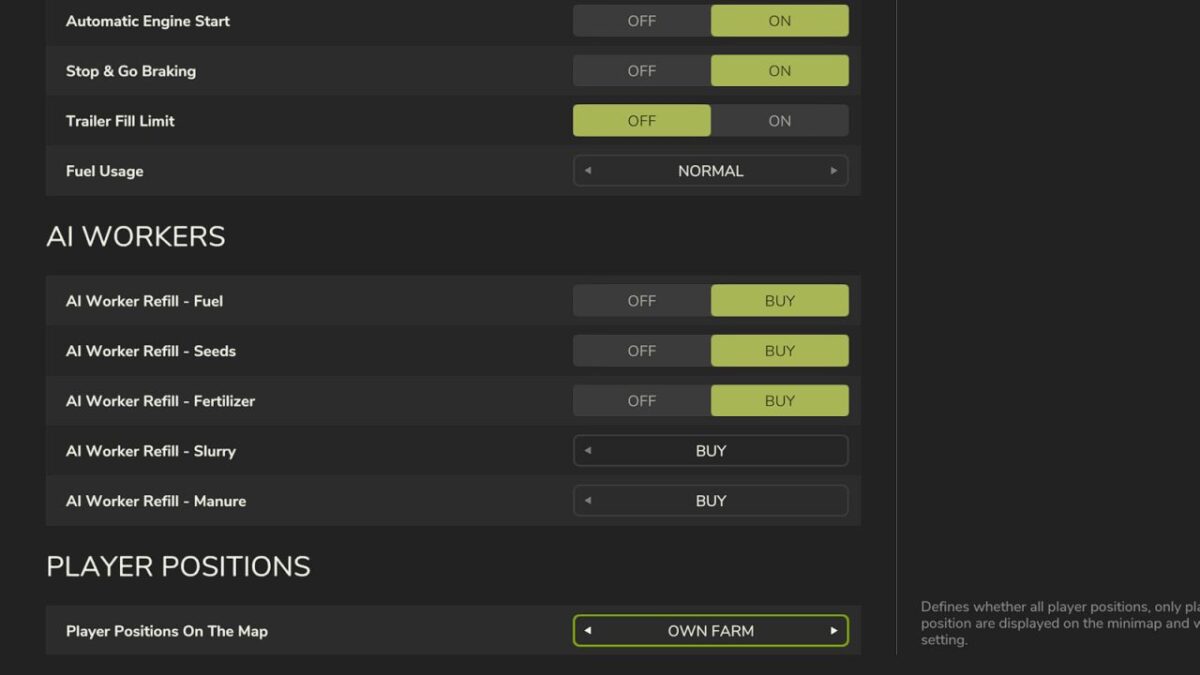
Hides other players’ positions (and occupied vehicles) on the minimap and world map. Ideal for roleplay, realism, and multiplayer servers where players should communicate over radio/chat instead of just looking at the map.

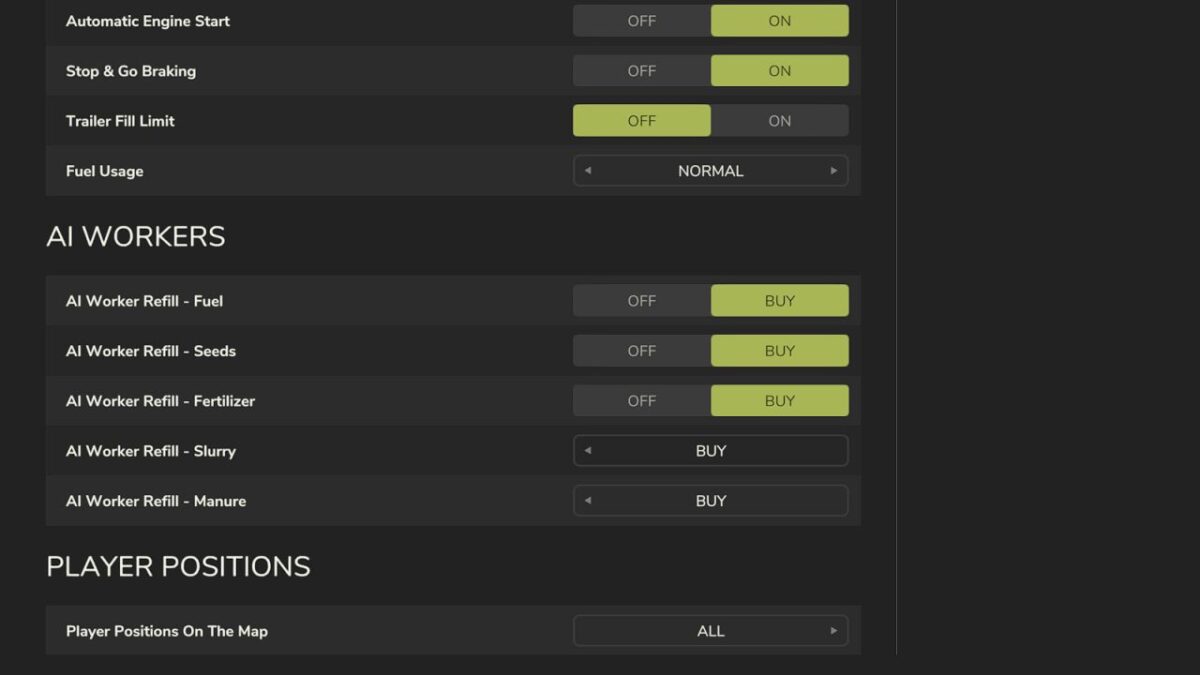
MODES (selectable in Game Settings)
All – default behavior, everyone sees everyone
Own Farm – only members of your own farm are visible
Own Position Only – everyone sees only themselves

HOW IT WORKS
Only administrators can change the mode. The setting takes effect immediately on all maps, is synced to every connected player, and is stored permanently in the savegame — it survives a server restart.

Credits:
Herr_Franke / ODGEE

How to install FS17 mods?

Firstly find a mod which you like and want to download. Then download a mod to your PC. Mods are usually in .zip format file. But sometimes it can be in .rar. If a mod file is a .zip format no needed additional actions. If a file is in .rar, then you must unarchive mod with software like WinRar or Zip7. Windows 10 users no need to use software for archives, Win10 itself has a feature to unarchive files.

The next step is to find mods folder in your PC. Usually, it is in Documents/My Games/Farming Simulator 17/2017. Open the "mods" folder and put downloaded .zip archive or unarchived .rar file to this folder.

Last step. Enjoy of FS17 mods!

Leave a Reply

Your email address will not be published. Required fields are marked *