

Hopfenbachtal Map v 1.1

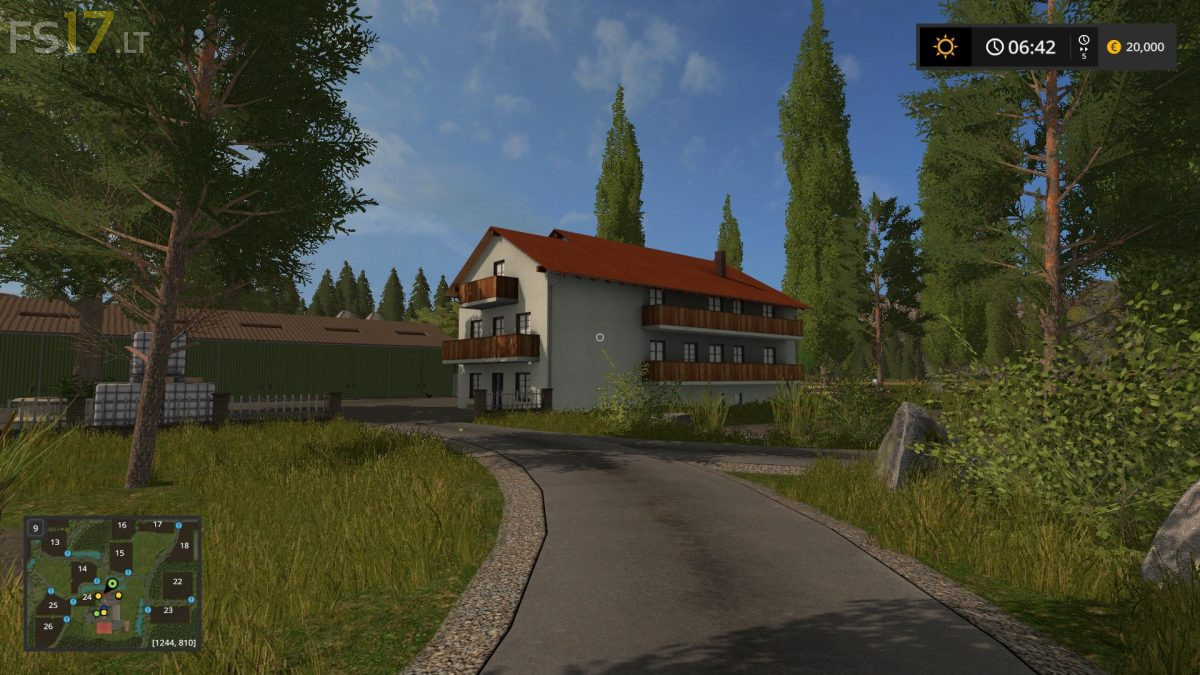
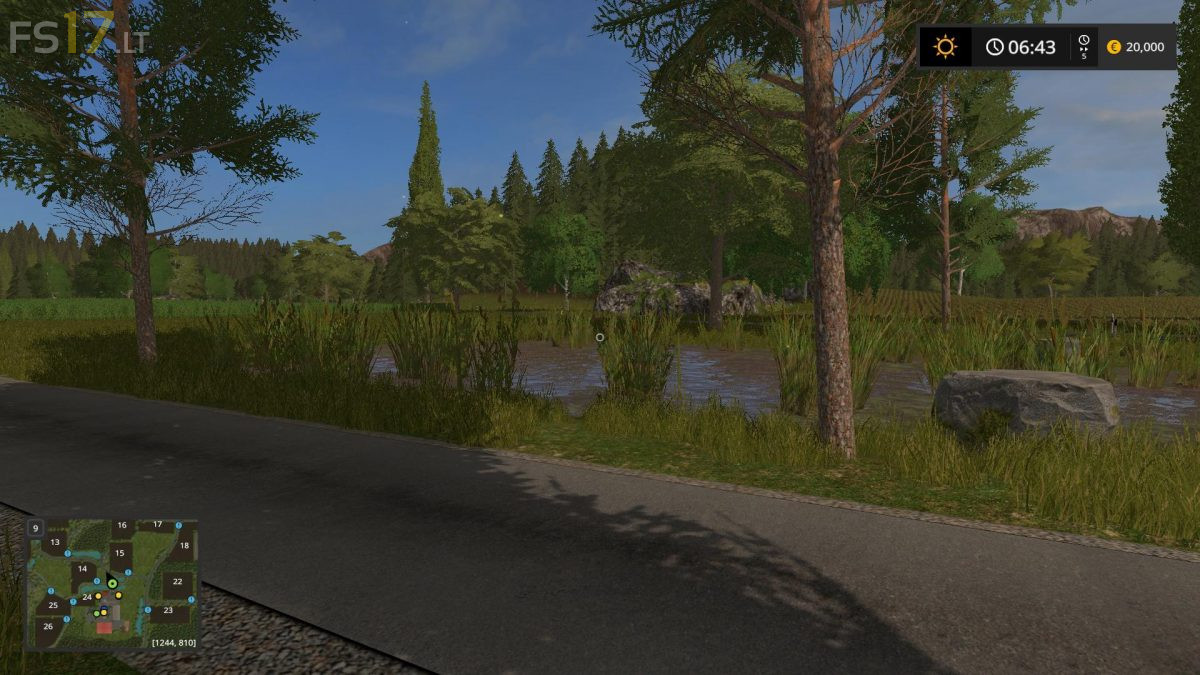
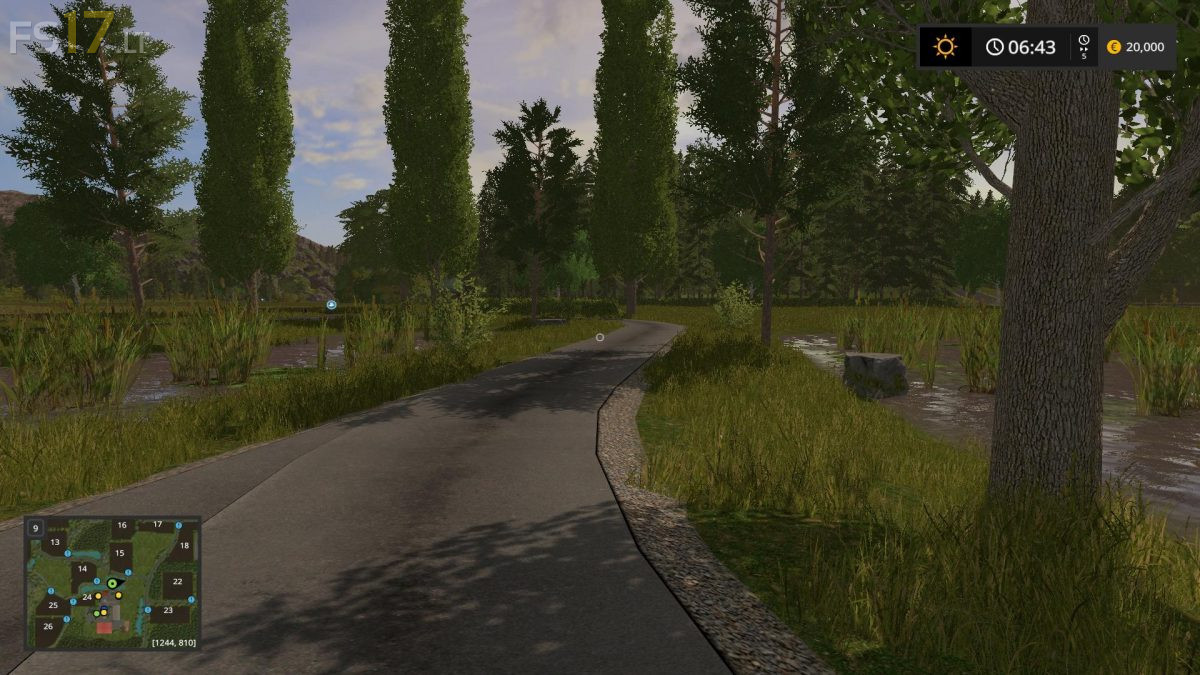
Hopfenbachtal Map v 1.1
– 48 fields of different sizes
– Several fenced meadows
– Traffic on the map, a village
– Various sales points
– BGA, where space is also available for placeable objects
– Sawmill
– A lot of forest
– Since the car dealer does not have a large sales area, do not buy too many vehicles and equipment, but you have to rank
– The animal dealer is located on the forecourt at BayWa on the premises
– All the fences have collisions in it, but one comes everywhere pure and was also tested
– The map has a slightly hilly terrain
Version 1.1:
* The rifle has been moved
* Floating trees removed
* Water triggers in the cows somewhat displaced
* Grass in the hall at BGA removed
* Collision in the camp adapted
* PDA adjusted
* Mission problems corrected
* GMK Mod added
* Pedestrians inserted into the village
* Saless trigger fixed
* Saless trigger for Straw inserted
* Still more trifles