

House 4 Bed 3 Bath Style 3 v 1.0

House 4 Bed 3 Bath Style 3 v 1.0
About the mod:
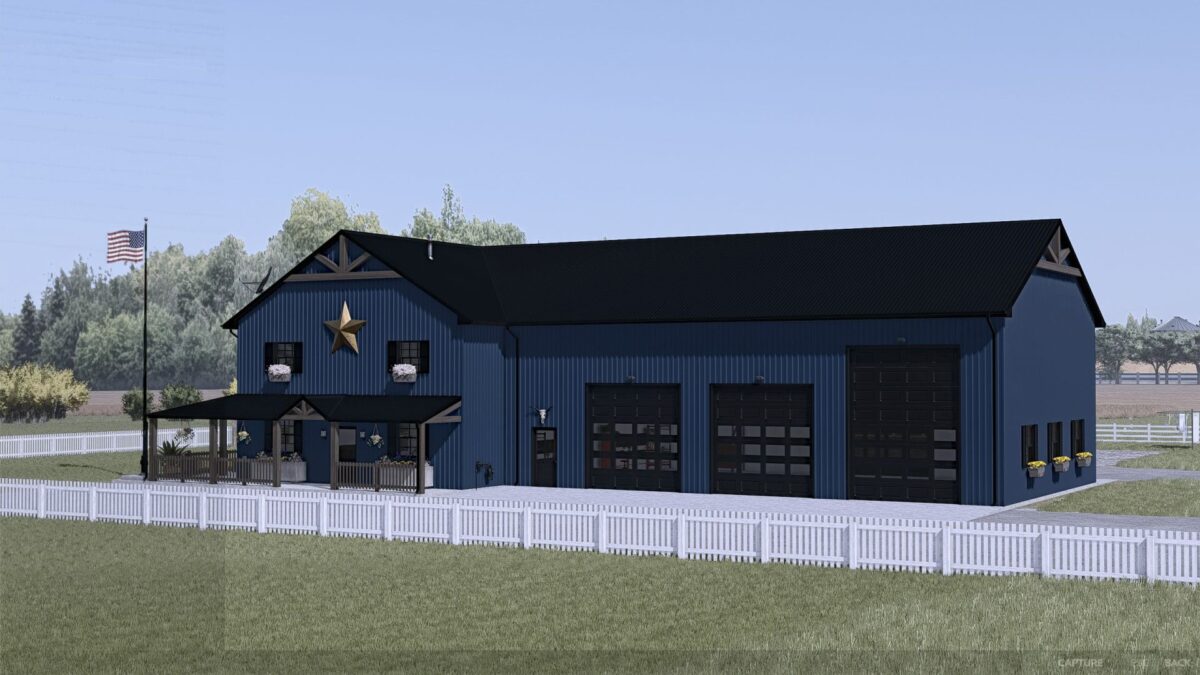
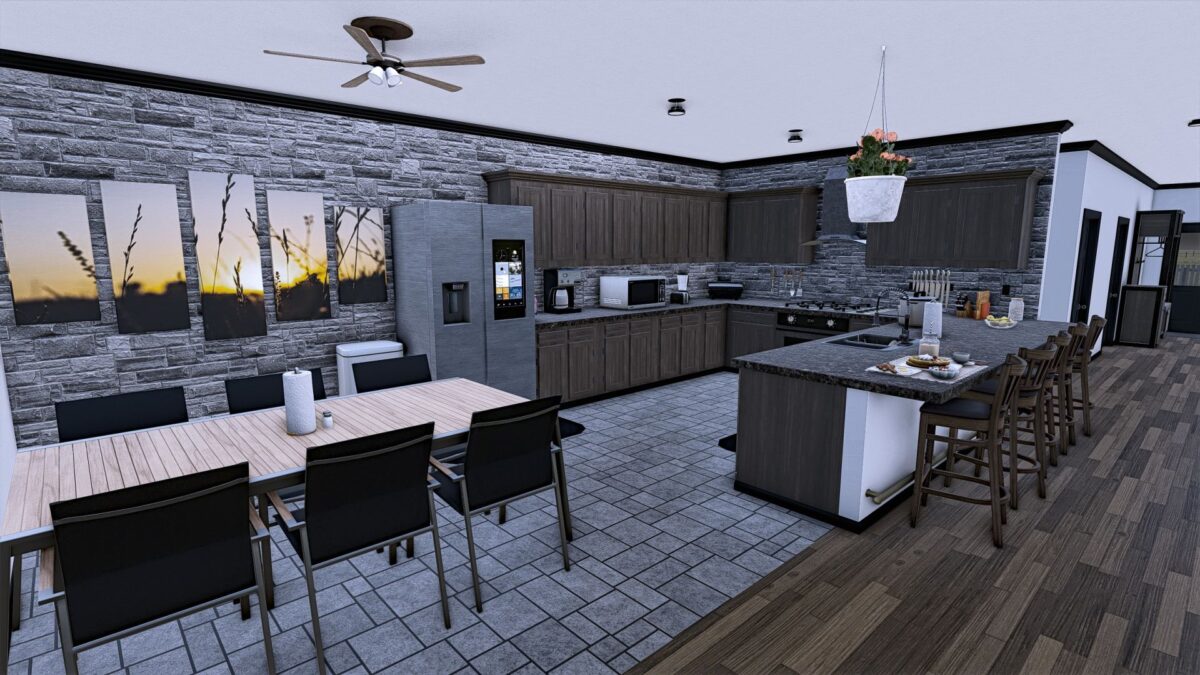
Here is a detailed house consisting of 4 bedrooms, including the master suite, 3 bathrooms, a living room, a home office, a kitchen/Dining, a Trophy room, Laundry utilities that are included in 1 of the bathrooms and a luxurious back patio/elevated deck that has direct access to the master suite.
This house also includes an attached shop style garage with 5 total bay doors (3 – 12×12, 2 – 12×16) with 2 of the bays being pull through style.
The metal siding can be customized to be the color of your choice from the available color options.
This house functions for sleeping and wardrobe options as well as storage in the garage for your vehicles and equipment.
Credits:
Snakebizzle