
Ikarus 280 v 1.0
Ikarus 280 v 1.0
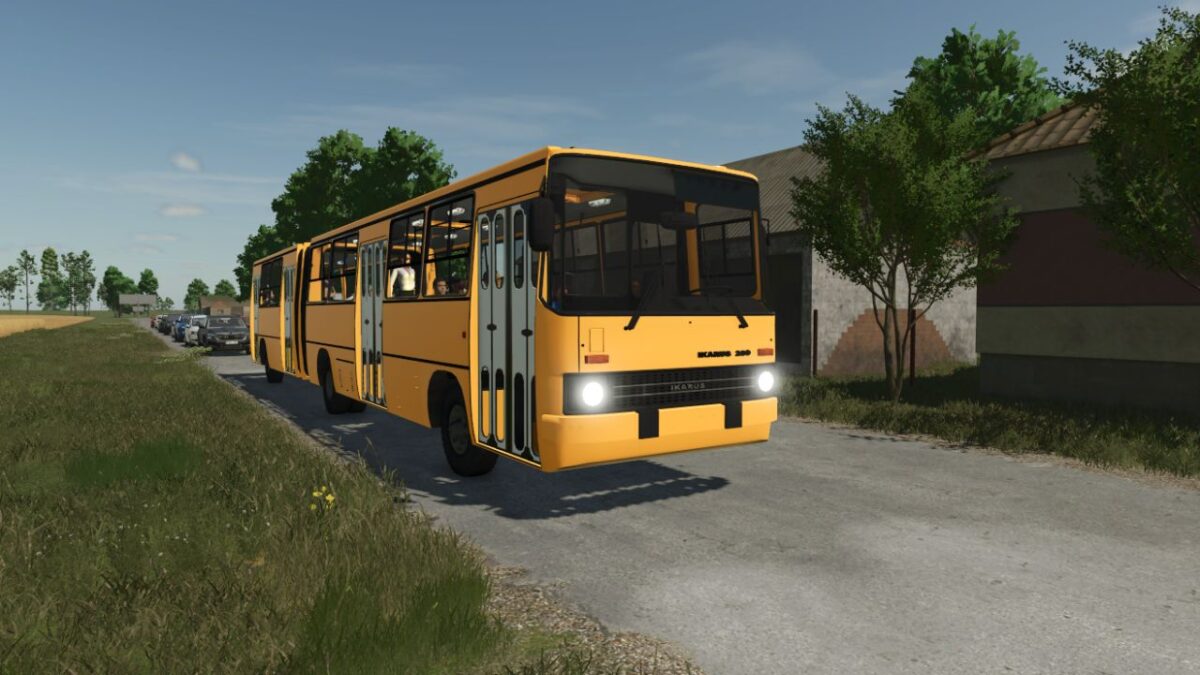
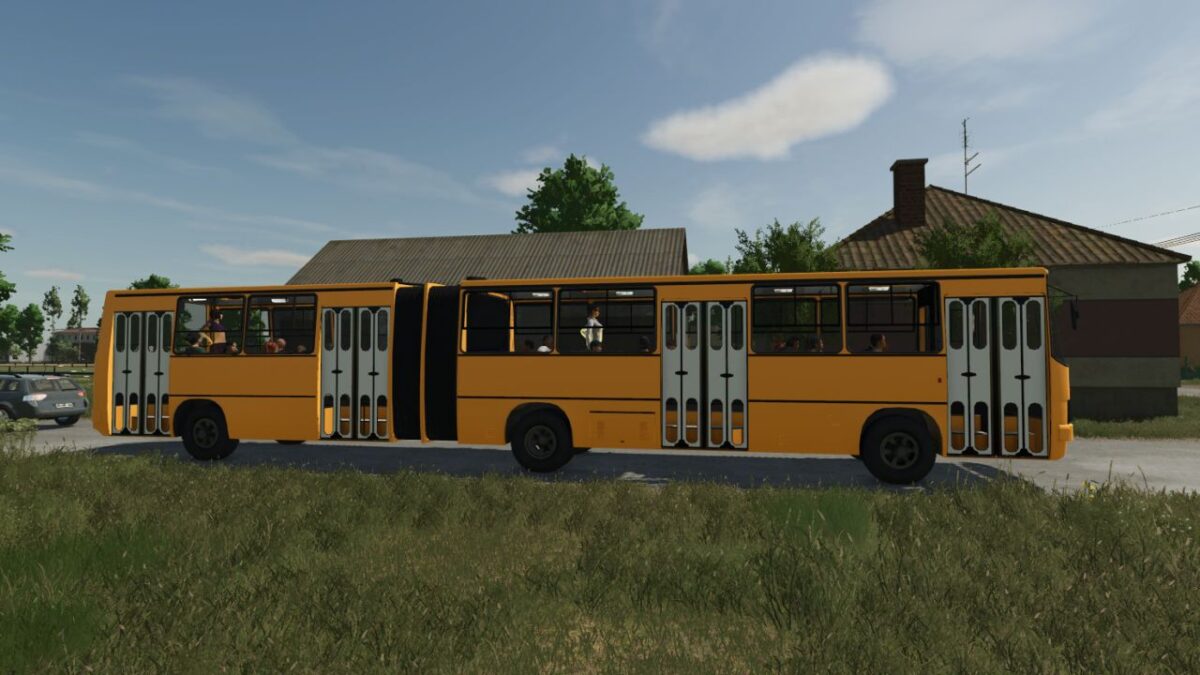
Ikarus 280 Articulated Bus Mod
Experience the legendary Ikarus 280 articulated bus.
This iconic classic is ready to hit the roads with a highly customizable exterior.
The mod is actively being developed, with massive new features planned for upcoming updates to bring the full public transit experience to life.
Current Features
Right now, you can fully customize the look of your bus before taking it out for a drive.
Custom Body Colors: Choose from a wide range of colors to paint the main body of the bus.
Custom Door Colors: Match or contrast the doors with the body for a unique fleet design.
honved4
How do I install Farming Simulator mods?
Find a mod that you like and want to download first. Then, on your PC, download a mod. Mods are typically in.zip format. However, it is sometimes in.rar format. If the mod file is in.zip format, no additional actions are required. If a file is in.rar format, you must unarchive it using software such as WinRar or Zip7. Windows 10 users do not need to use archive software; Win10 includes an unarchive feature.
The next step is to locate the mods folder on your computer. It is typically found in Documents/My Games/Farming Simulator [Your FS game version, e.g. 2022]. Open the "mods" folder and place the downloaded.zip archive or unarchived.rar file there.
The final step. Have fun with Farming Simulator mods!


