

Illschwang Map v 1.0.1.0

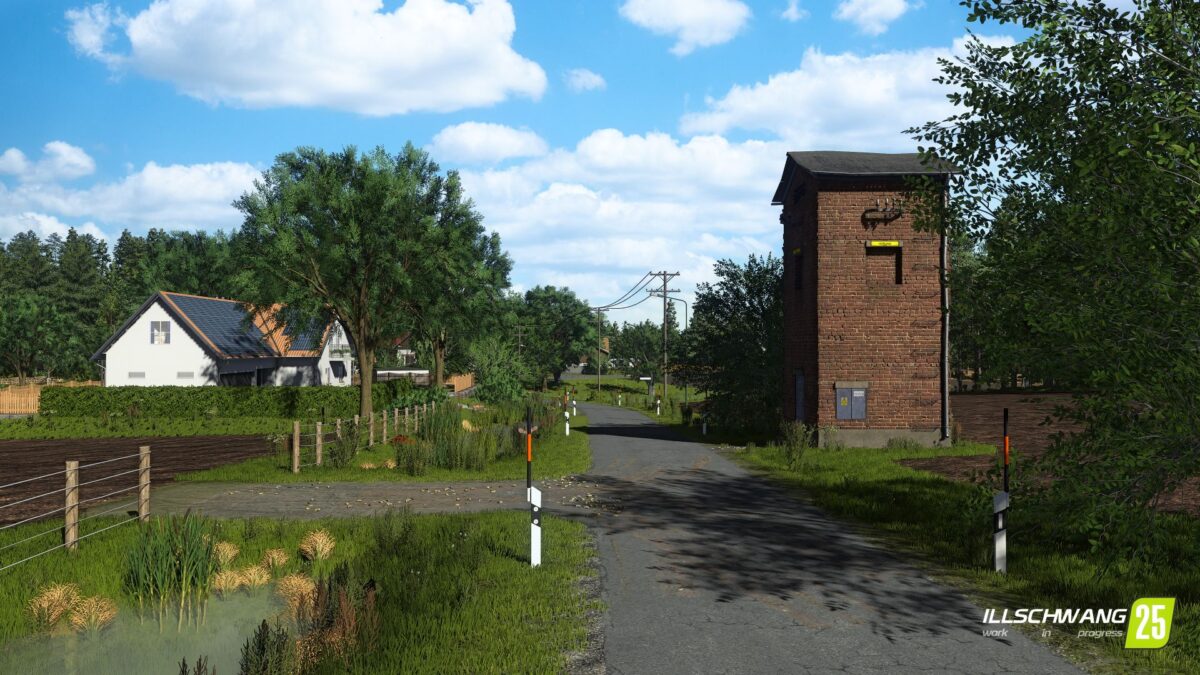
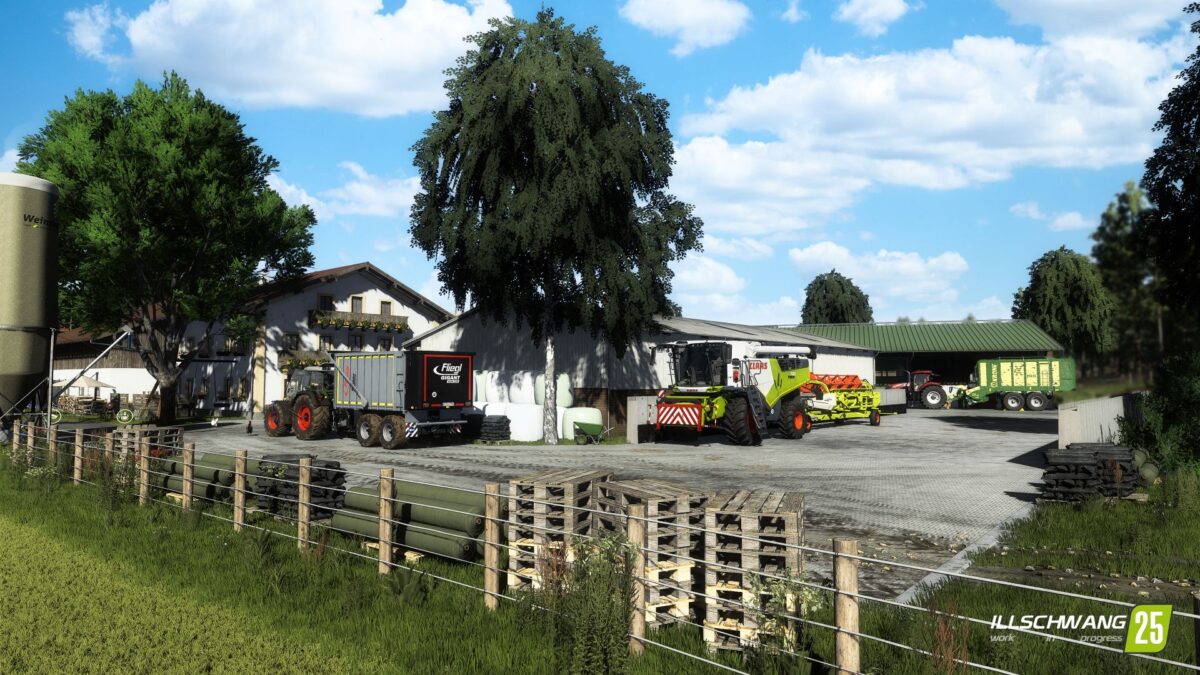
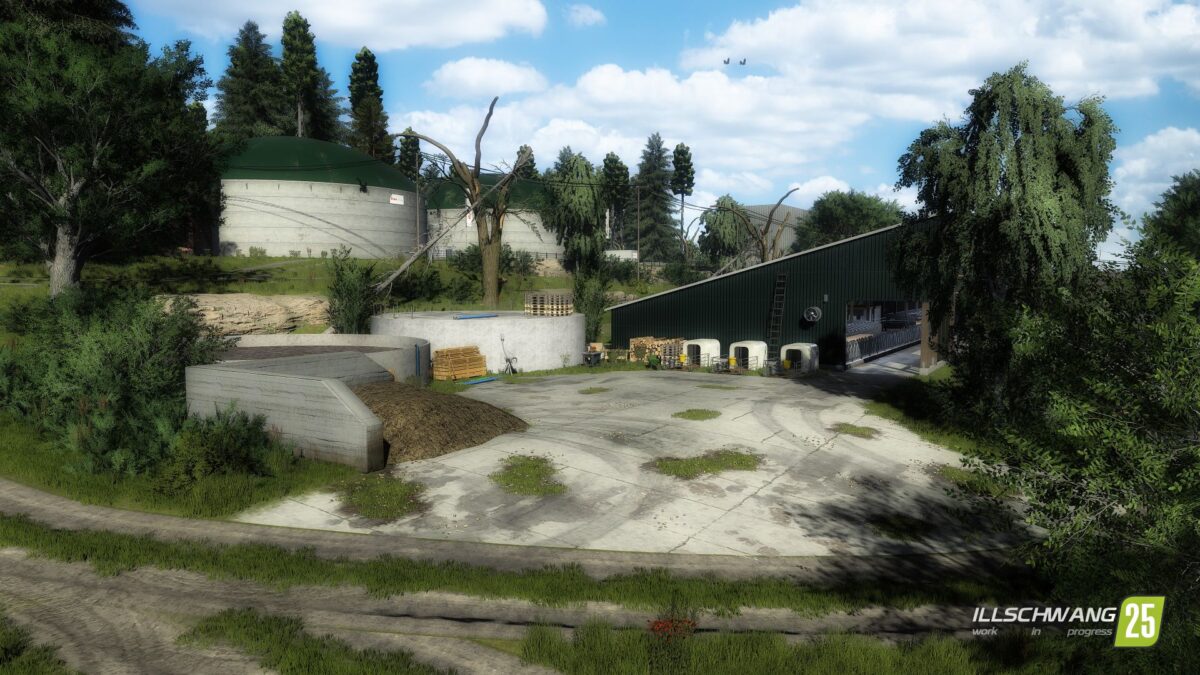
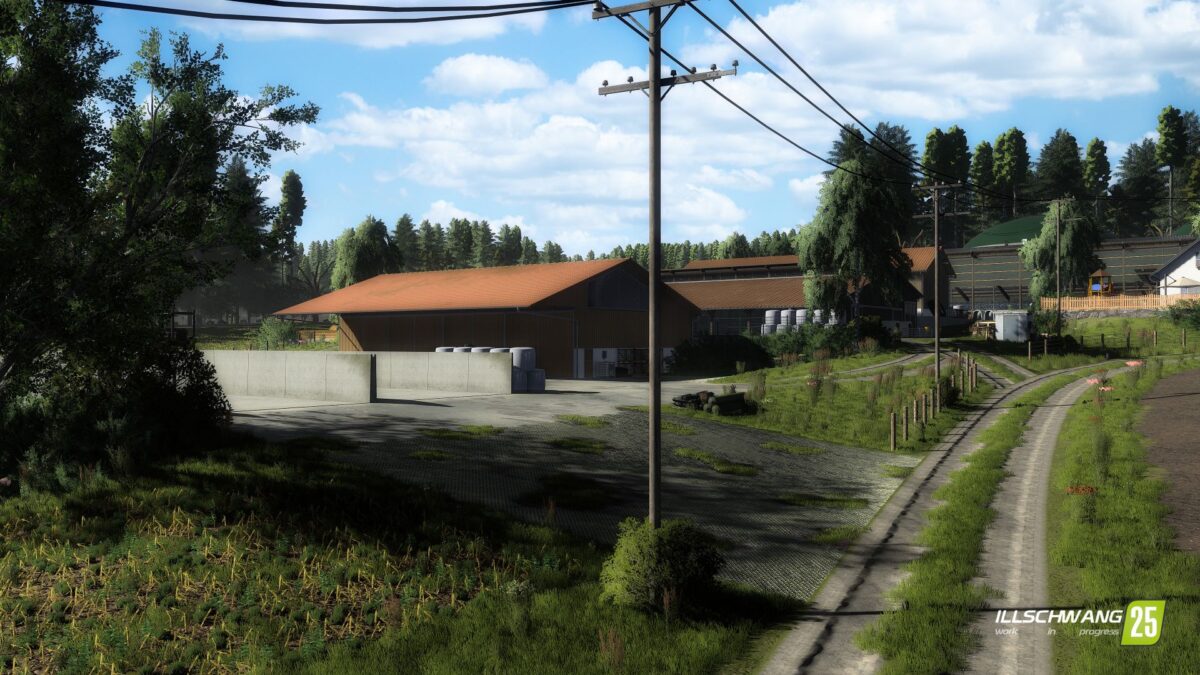
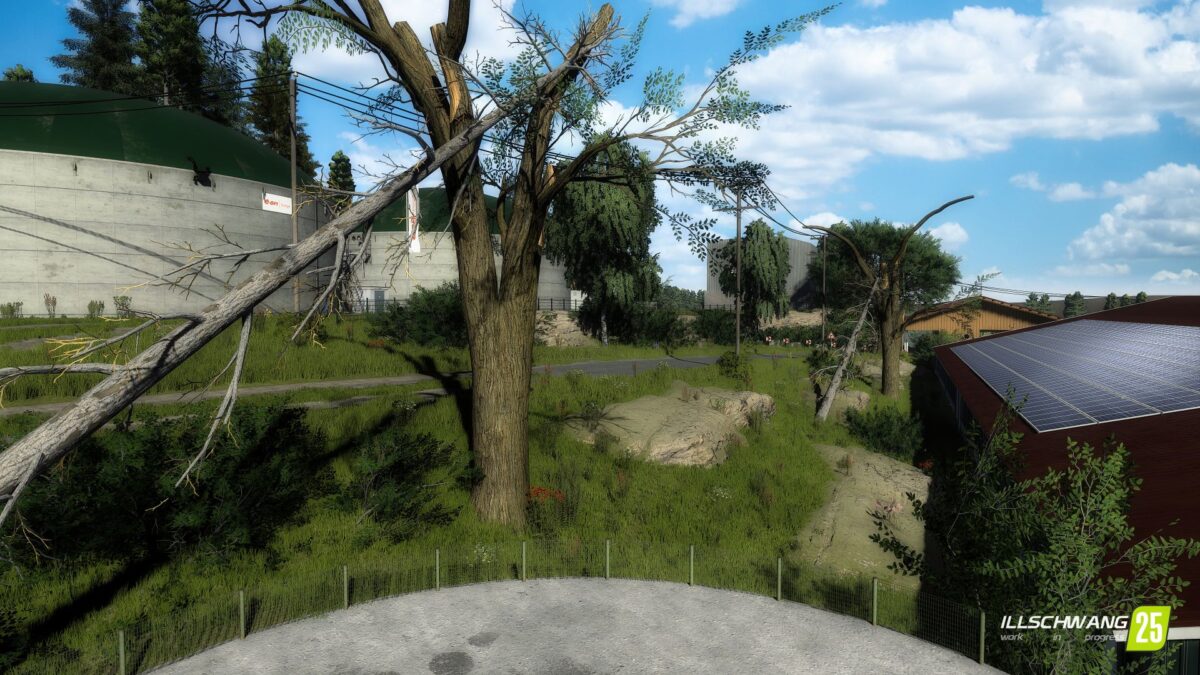
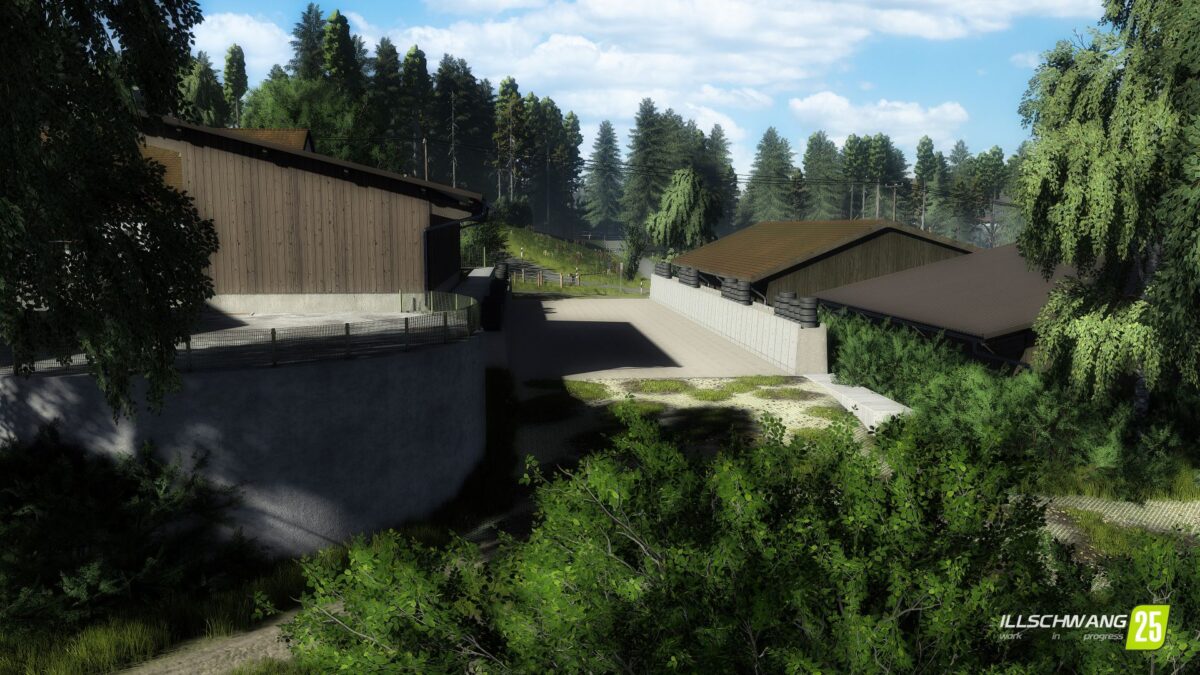
Illschwang Map v 1.0.1.0

– 18 playable farms, biogas plants and contractor farms
– 255 original field sizes – from small farm plots to large scale cultivation areas.
– From fields that are 1ha to large ones of around 13ha
– A total of 500ha of arable land awaits you
– 12 small villages, large forests and the flair of the Oberpflaz – an atmosphere that is recognizable
– Farms and industrial sites recreated almost 1:1 – choose from a total of 18 farms that are true to the original
– Whether cows, pigs, horses, or other animals: you make the choice
– Dynamic seasons & weather – work in harmony with wind, rain and nature
– Suitable for solo and multiplayer – from relaxed after work games to large community campaigns. Everyone will find their own home here
Version 1.0.1.0:
* Ground collision at grain storage
* Double cow barn removed from Farm 12
* Misplaced decoration removed from Farm 12
* Trees and decorative foliage removed from Field 21
* Silo wall collision fixed at Farm 7
* Road collision on the bridge fixed
* Water hazard fixed in Field 56
* Double Weinzierl silos removed from Farm 7
* Pit dug out at the contractor’s site
* Field 72 fixed
* Fence collision fixed at Farmhouse 9
* Fence collision fixed at Farmhouse 86
* Fence collision fixed at Farmhouse 152
* BGA fermenter brought back to the ground
* Silos under the map removed at Farm 4
* Grass planted between Fields 13 & 14
* Bale stacking Collisions added
* Floating guidepost placed at field 64
* Fixed seed purchase trigger
* Terrain in the cow barn on Farm 5 leveled
* Fixed the decal on Farm 7 / BGA access road that caused the terrain to disappear
* Replaced the silo at Farm 3 / BGA with a placeable, functional silo
* Given the attribute “defaultFarmProperty=”true” to the starting vehicle fleet
* Missing collisions at the drive-through silo on Farm 11 – error is in the placeable mod from the Modhub (SCS_GUTSHOF_BUNKERSILO)
* Floating beer crate on field 111 – error is in the placeable mod from the Modhub (upperBavarianFarmhouse)
* Excessive collision at the silo on Farm 7 – problem with the placeable mod
* Silage silos on Farm 8 not working – due to additional mods with more HeightTypes
* Silage silos on Farm 7 not working – due to additional mods with more HeightTypes
* Grain storage on Farm 7 not functioning – Function tested, everything OK
* Grain storage Farm 7 – Terrain adjusted
* Paintable plants added via separate mod
* Paintable textures added via separate mod
* HeightTypes adjusted to 256 so that tipping works fully again
* Water09 StoreIcon added
* Alfalfa and clover can be baled
* Triticale can be fed to pigs
* Farm signs and posters removed from the Klattenhof map
* Birch trees removed and replaced
* Old shed removed and replaced
* Meadow fence used as a placeable
* Placeable tire tracks used as a placeable
CreativeAgrar
How do I install Farming Simulator mods?
Find a mod that you like and want to download first. Then, on your PC, download a mod. Mods are typically in.zip format. However, it is sometimes in.rar format. If the mod file is in.zip format, no additional actions are required. If a file is in.rar format, you must unarchive it using software such as WinRar or Zip7. Windows 10 users do not need to use archive software; Win10 includes an unarchive feature.
The next step is to locate the mods folder on your computer. It is typically found in Documents/My Games/Farming Simulator [Your FS game version, e.g. 2022]. Open the "mods" folder and place the downloaded.zip archive or unarchived.rar file there.
The final step. Have fun with Farming Simulator mods!