

Illschwang Map v1.5.2.3

Illschwang Map v1.5.2.3
Welcome to Illschwang – One of the most idyllic places in Germany
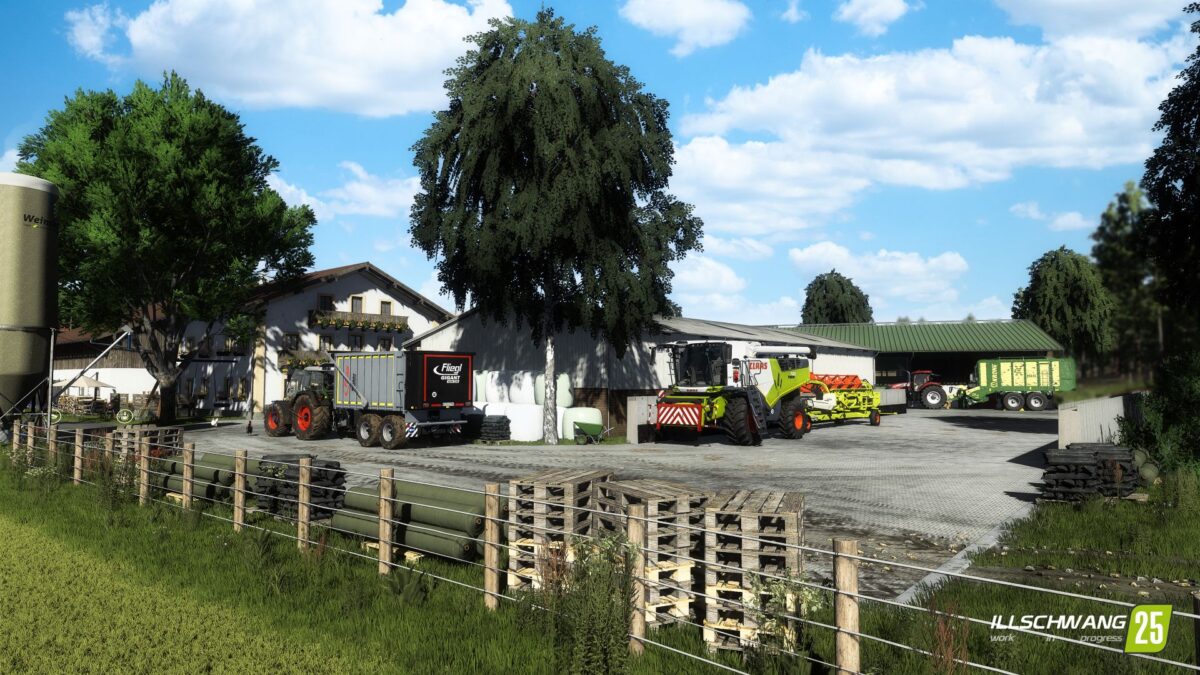
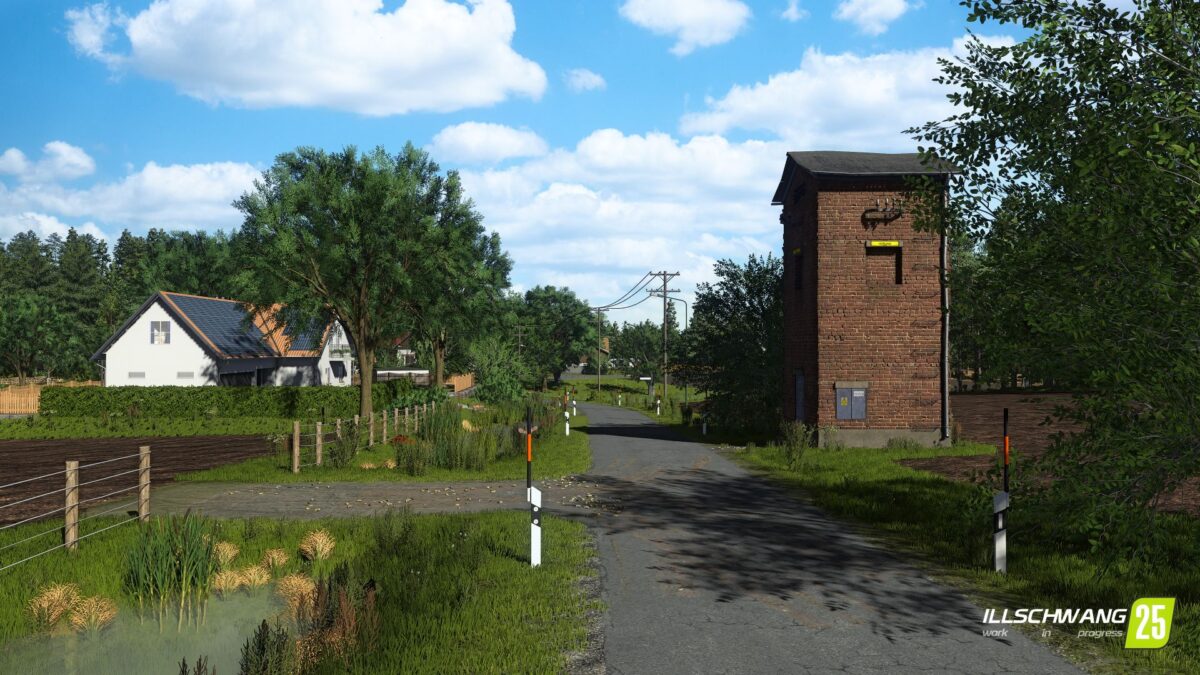
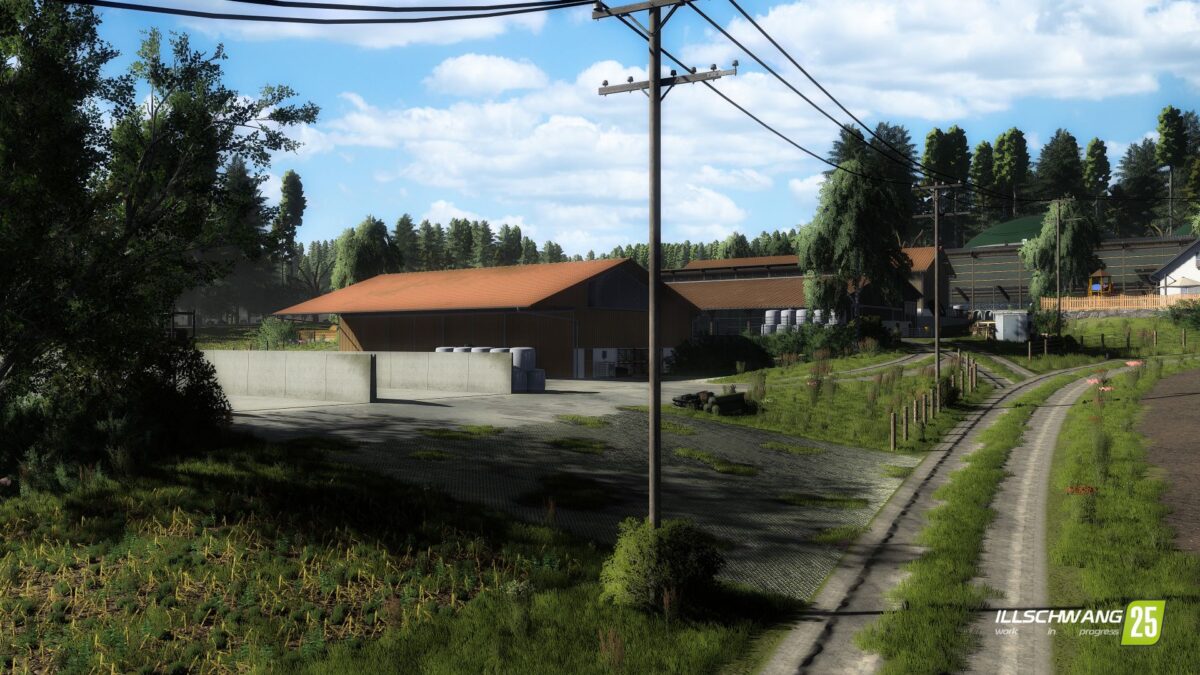
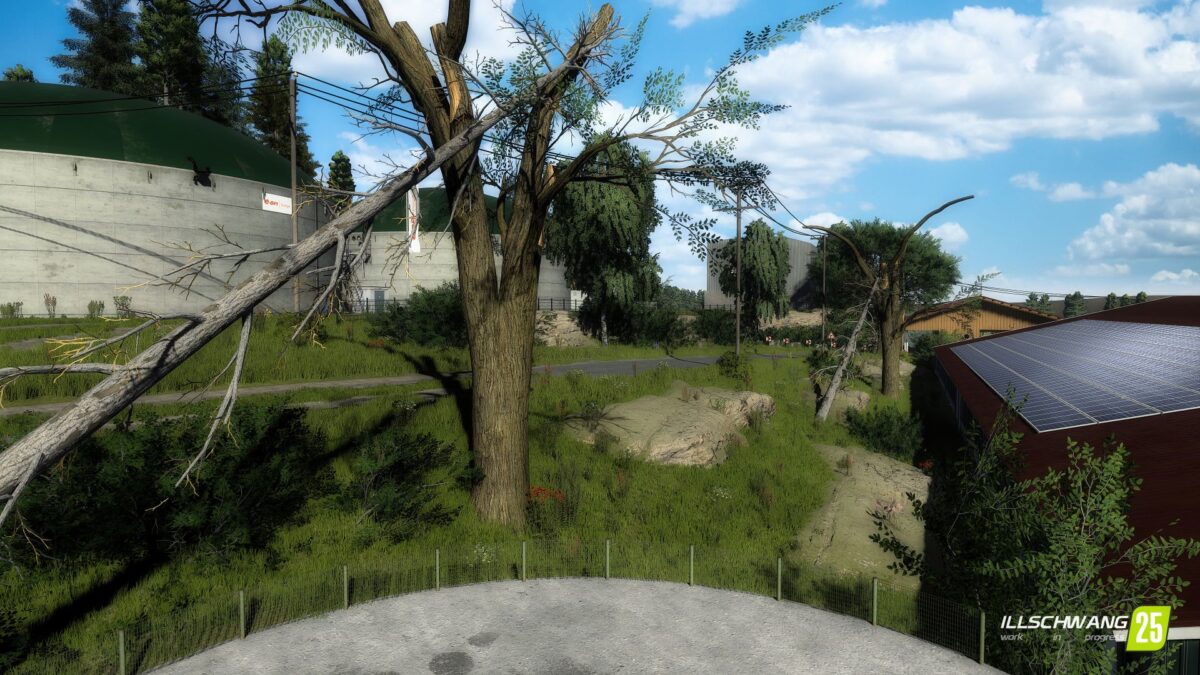
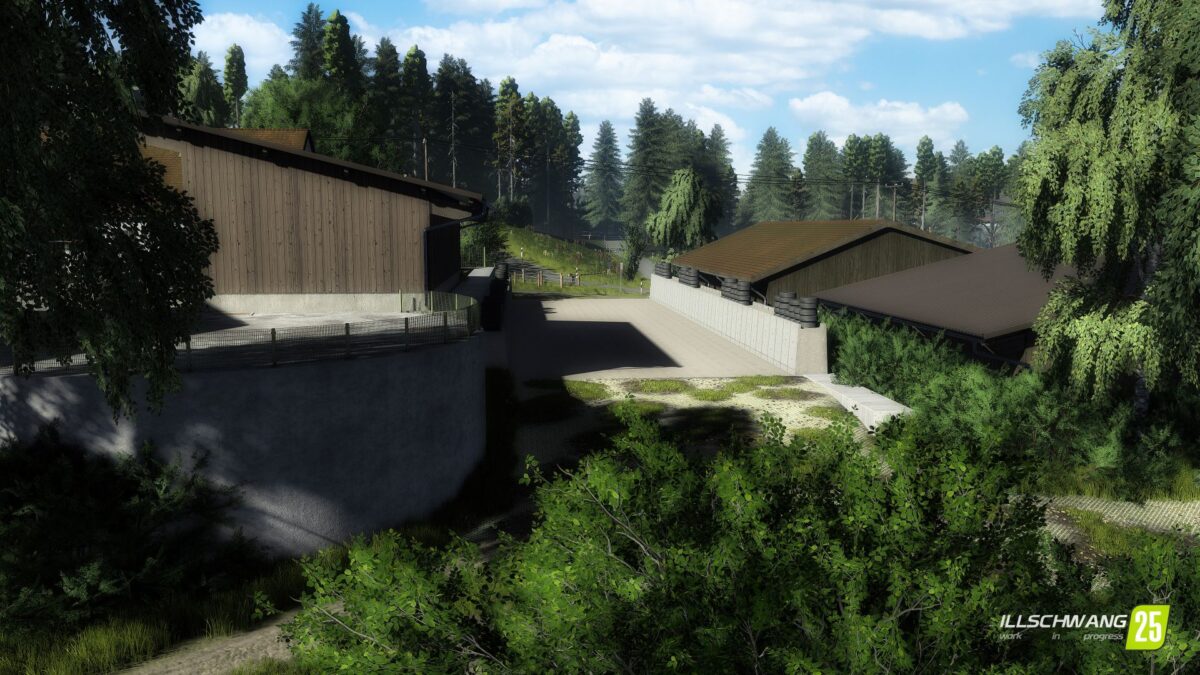
Nestled between extensive 1:1 arable land, authentic village paths, streets, field paths, large forest areas and the fresh breeze of the Upper Palatinate country air lies Illschwang a 4 fold map that was designed with great attention to detail.
The basis for this is real satellite data, which offers you an original Upper Palatinate landscape that you only know from real country life.
Features:
– 18 playable farms, biogas plants and contractor farms
– 255 original field sizes – from small farm plots to large scale cultivation areas. From fields that are 1ha to large ones of around 13ha. A total of 500ha of arable land awaits you
– 12 small villages, large forests and the flair of the Oberpflaz – an atmosphere that is recognizable
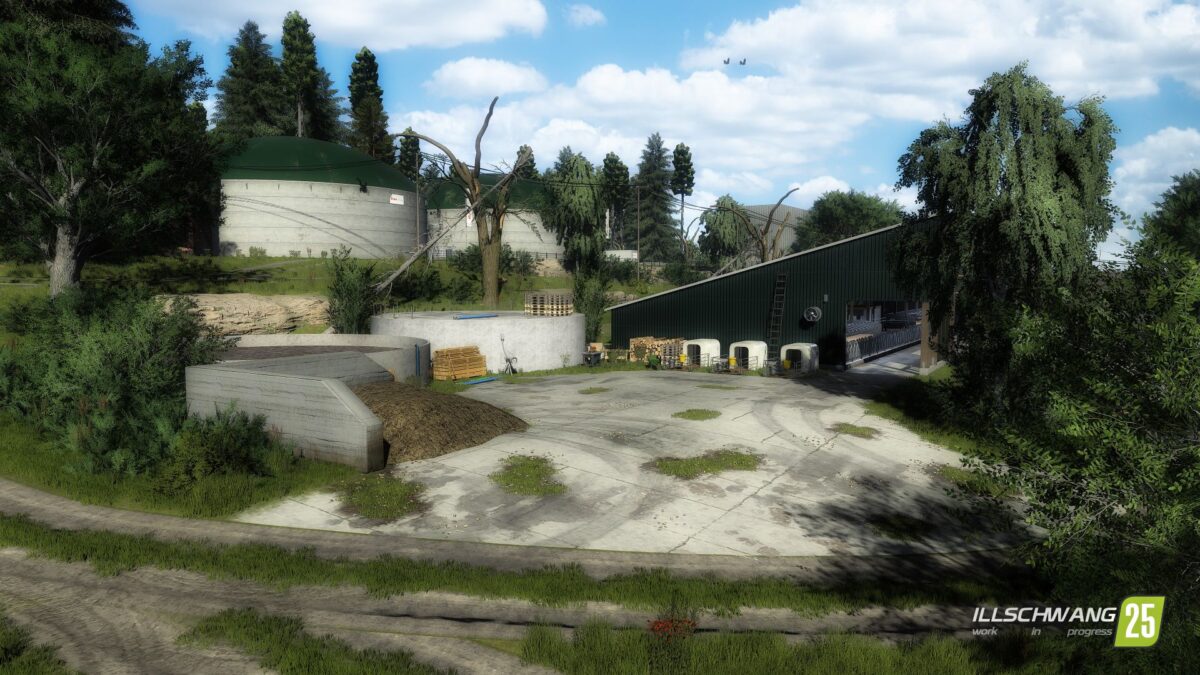
– Farms and industrial sites recreated almost 1:1 – choose from a total of 18 farms that are true to the original. Whether cows, pigs, horses, or other animals: you make the choice
– Dynamic seasons & weather – work in harmony with wind, rain and nature
– Suitable for solo and multiplayer – from relaxed after-work games to large community campaigns. Everyone will find their own home here
– It’s not just the yield that counts here – it’s the feeling of being part of a lively region. Design your business according to your own ideas, expand your fleet or specialize in dairy cattle, arable farming or contract work
Version 1.5.2.3:
* Farm 11: Ladder removed
* Farm 9: Slurry storage placed back
* Note regarding your savegame: You can keep your existing savegame if you place the slurry storage unit yourself
* Otherwise, a new savegame will be required
* Unfortunately, missions are still not working
* We are working hard to resolve this issue as quickly as possible