Impact Tree Feller v 1.0.0.1
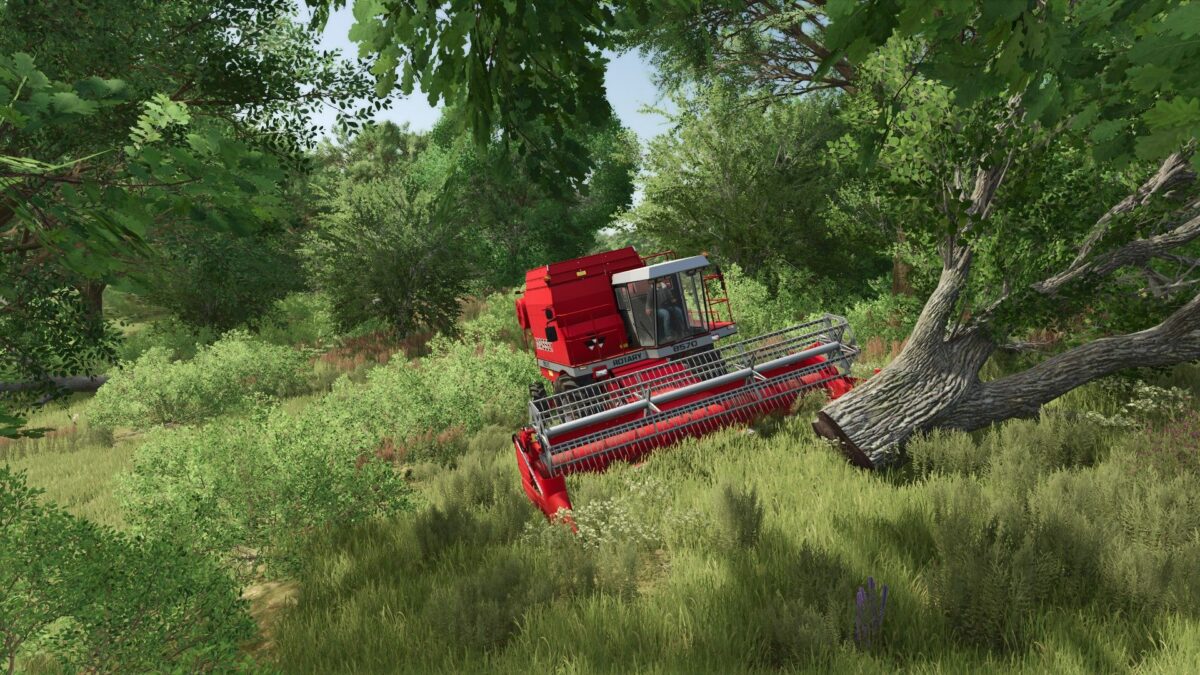
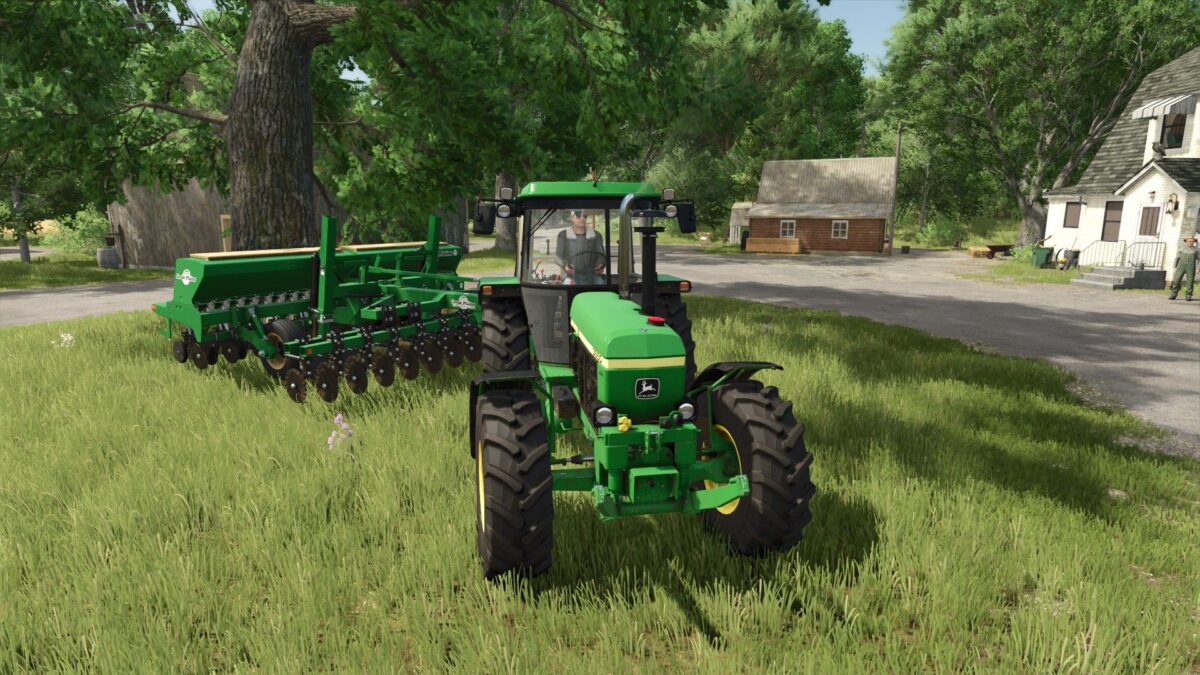
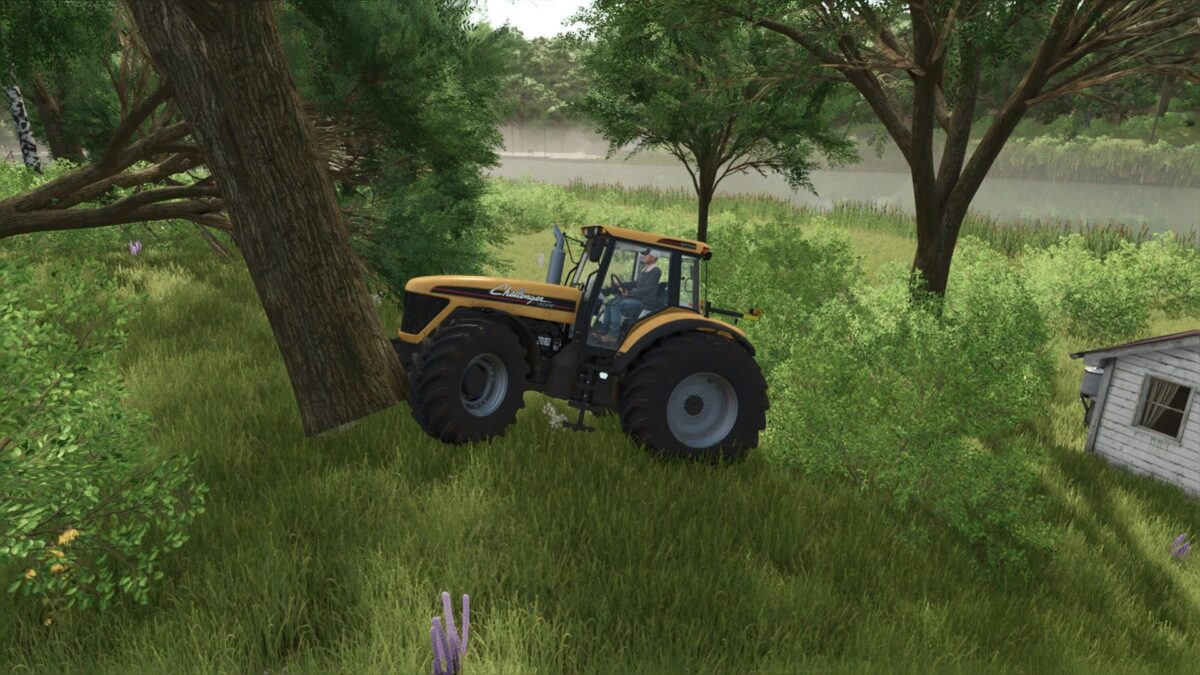
This mod allows the player to resolve the long standing issue of AI workers getting stuck in trees while working.
Featuring three toggleable options, the mod ensures the tree is felled upon impact with a vehicle or attached implement.
Optionally, the tree including the stump can also be deleted and sold.
At the player’s discretion, any vehicle involved in the impact can also sustain 5% damage.
Version 1.0.0.1:
* Minor update to the UI display in the Options
Max Games
How do I install Farming Simulator mods?
Find a mod that you like and want to download first. Then, on your PC, download a mod. Mods are typically in.zip format. However, it is sometimes in.rar format. If the mod file is in.zip format, no additional actions are required. If a file is in.rar format, you must unarchive it using software such as WinRar or Zip7. Windows 10 users do not need to use archive software; Win10 includes an unarchive feature.
The next step is to locate the mods folder on your computer. It is typically found in Documents/My Games/Farming Simulator [Your FS game version, e.g. 2022]. Open the "mods" folder and place the downloaded.zip archive or unarchived.rar file there.
The final step. Have fun with Farming Simulator mods!