In the Middle of Challan Map v 2.0

FS19 mods

About the mod:

– Washing machine on the farm
– Pro Natur AG
– Net supermarket
– New Church in the Village
– Woodchip conveyor belt at the yard
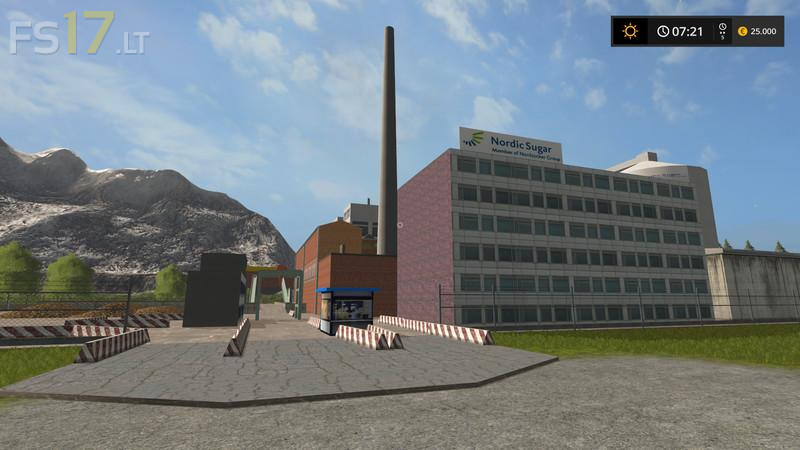
– Sugar factory
– Butcher in the village
– New wooden playground
– New court service station
– Nursery
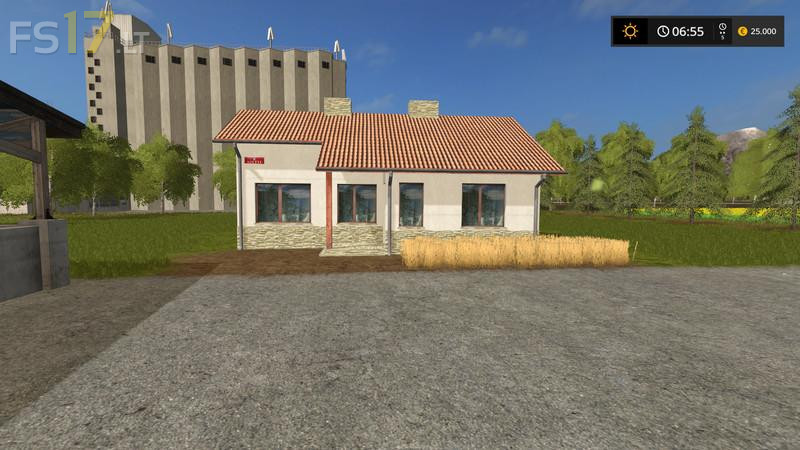
– XXL Hof Constructed
– Log houses
– Carrot and Onion storage possible
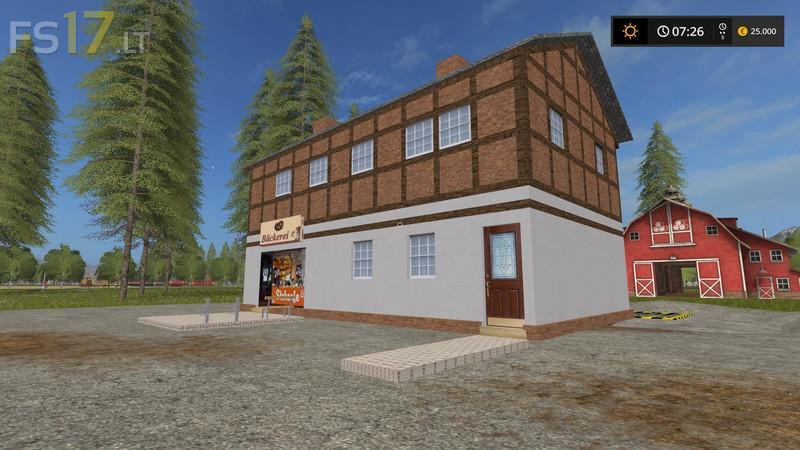
– New bakery
– New roads added
– Some fields were planted
– New service station
– Many minor bugs fixed

Credits:
mexxkefflp

How to install FS17 mods?

Firstly find a mod which you like and want to download. Then download a mod to your PC. Mods are usually in .zip format file. But sometimes it can be in .rar. If a mod file is a .zip format no needed additional actions. If a file is in .rar, then you must unarchive mod with software like WinRar or Zip7. Windows 10 users no need to use software for archives, Win10 itself has a feature to unarchive files.

The next step is to find mods folder in your PC. Usually, it is in Documents/My Games/Farming Simulator 17/2017. Open the "mods" folder and put downloaded .zip archive or unarchived .rar file to this folder.

Last step. Enjoy of FS17 mods!

2 thoughts on “In the Middle of Challan Map v 2.0

  • mike says:
    2017-06-05 at 11:28

    bonjour arrive pas à ouvrir la maps dans fs 17 que dois je faire merci

    • stephane modding says:
      2017-09-25 at 18:55

      bonjour je sui le créeteur de cet map elle ma aites voles sais une map prive donc je vou oblige de la retires de ce sit

Leave a Reply

Your email address will not be published. Required fields are marked *