

Income Mod v 2.1.7.0

Income Mod v 2.1.7.0
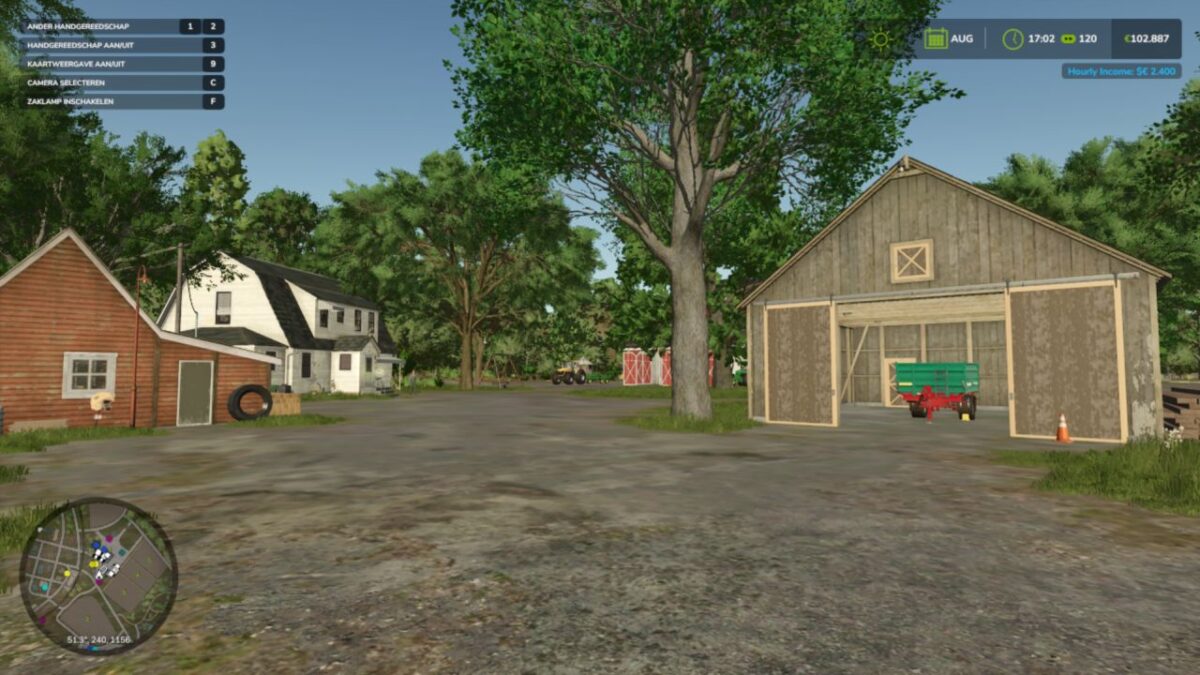
Income Mod provides players with a simple, balanced way to receive passive income. Automatically earn money either hourly or daily, based on your chosen difficulty or a custom amount. Perfect for players who want steady cash flow without relying solely on missions or selling goods.
Features:
Easy / Normal / Hard difficulty presets
Custom income amount option
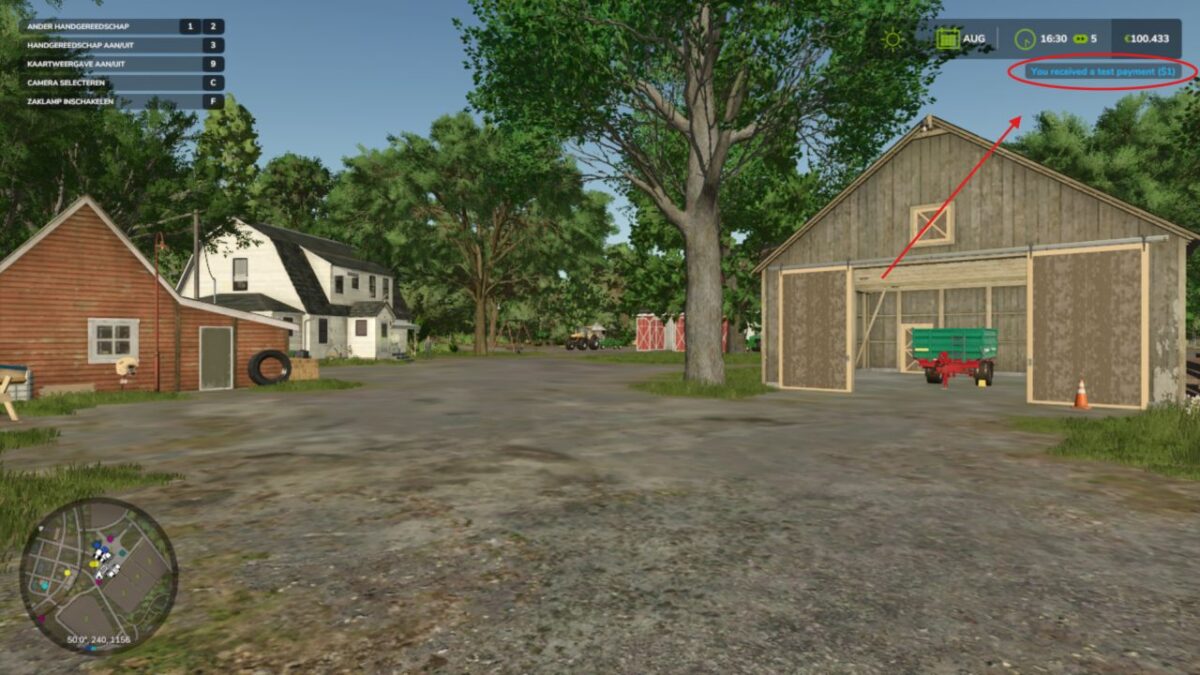
In-game notifications
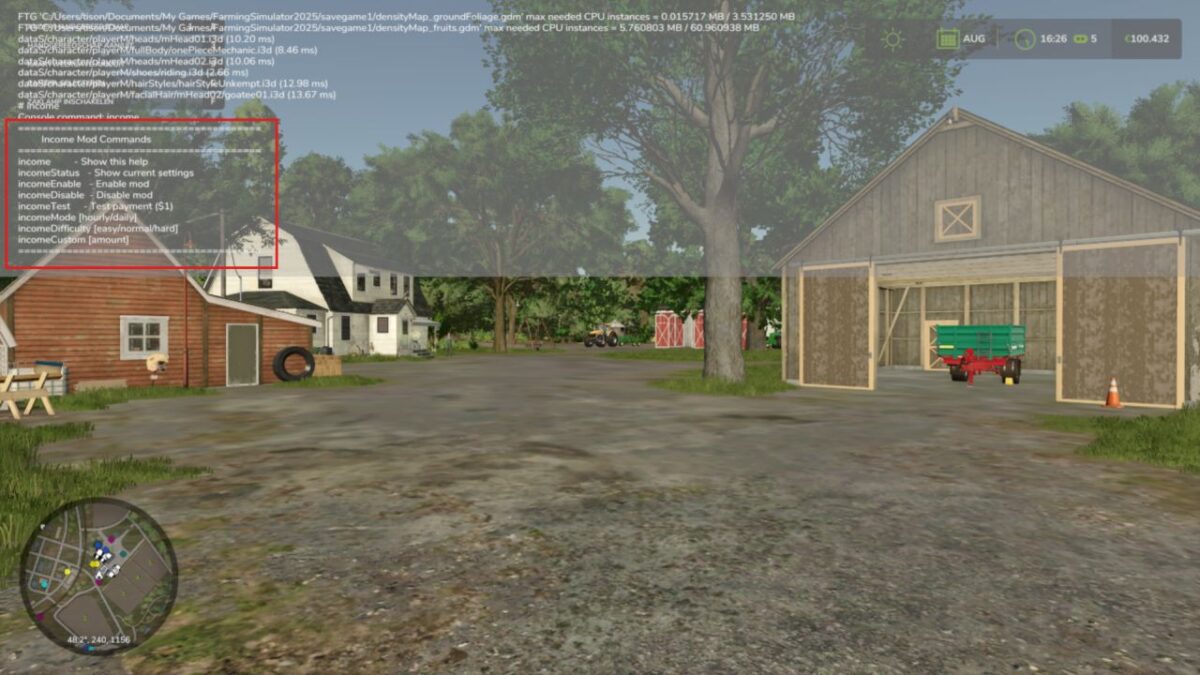
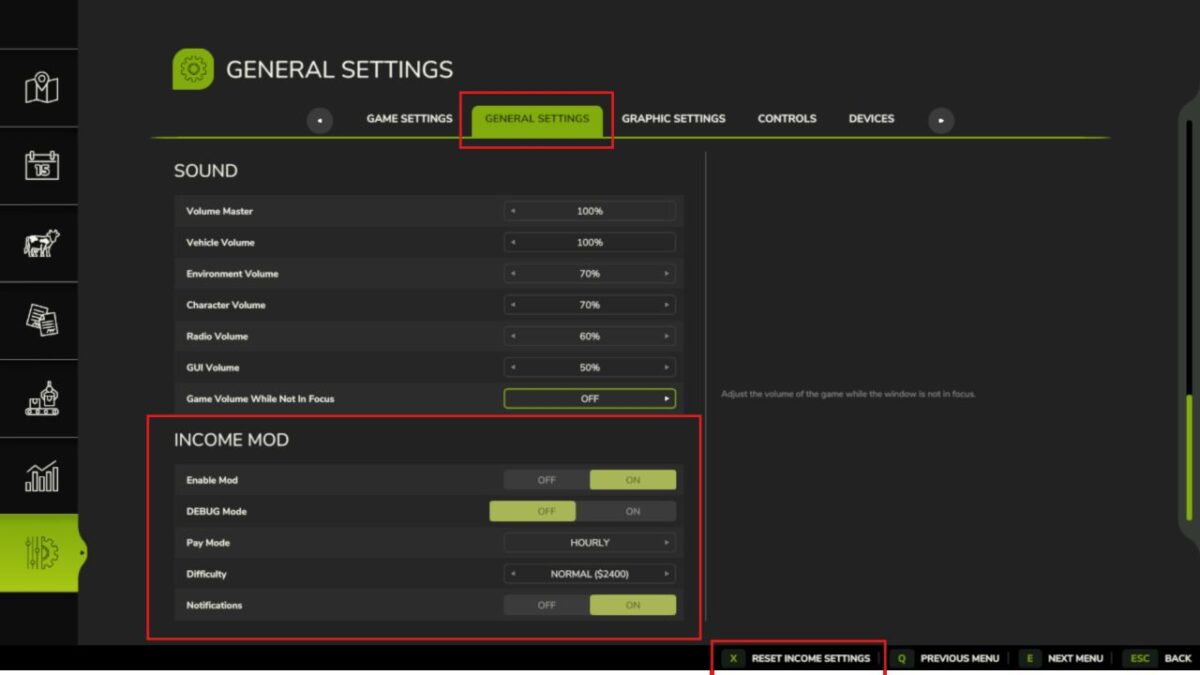
Fully configurable via console commands or in the pause menu
Settings saved automatically
Works in singleplayer and multiplayer
Lightweight and stable
Please be aware:
You need to have developer mode enabled in order for you to open the console.
This can be done in your FS game folder, then look for the “game.xml”.
Change to “true”
Enjoy you farming experience with my Income Mod
Version 2.1.7.0:
* This release adds the release gate: new systems ship locked until deliberately released. Nothing is taken away from the proven baseline, and experimental systems stay off unless you turn them on
* Release gate. Experimental systems ship locked until deliberately released, as an explicit opt in that is independent of the difficulty setting
* New setting: Experimental Systems. Under the mod’s settings, default off (stable only). Turn it on to use experimental systems at your own risk
* C3 loan elaboration locked. The emergency loan stays available as the interest free bridge loan it has always been: grant, re-draw, forecast and repayment are untouched. What stays locked is the cost elaboration (the escalation and the Time Guard compounding). The floor escape is never removed: a broke farm can always reach the base game loan
* Everything else works exactly as before. The passive income system, the HUD, and the report dialog are untouched