

Increase Straw Yield v 1.0

Increase Straw Yield v 1.0
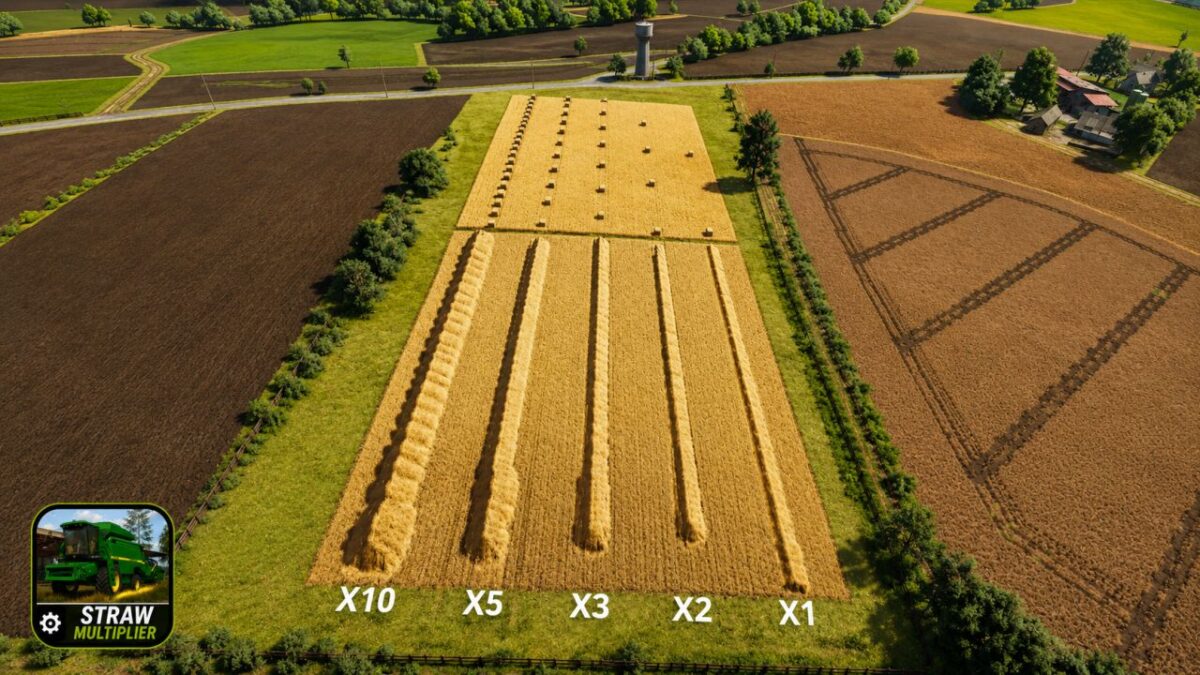
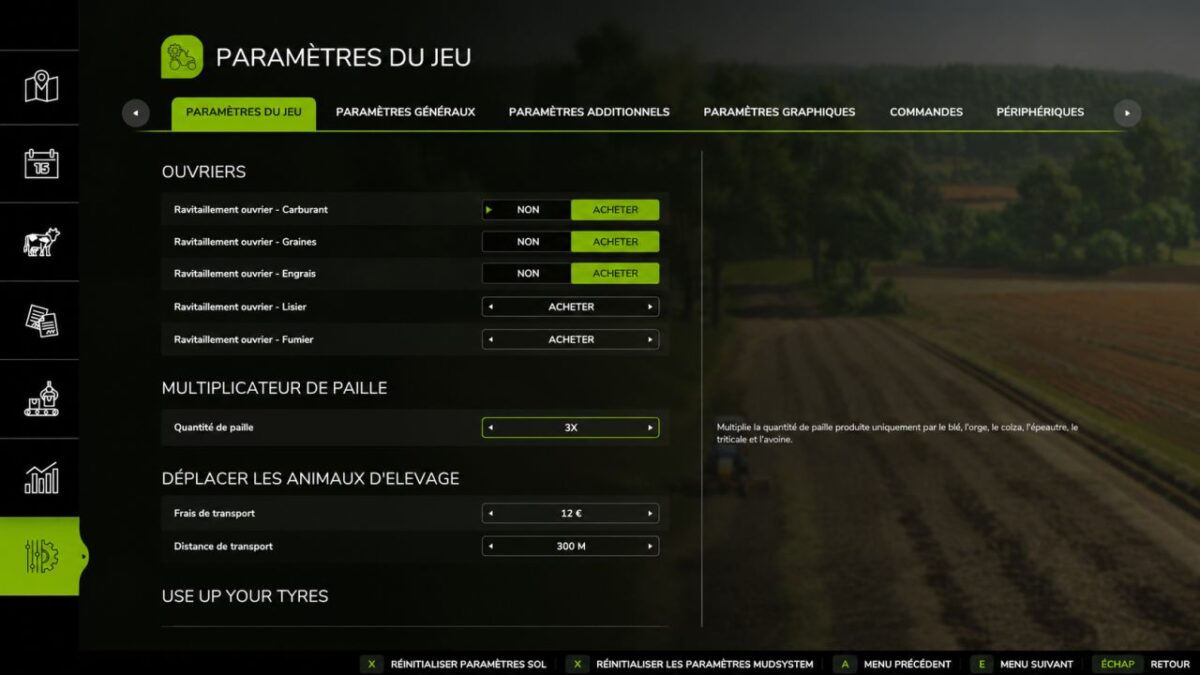
Straw Multiplier adds a new setting to the game options, allowing you to increase the quantity of straw produced during harvest.
Freely choose the multiplier that suits your playing style:
x1 (Vanilla)
x2
x3
x5
x10
Features
New setting in game settings
Changing the multiplier at any time
Automatic saving of setting
Multiplayer compatible
Dedicated server compatible
Compatible with most FS25 maps as long as they use the fillType=”STRAW” standard for straw harvesting.
Known limitations
In some cases, conflicts may appear with:
Mods modifying crop yields
Mods modifying straw production
Mods adding or replacing cultures
Some maps using custom FruitTypes
If multiple mods change straw yields simultaneously, the end result may be different
of the selected value.
To avoid conflicts:
Avoid using multiple mods that change straw yields at the same time.
Check the log.txt file if there are any problems.
Test compatibility with your other gameplay mods before use on a
main backup.
Please attach if possible:
Your log.txt file
The list of your active mods
The name of the map used
A detailed description of the problem encountered
This will allow us to process your request more quickly.