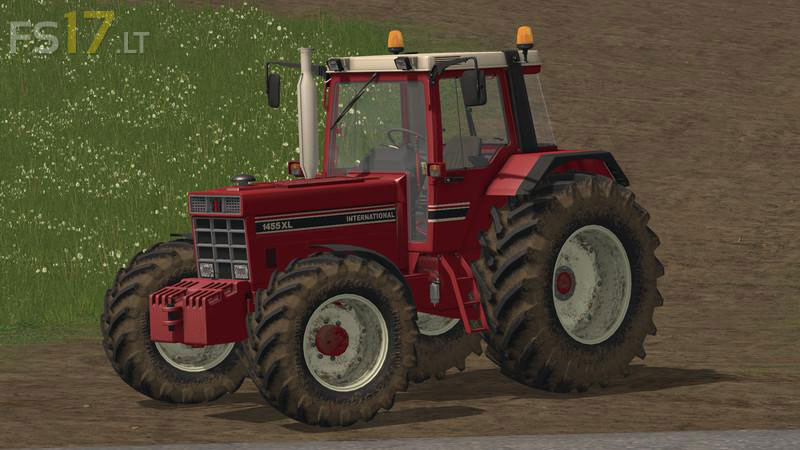
International 1255/1455 v 2.0

FS19 mods

About the mod:

Version 2.0:
* You can choose between 1255/1455
* You can choose between wheels
* Interior color changed
* Driving with load fixed
* Exaust flap
* Little things

Credits:
Giants, Inter Fan, Jasper

How to install FS17 mods?

Firstly find a mod which you like and want to download. Then download a mod to your PC. Mods are usually in .zip format file. But sometimes it can be in .rar. If a mod file is a .zip format no needed additional actions. If a file is in .rar, then you must unarchive mod with software like WinRar or Zip7. Windows 10 users no need to use software for archives, Win10 itself has a feature to unarchive files.

The next step is to find mods folder in your PC. Usually, it is in Documents/My Games/Farming Simulator 17/2017. Open the "mods" folder and put downloaded .zip archive or unarchived .rar file to this folder.

Last step. Enjoy of FS17 mods!

2 thoughts on “International 1255/1455 v 2.0

  • KontiovaaranJuhani says:
    2018-02-19 at 04:51

    Can you also make some old John Deere & IH mods with frontloader & with 165 HP engines or higher?

  • IH-mies says:
    2018-09-19 at 21:41

    Hello,
    can you make IH 956 or CASE IH 956 or 1056?

Leave a Reply

Your email address will not be published. Required fields are marked *