

Invoices v 1.1.1

Invoices v 1.1.1
Create, send and manage invoices between farms in multiplayer.
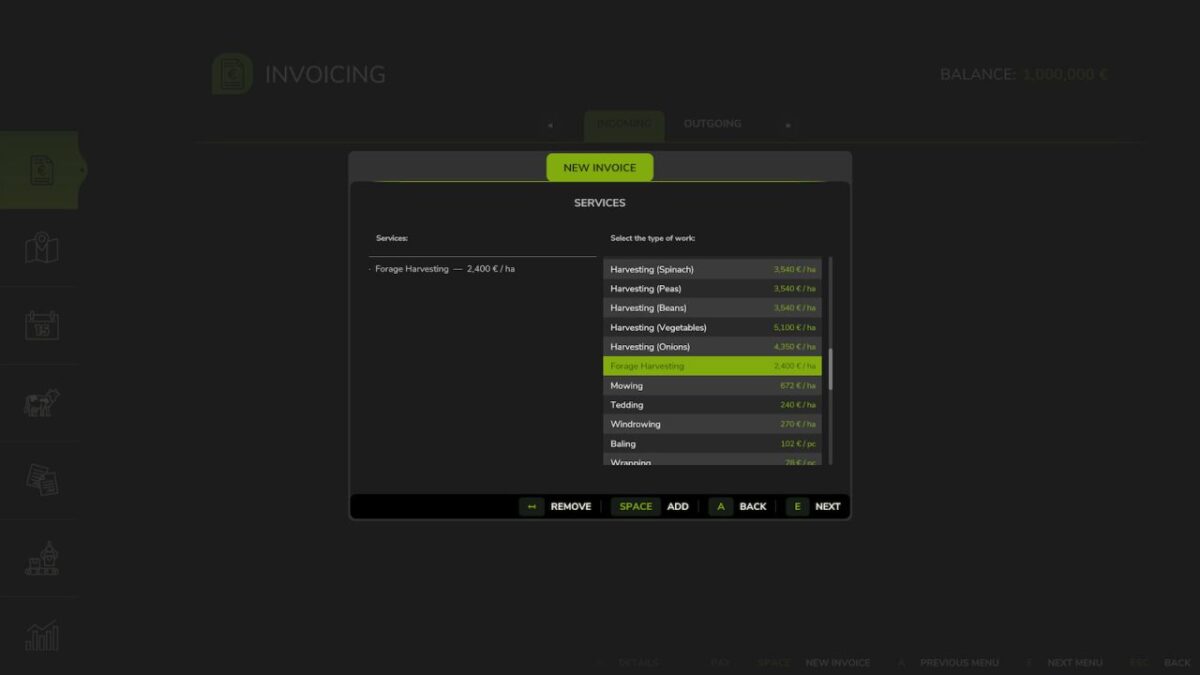
Ideal for agricultural contractor gameplay, this mod lets you bill other farms for your services (plowing, harvesting, transport, animal care, etc.), as well as sell vehicles and consumables directly via invoice.
Base prices are aligned with the game’s contract economy and automatically adjusted based on your economic difficulty setting. Each price can be freely modified when creating an invoice.
Features:
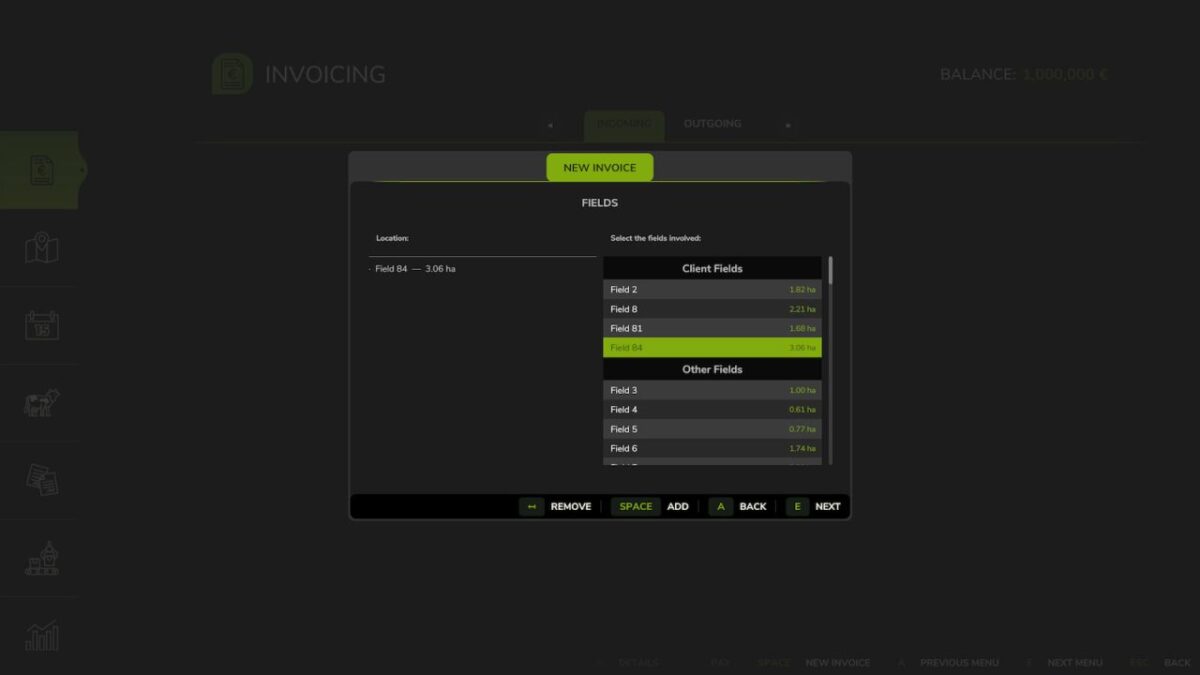
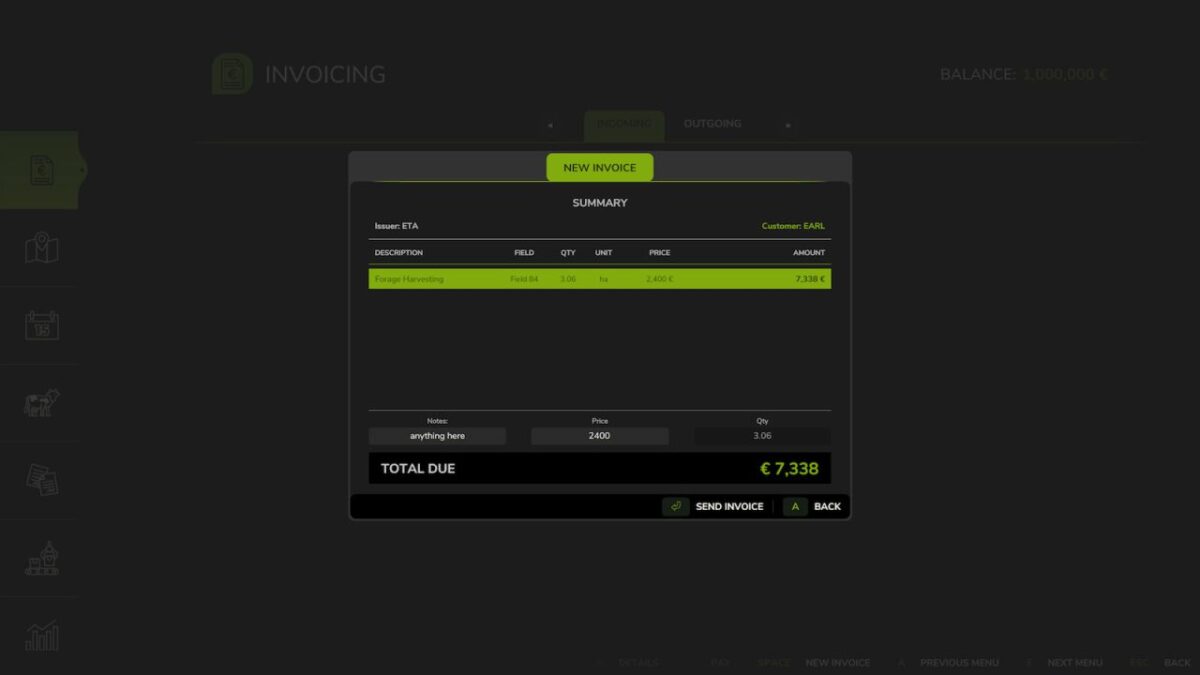
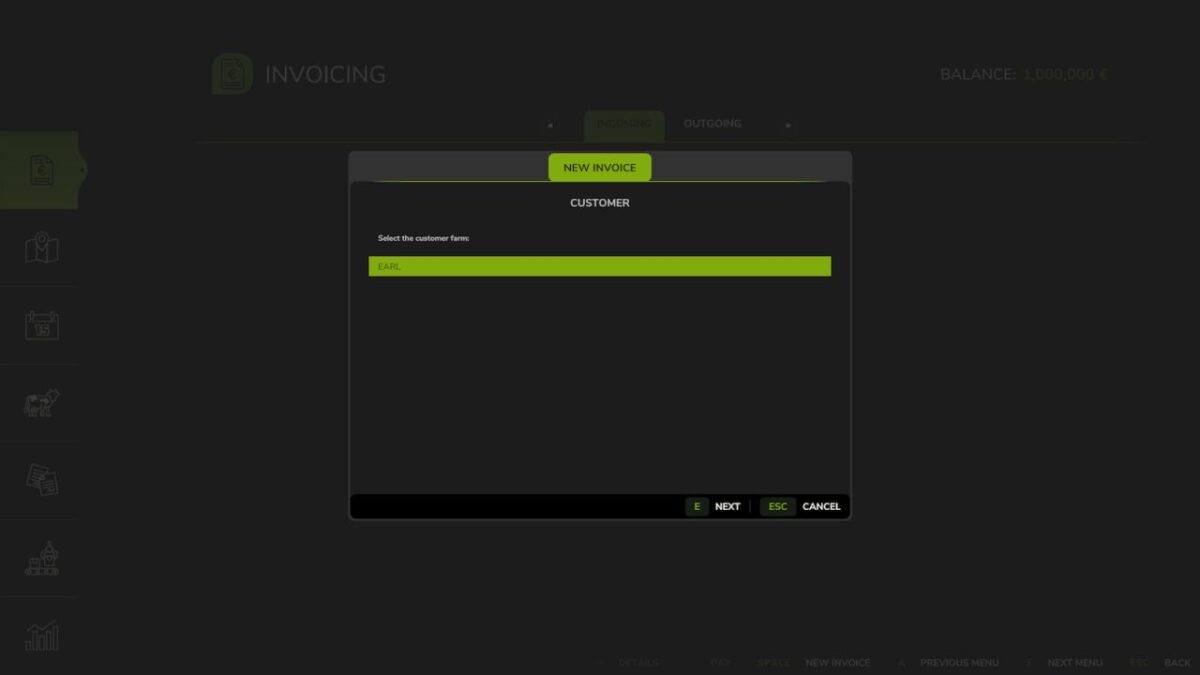
– Full creation wizard: choose recipient, work types, fields, quantities and prices
– Vehicle selection with automatic ownership transfer and automatic resale pricing
– Consumable selection (bales, pallets, bigbags…) with automatic ownership transfer and automatic resale pricing
– Product selection with automatic market pricing
– VAT system (4 rate groups, editable per line item, simulated option can be disabled)
– Net / VAT / Gross breakdown displayed on each invoice
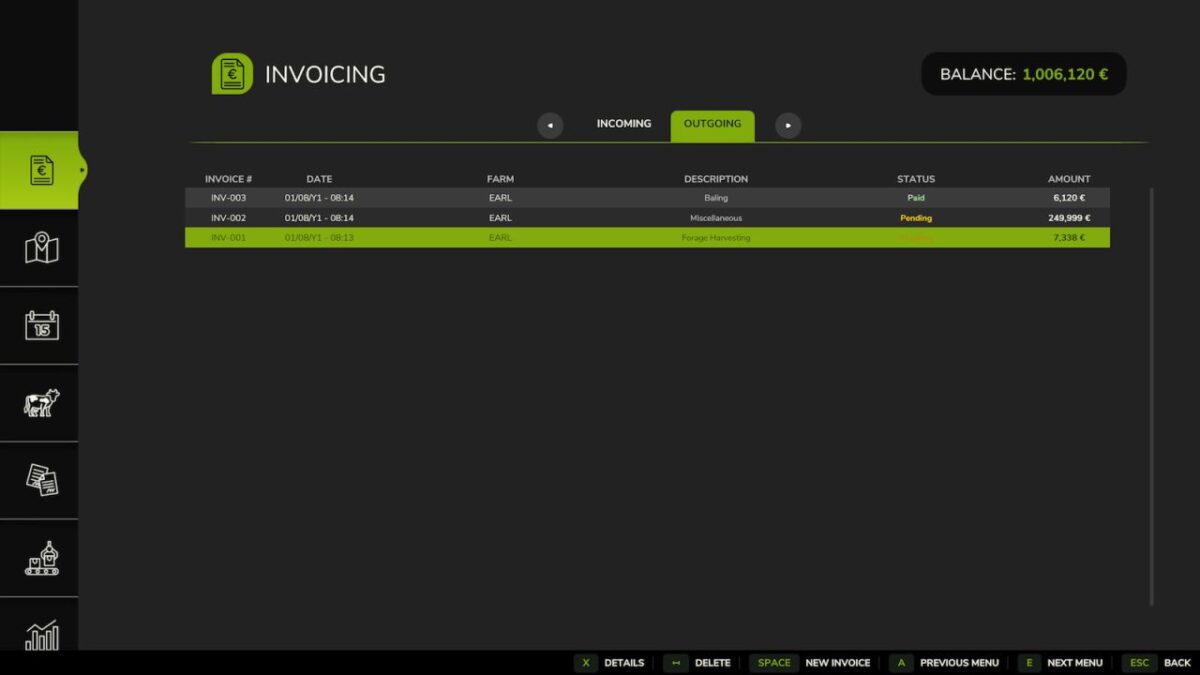
– Incoming and outgoing invoice tabs with status tracking
– Pay or delete invoices with automatic financial integration
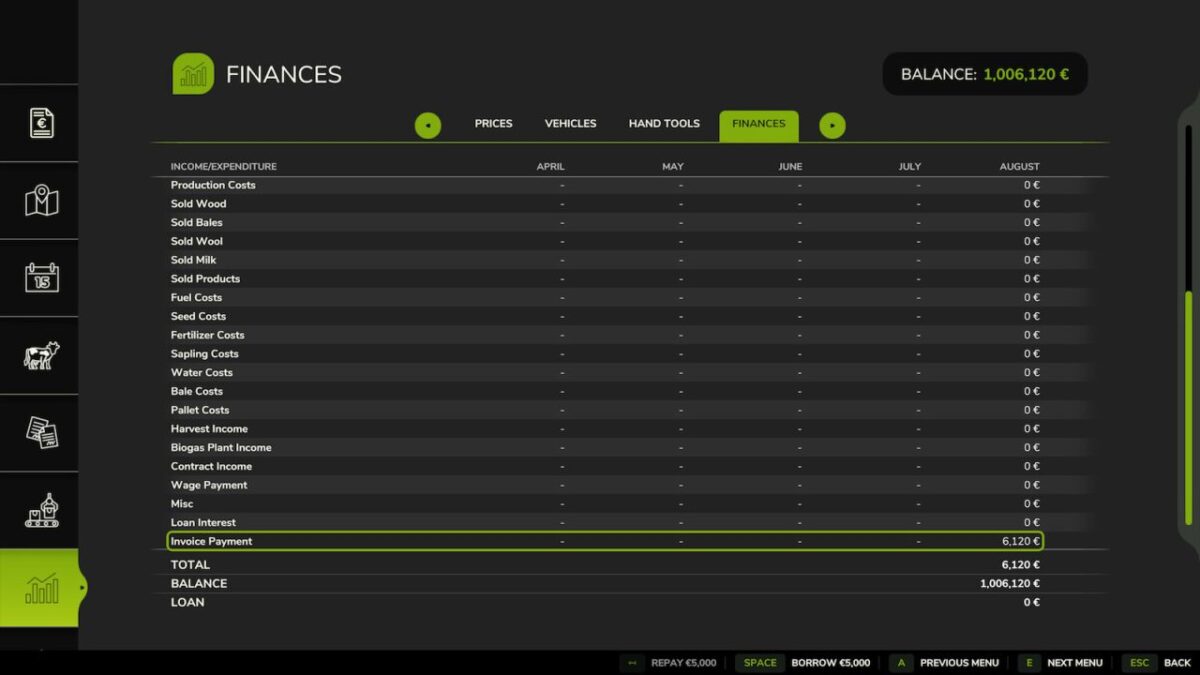
– Separate Income and Expense entries in the Finance tab
– Automatic payment reminders and late fees
– 25 languages supported
– Compatible with FS25_RedTape: invoice transactions are properly categorized as taxable income and deductible expenses
Important: Only consumables physically present in the world (not stored inside buildings) can be invoiced and transferred. Make sure to eject bales, pallets or bigbags from storage buildings before creating an invoice.
Access via the dedicated tab in the InGame Menu (ESC).
Version 1.1.1:
* Fix title separator display in invoice header
* Fix recipient-side icons not showing correctly in invoice dialogs
* Fix menu icon rendering