

JCB Fastrac 8000 v 1.1.0.0

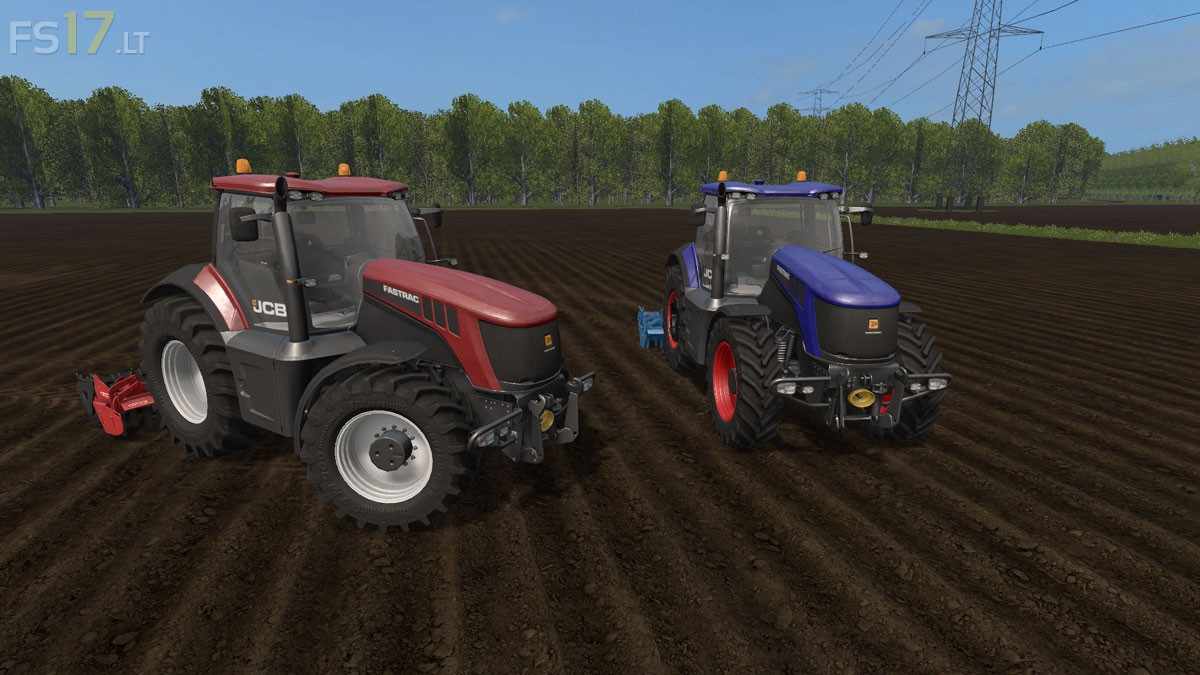
JCB Fastrac 8000 v 1.1.0.0
About the mod:
– Engine Setup: 280 hp, 310 hp
– Wheels Setup: Standard Wheels, Wide Tires, Wheel Weights
– Speed 72 km/h
– IC Control
– Open left door, back window
– Choice of Color ( 6 Colors )
– Selectable Rim Color ( 5 Colors )
– Lighting
– Working Mirrors
– Dust from the Wheels
– Traces of Wheels
Version 1.1.0.0:
* A second Beacon Light
* Displays for working Hours, Fuel Consumption and Engine Speed
* Displays for Lighting
* Additional Paintwork for Body and Rims
* Compatible Wider Tires
Price: 225.000 €
Credits:
Giants, xXFendtiXx
Good work, it would be nice if you could do it on the big equipment, you want to block the wheels you want to change and display lights