

John Deere 1550 v 1.0

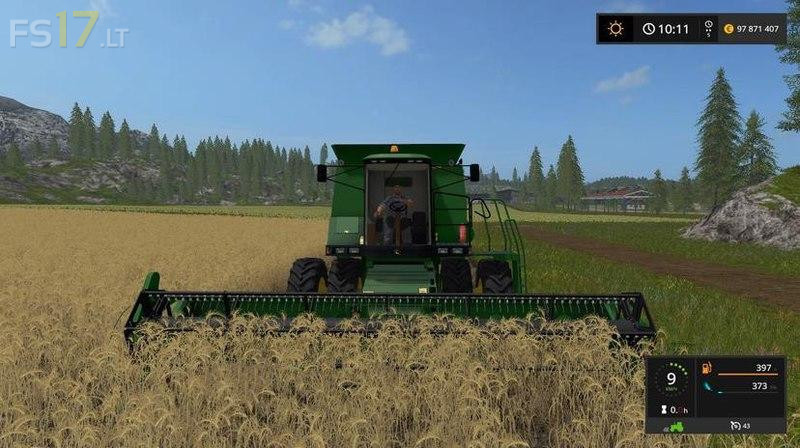
John Deere 1550 v 1.0
When the farm has a John Deere 1550 harvester, the farmer can sleep peacefully.
The entire harvest of FS 2017 will be assembled in a short time.
After installing the John Deere 1550 for Farming Simulator 2017 you will find in the archive a solid American combine harvester and a working header to it.
Then you sit in the cockpit, you drive into the field and get down to business.
A basic engine with a capacity of 258 horsepower is installed.
During the ride he realistically buzzes and in general leaves very pleasant impressions.
The speed that the John Deere harvester can gain, the average is 20 km / h.
The combine hopper is designed for 6400 liters.
All lighting equipment is in good condition.
After itself, the combine leaves visible traces on any surface.
You would have seen the dust fly from the wheels of this combine.