

John Deere 245P Excavators Pack v 1.0

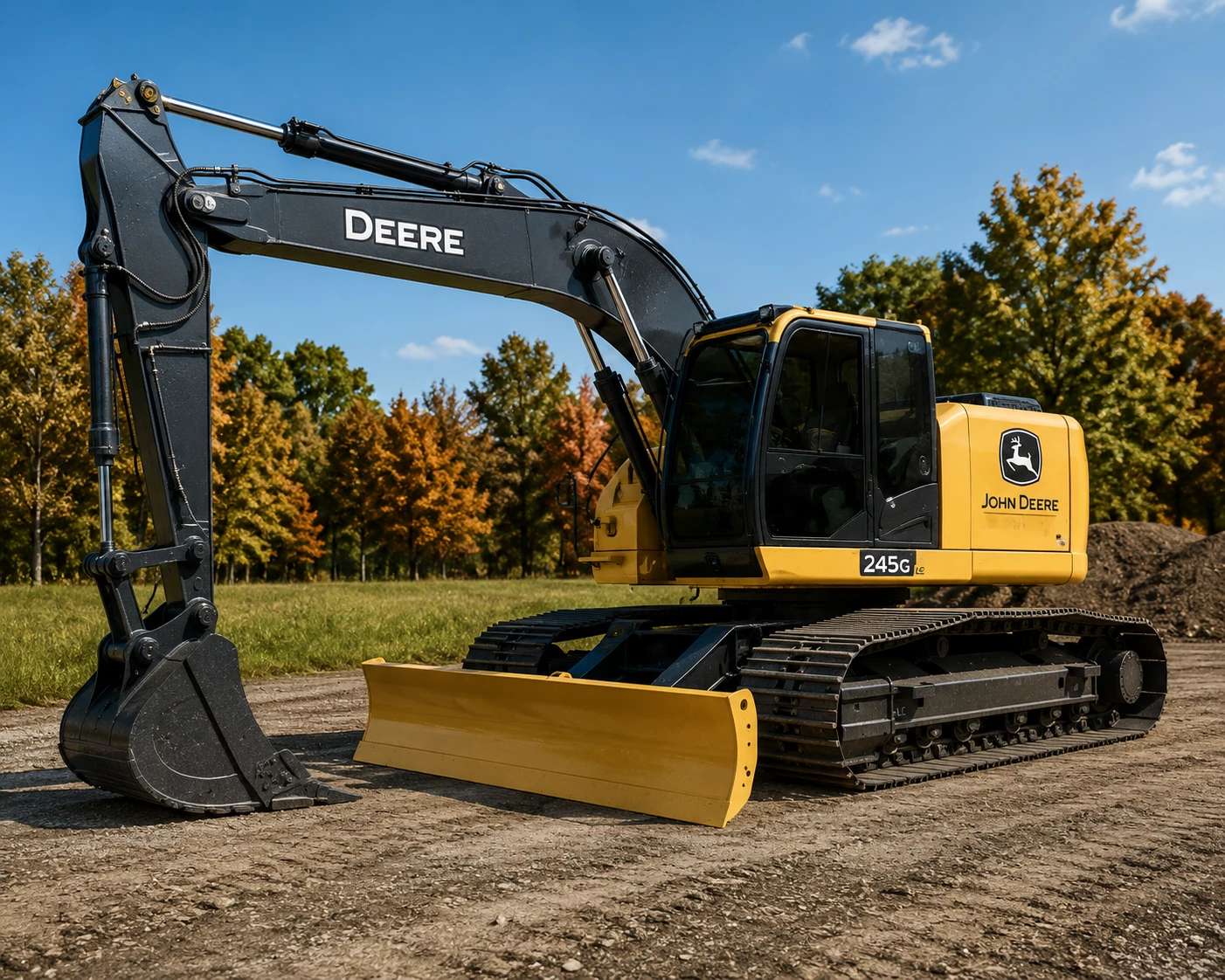
John Deere 245P Excavators Pack v 1.0
Take on demanding excavation and construction projects with the John Deere 245P Excavator Pack for Farming Simulator 25.
Built for power, precision, and reliability, this detailed excavator is equipped to handle everything from trenching and grading to heavy material handling.
Features:
Highly detailed John Deere 245P excavator
Multiple bucket attachments included
Hydraulic thumb support for improved material handling
Realistic hydraulic animations
Authentic engine, track, and hydraulic sounds
Detailed interior with working controls
Functional lighting and animations
High-quality exterior and interior models
Multiplayer compatible
Whether you’re digging foundations, loading materials, clearing land, or tackling large-scale construction projects, the John Deere 245P delivers the power and versatility needed to get the job done efficiently.