

John Deere 2×40/2×50 Series v 2.0

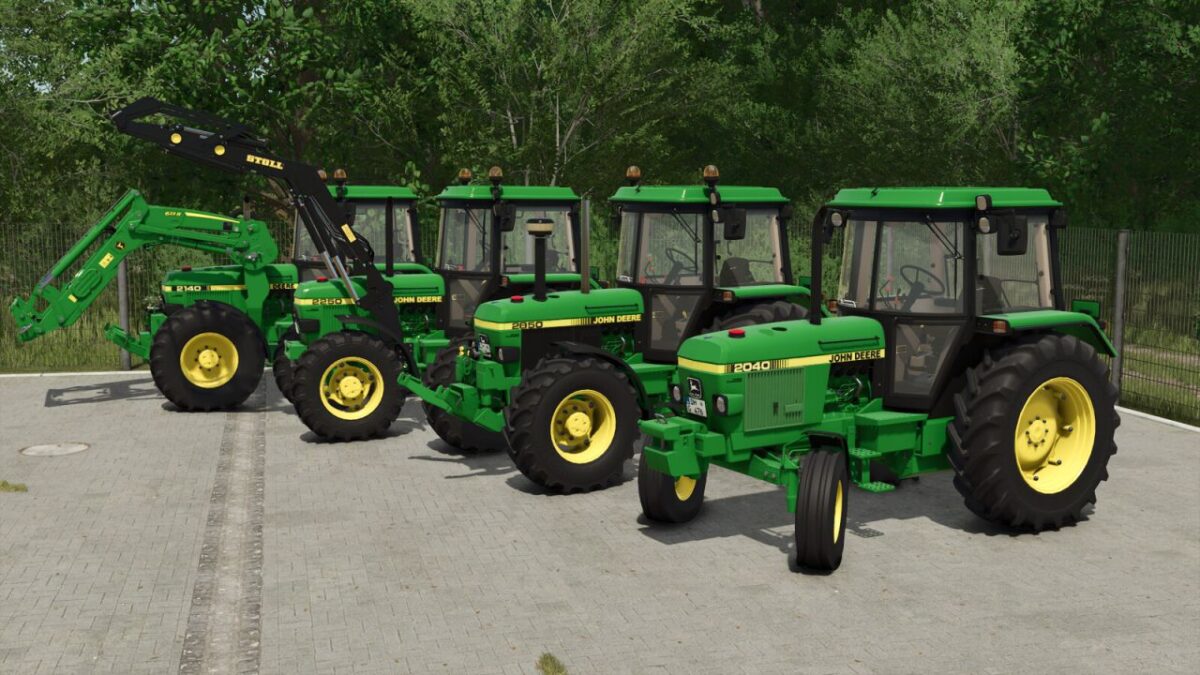
John Deere 2×40/2×50 Series v 2.0
About the mod:
This John Deere 2X50 Pack contains the JD 2040, 2140, 2250 and 2850; 30 kph and 40 kph.
It has multiple tyre configurations. The back window and the left door are able to be opened via mouse controls.
John Deere 2040, 2140, 2250 & 2850
Category: Small Tractors
Price: $22,600
Power: 62 hp – 86 hp
Max. speed: 30 / 40 kph
Capacity: 84 L
Frontloaders possible:
Stoll Super 1
Quicke
MX
Version 2.0:
* Added Frontloader console
* Added a 2WD version
* Added fitting smaller front weight option
* Added 2040 and 2140 variation
* Added more configurations
* Added fitting front weight models
* A lot of visual bug fixing
Credits:
[DMI]20mmNormandy/[AKS] DeNize - Leo