

John Deere 335P Skid Steer v 1.0

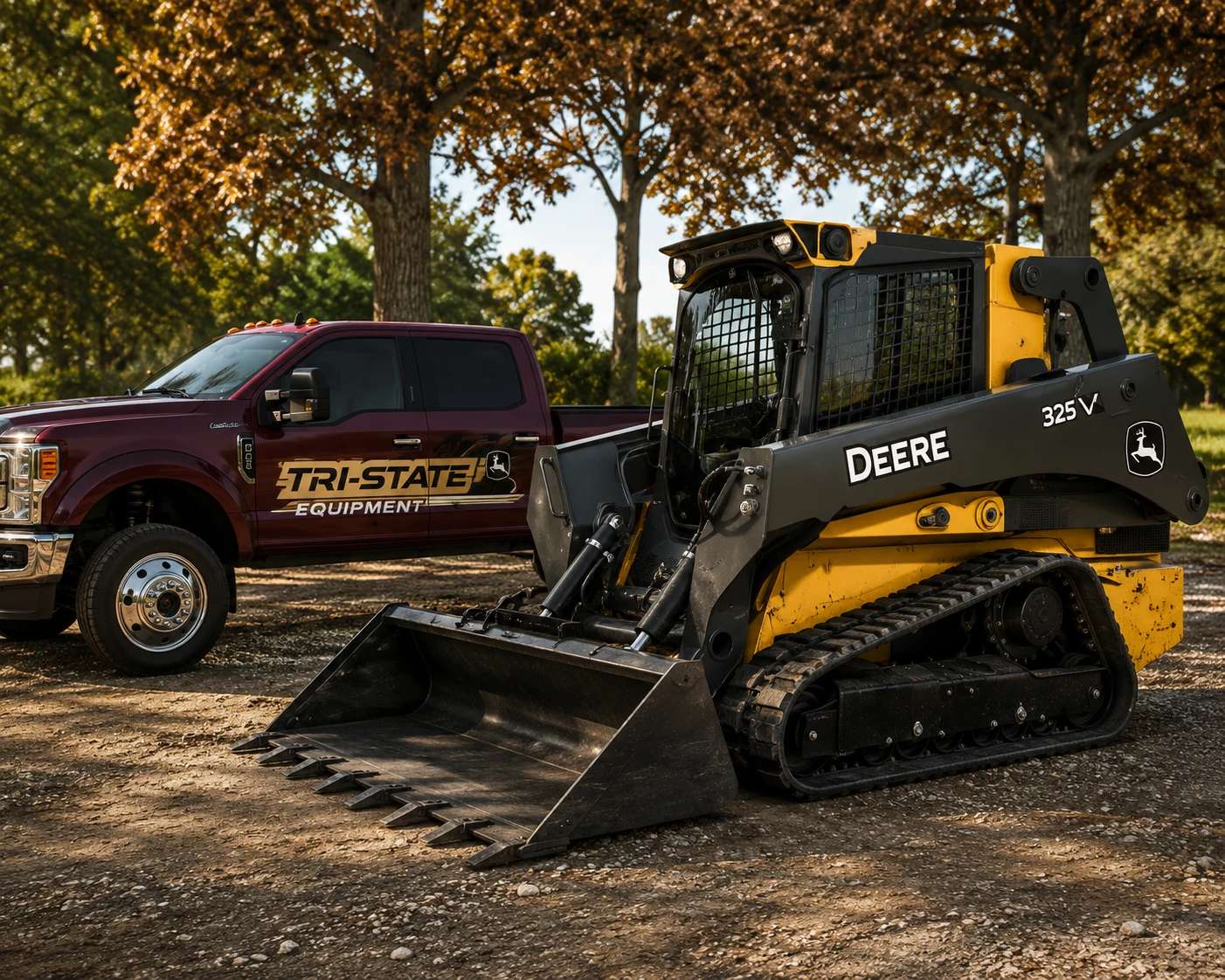
John Deere 335P Skid Steer v 1.0
Upgrade your fleet with the John Deere 335P Skid Steer Loader for Farming Simulator 25.
Designed for versatility and productivity, this compact machine is perfect for loading, grading, material handling, and a wide range of construction and farm tasks.
Features:
Highly detailed John Deere 335P skid steer loader
Includes heavy-duty general-purpose bucket
Compact design for working in tight spaces
Realistic hydraulic animations
Authentic engine and operating sounds
Detailed interior with working controls
Functional lights and animations
High-quality exterior and interior models
Multiplayer compatible
TerraFarm compatible
Whether you’re moving soil, gravel, silage, or construction materials, the John Deere 335P delivers the power, maneuverability, and reliability needed for any job site.