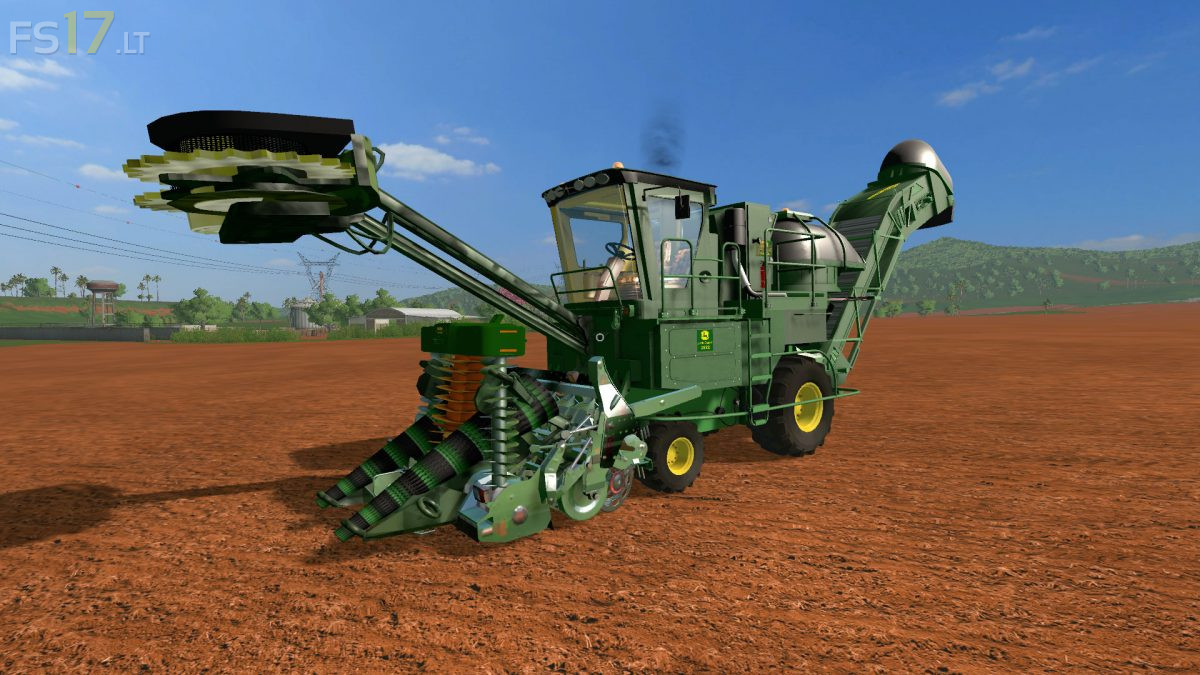
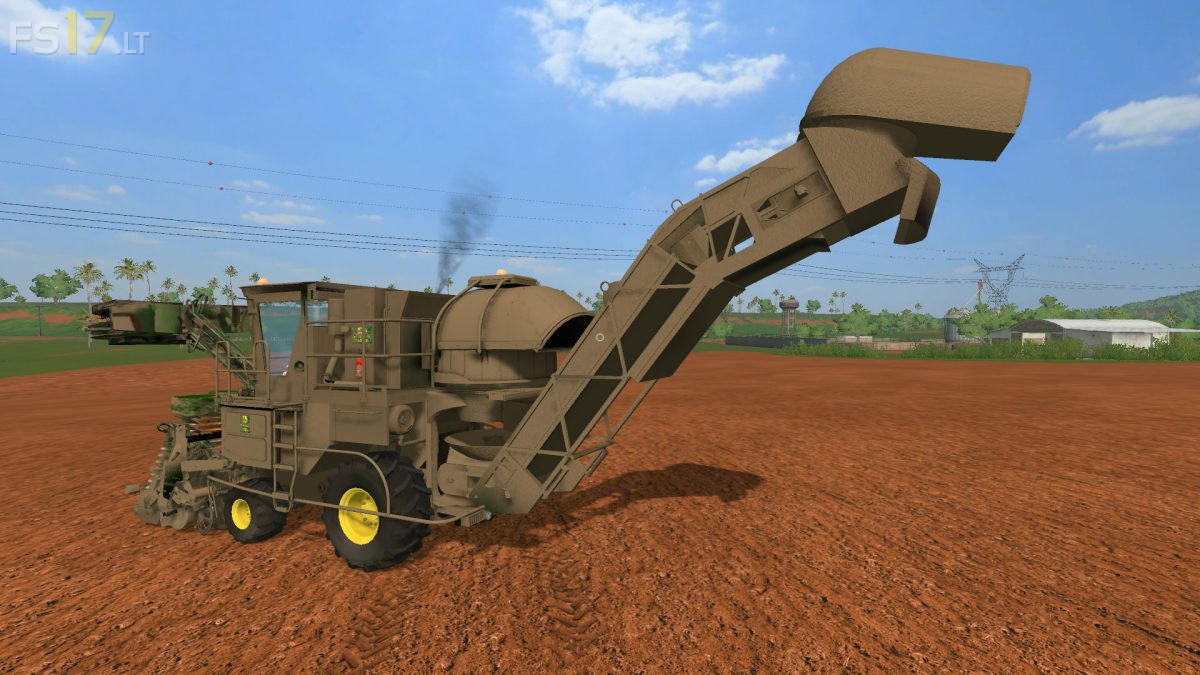
John Deere 3522 v 1.0

FS19 mods

About the mod:

John Deere 3522 Sugarcane Harvester.

– Power 345 hp
– Speed 40 km/h
– Capacity 80000 liters
– Working width 4 meters
– Working speed 14 km/h
– Dirt / washable

Credits:
Lost Gamer

How to install FS17 mods?

Firstly find a mod which you like and want to download. Then download a mod to your PC. Mods are usually in .zip format file. But sometimes it can be in .rar. If a mod file is a .zip format no needed additional actions. If a file is in .rar, then you must unarchive mod with software like WinRar or Zip7. Windows 10 users no need to use software for archives, Win10 itself has a feature to unarchive files.

The next step is to find mods folder in your PC. Usually, it is in Documents/My Games/Farming Simulator 17/2017. Open the "mods" folder and put downloaded .zip archive or unarchived .rar file to this folder.

Last step. Enjoy of FS17 mods!

7 thoughts on “John Deere 3522 v 1.0”

  • Dark says:
    2017-11-30 at 16:13

    Cher+modeur+je+n’aime+pas+trop+votre+mod+en+plus+de+cela+les+moissonneuse+à+cannes+n’ont+pas+de+réservoir,+faisant+un+mod+John+Deere+3522+ou+3520+plus+réaliste

  • Kiero says:
    2017-12-03 at 15:09

    can you change Working width to 2m

  • Kiero says:
    2017-12-03 at 17:00

    and it has bug when it isnt empty we cant collect sugarcane

  • Herb Woodbeck says:
    2017-12-05 at 19:46

    Doesn’t work

  • MANU says:
    2018-01-03 at 21:44

    Hello, ne fonctionne pas bien avec courseplay. Pourquoi ne pas la faire fonctionnée comme une ensileuse?

  • Gregoris says:
    2018-01-21 at 20:34

    no realistic,realistic 2 meter +trailer.

  • vsxbndsxn says:
    2020-10-20 at 15:00

    I think it works okay, but I like the one with tracks better because I got this one stuck in mud on Farming Simulator 19 and its still stuck in the mud.

Leave a Reply

Your email address will not be published. Required fields are marked *