

John Deere 3×40/3×50 Series v 1.0.0.2

John Deere 3×40/3×50 Series v 1.0.0.2
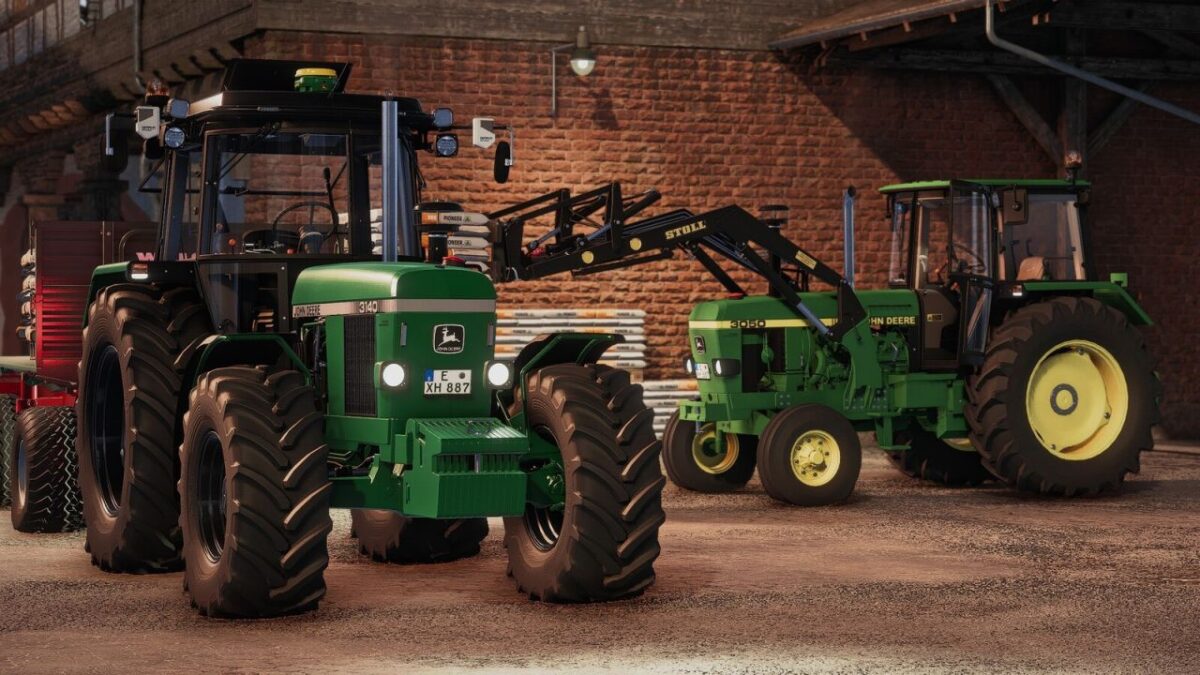
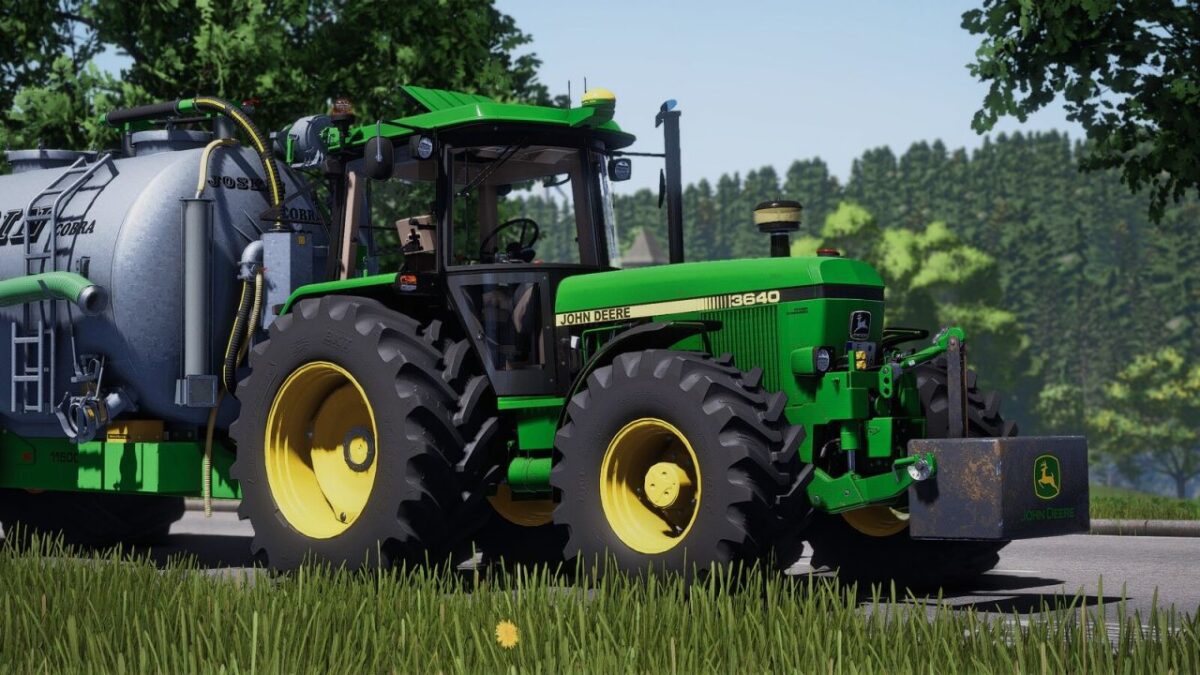
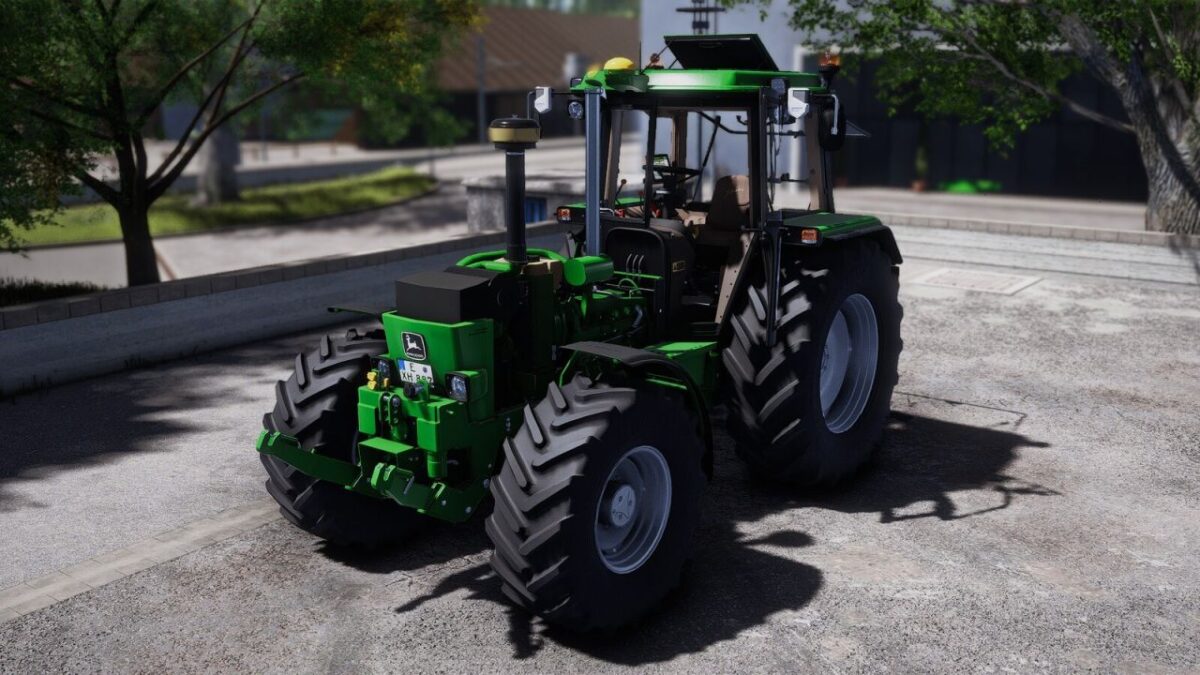
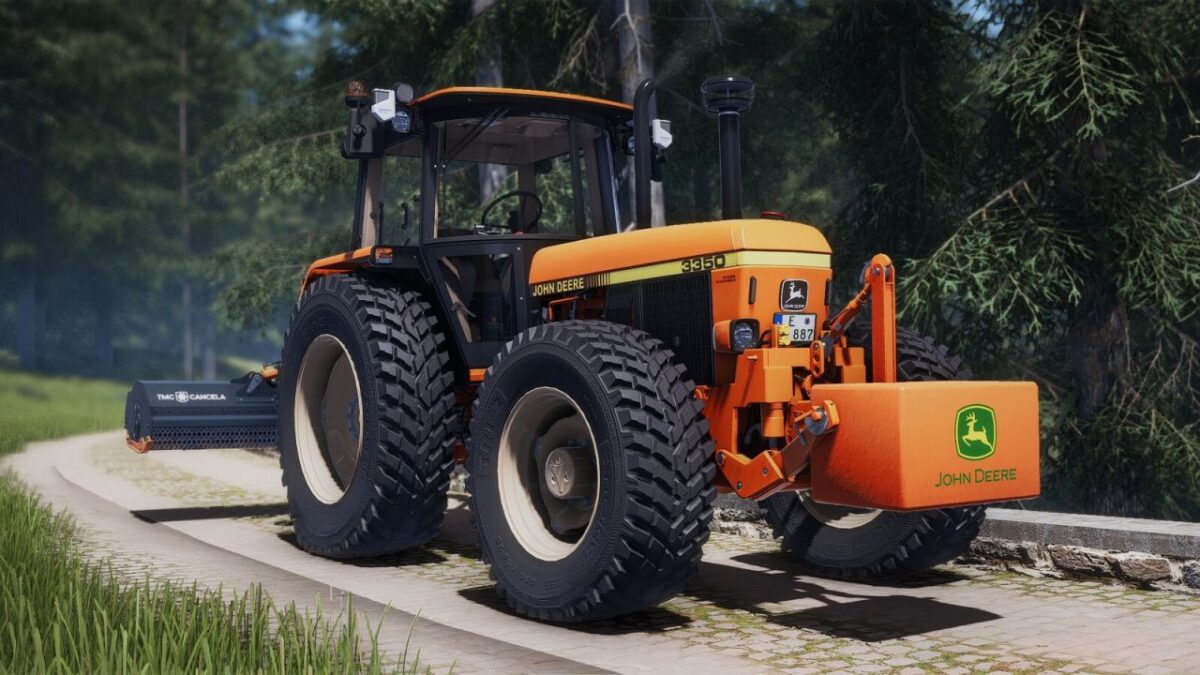
This John Deere 3×40 / 3×50 Pack contains the tractors series 3040, 3140, 3340 and 3640 aswell as the 3050, 3150, 3350 and 3650 with a corresponding 30 kph, 40 kph and multiple tuning variants.
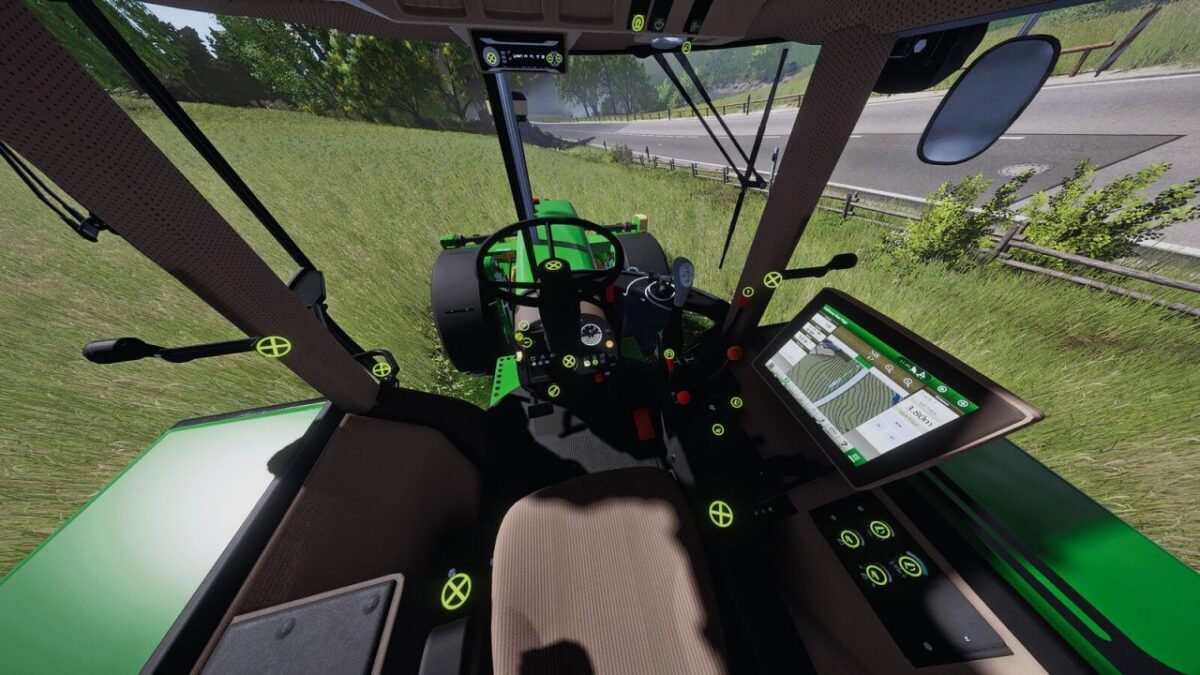
It contains multiple Vertex Interactive Control points and is compatible with Dashboard-Live for PC, but is also fully equipped with controls fitting the Crossplay players.
John Deere 3×40 / 3×50
Category: Small Tractors
Price: $32,500
Power: 92 hp
Max. speed: 30 kph
Capacity: 118 L
John Deere 3×40 / 3×50 2WD
Category: Small Tractors
Price: $27,500
Power: 92 hp
Max. speed: 30 kph
Capacity: 118 L
John Deere PickUp 900
Category: Weights
Price: $1,550
John Deere PickUp 1150
Category: Weights
Price: $1,950
John Deere PickUp 1800
Category: Weights
Price: $3,050
Version 1.0.0.2:
* Improved the model further with apropriate exhaust manifold to the non turbo variants
* Fixed raindrops appearing on some interior parts
* Added a new sound
* Added a G5 Display configuration for the StarFire 7000
* Added a roof variant with roof hatch
* Made the red hood cap change material with the config
* Added shorter rear fender option
* Made top worklights configurable