

John Deere 6230R – 6250R & 6135R – 6155R v 1.0

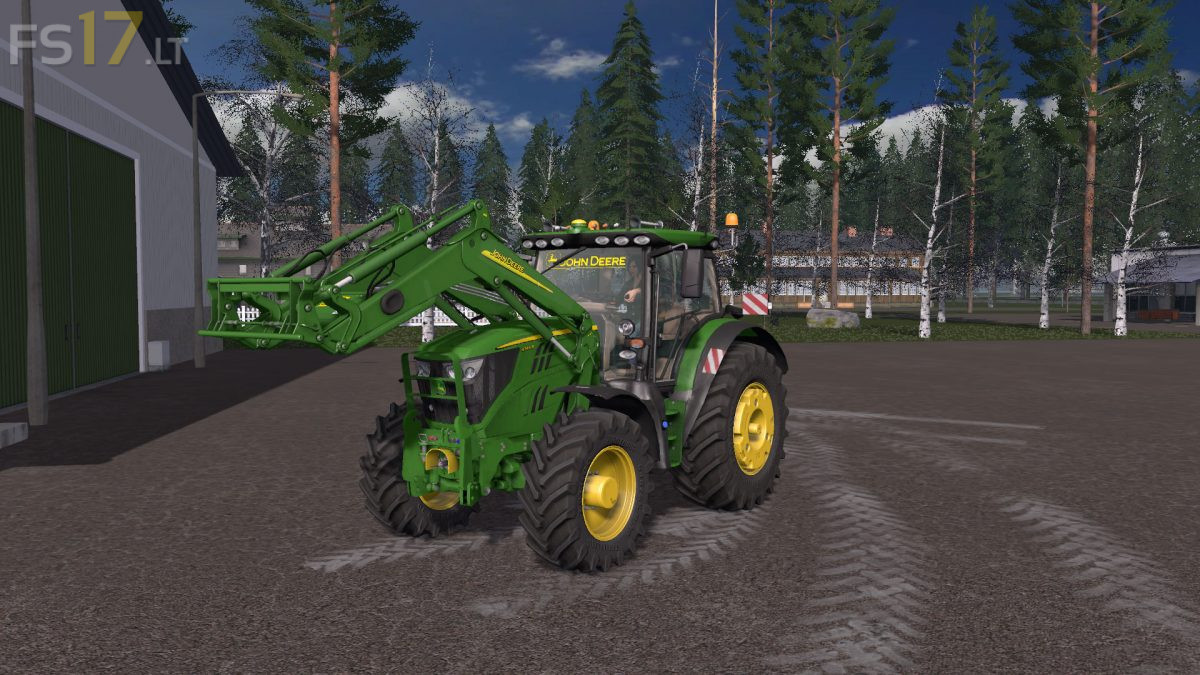
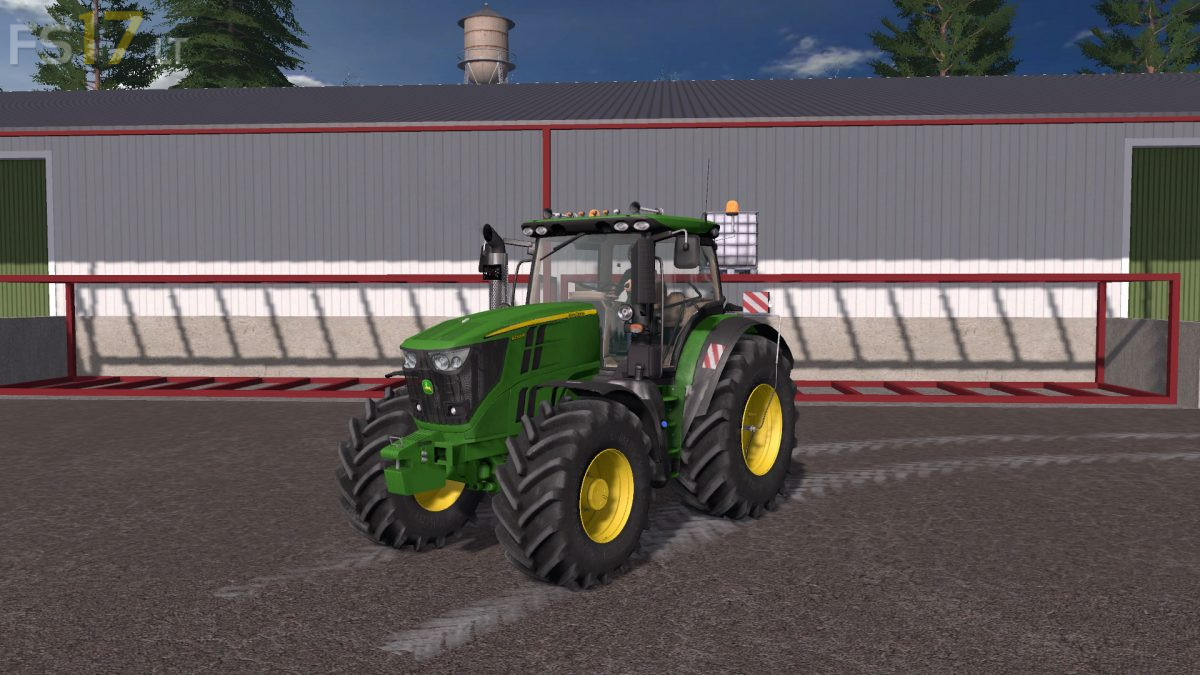
John Deere 6230R – 6250R & 6135R – 6155R v 1.0
About the mod:
Two John Deere Tractors:
John Deere 6135R – 6155R:
– Engine Setup: 280 hp, 300 hp
– Selectable Attachers
– Selectable Wheels
– Selectable Design
– Selectable Logo
– License Plate
– IC Control
– Washable
John Deere 6230R – 6250R:
– Engine Setup: 166 hp, 192 hp, 202 hp
– Frontloader Attacher
– Selectable Attachers
– Selectable Wheels
– Selectable Design
– Selectable Logo
– License Plate
– IC Control
– Washable
Included 3 Weights and Frontloader.
Credits:
BJRmodding, Misterious, MarioRoss, JordyVerbeek
pour mieux jouer
izi
jo