

John Deere 6M Pack v 1.2

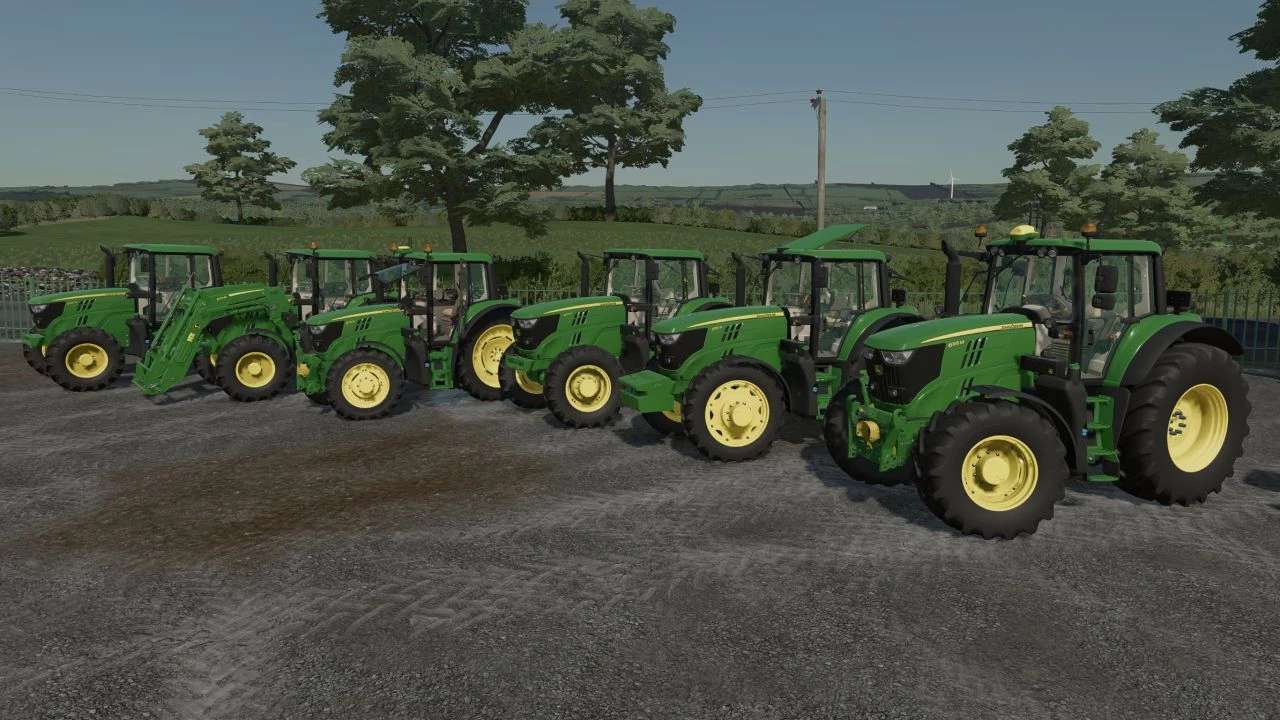
John Deere 6M Pack v 1.2
About the mod:
Version 1.2:
* Added new transmissions: autoquad2 and command quad
* Modelled original rims
* Fixed proportions on the 6110M front lights error
* Added rear worklight to the 6110M configuration
* Narrow wheel configurations adjusted (1.55 and 2.25 meter)
* Added new GPS antennas: SF7000 and SF7000RTK
* Added RTK module for the SF3000 antenna
* Toolbox added
* Configurable indoor mirror
* New gearshifter custom sound
* Fixed transmission layout
* Fixed worklights color
Credits:
ARNJS180502, _M4Rm.3, DinceV2, Andy02, Ossimagger, Cayman, MoosAgrar, Farmari99, Johni 6530, Seme, AGR modding