

John Deere 6R Medium+ v 1.0.2.0

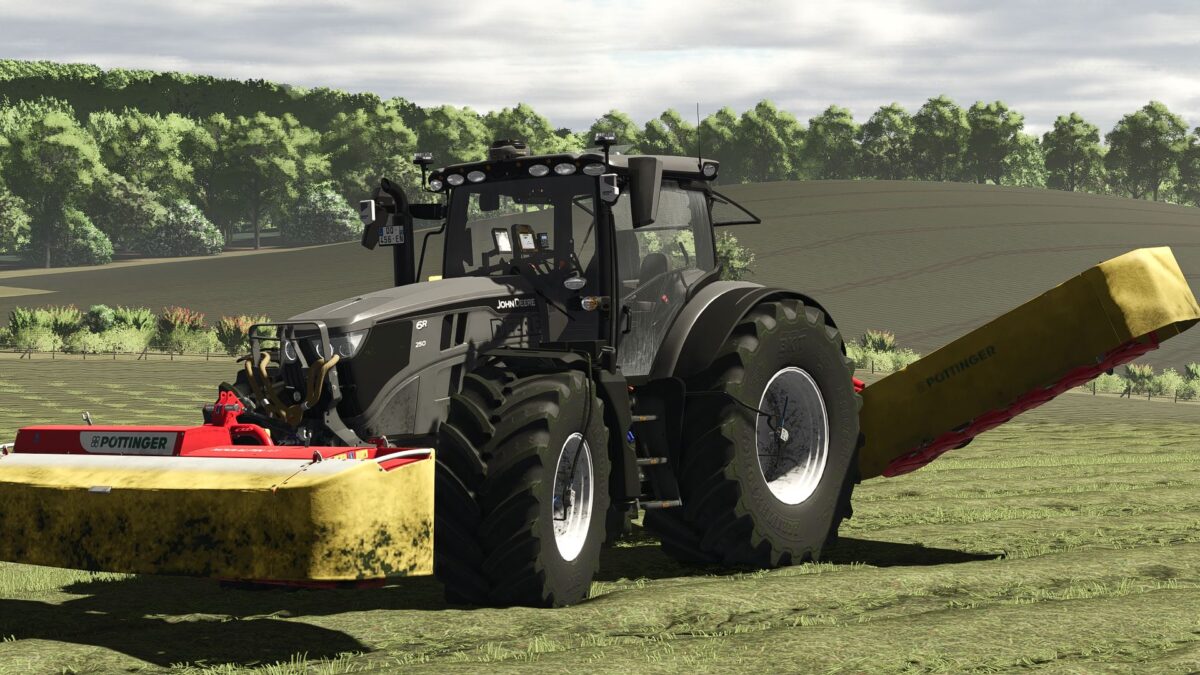
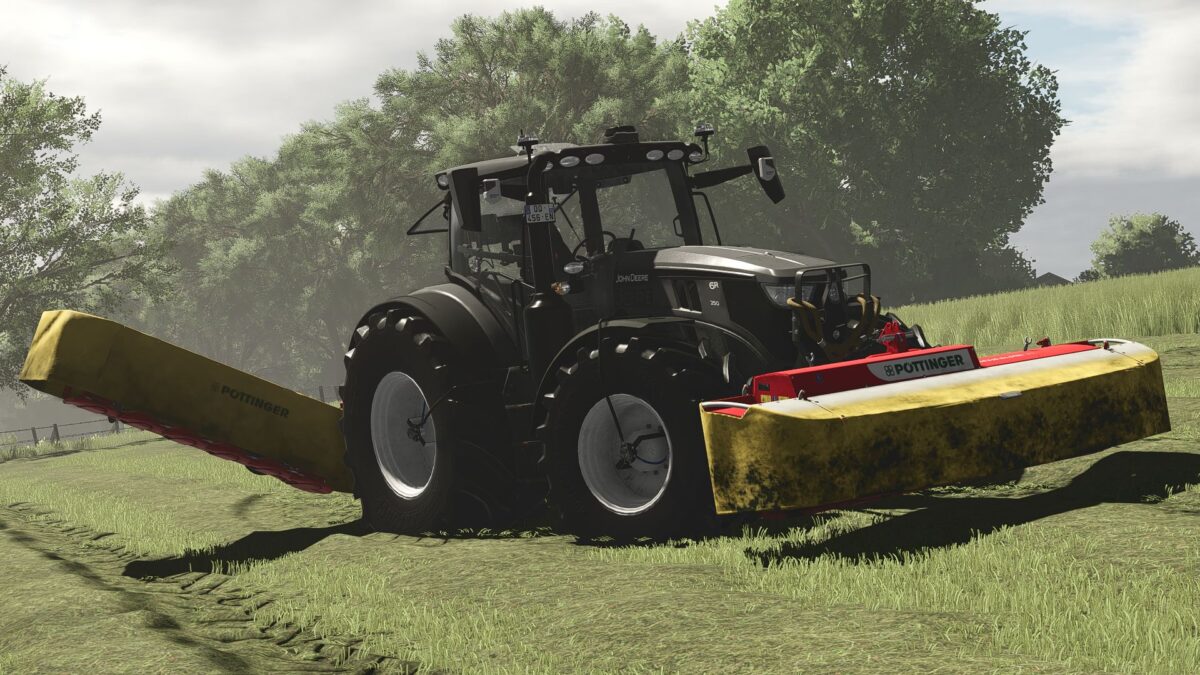
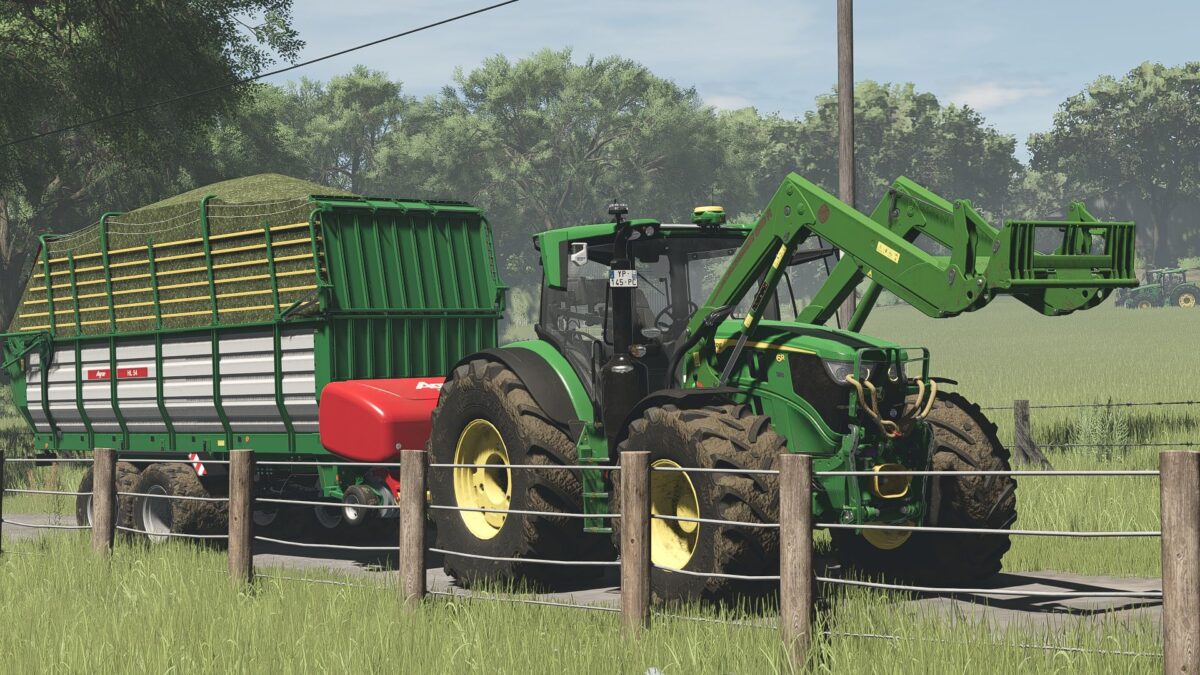
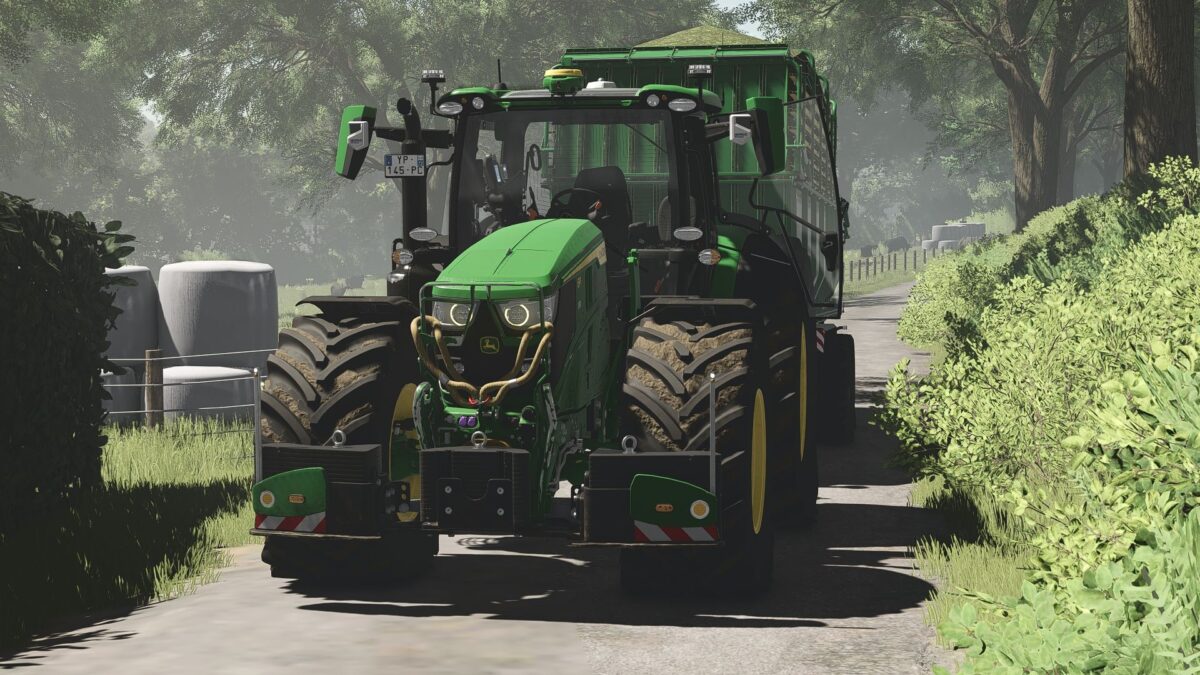
John Deere 6R Medium+ v 1.0.2.0
General data
Price: from €182,000. Transmission: Continuously variable (AutoPower IVT) Top speed: 50 km/h
Engine & Performance
6R 145 – up to 192 HP, 6R 155 – up to 203 HP, 6R 165 – up to 213 HP, 6R 185 – up to 234 HP, 6R 230 – up to 255 HP, 6R 250 – up to 300 HP
Technology & Realism
PTG tire pressure control system. Display in the interior. RDA script integrated. Animated PTG terminal. Turbo sound Passenger script. The front axle can be lowered. Mouse control & IC (inside & outside) with sound
Manure & cultivation
Adapted Tubing – slurry hose connection→ Suitable for Wienhoff FreeSight front suction arm
IC system (inside & outside)
IC in the interior & exterior area. Cameras – controllable via IC. All displays can be shown/hidden via the IC. CCI terminal with IC functions
Controls via IC:
Engine on / off. Lights & hazard warning lights. Cruise control. Open door. Open the rear window. Open skylight
90% own IC icons created – unique operating feel
Lights & Electrics
Rotating lights configurable (rotating lights/speed cameras). Daytime running light color configurable. Decorative light configurable. Orange LED parking lights on the roof. Marker lights in warning signs
Technology & interior
CCI200 Terminal Lemken / Zunhammer / Kuhn / Krone / Amazone. Switchable via DBL. Mobile phone configurable Start screen, Dark mode with light. CB radio lighting. Animated antenna
Design & customization
Main color (6R + Agribumper). Rim color, Interior color, Seat color & decorative stitching
Bonnet stickers:
Hirsch Deere lettering, 3 Steps to Heaven, Illuminated logos, Warning signs, configurable Rear fenders, Narrow / Medium / Wide
Agribumper system
Weight: 400 – 1800 kg Speed cameras Driving lights & marker lights Original prices
Front loader & attachment
Front loader console for 683R (hydraulic quick coupler), John Deere 683R front loader, Color configurable
Options:
663R (Standard)683R663R without hood protection
More features
New tires, rims, hubs & wheel weights, PTO front color configurable, K80 cover caps blue, Decorative rope on the hood protector
Note: Bonnet sticker can be freely selected in color. Only works if you select black/white
Note from the modder
Please note: This is my first tractor.
I learn new things every day and do my best to continue improving the mod.
Conclusion
This 6R is not a standard tractor – it is a high-end technology package.
More control.More details.More realism.
Get in, adjust and take the yard to a new level.
Recommended Mods & Requirements
Here you will find the mods that you can use for the full range of functions or that are recommended:
Dashboard Live
For expanded displays & more realism in the interior:
Dashboard Live Vanilla Vehicles Dashboard Live
RDA Script
For additional features and enhanced realism on various systems:
Tire pressure control system
Manure Setup (Recommended)
For the full manure experience, we recommend the following setup:
Manure pack from Finanzamt31er. My manure barrels (compatible with the suction arm)
Important: My barrels are completely compatible with the front suction arm from Finanzamt31er and can be easily coupled.
Wienhoff FreeSight Joskin Modulo2 – manure with style & power Zunhammer Pack
Interactive controls
For all IC functions in the vehicle:
Interactive controls
Precision Farming
For enhanced realism in field work & sensors: Precision Farming
Version 1.0.2.0:
* Fixed some small bugs
* A couple of adjustments