

John Deere 6R Pack v 1.0.0.7

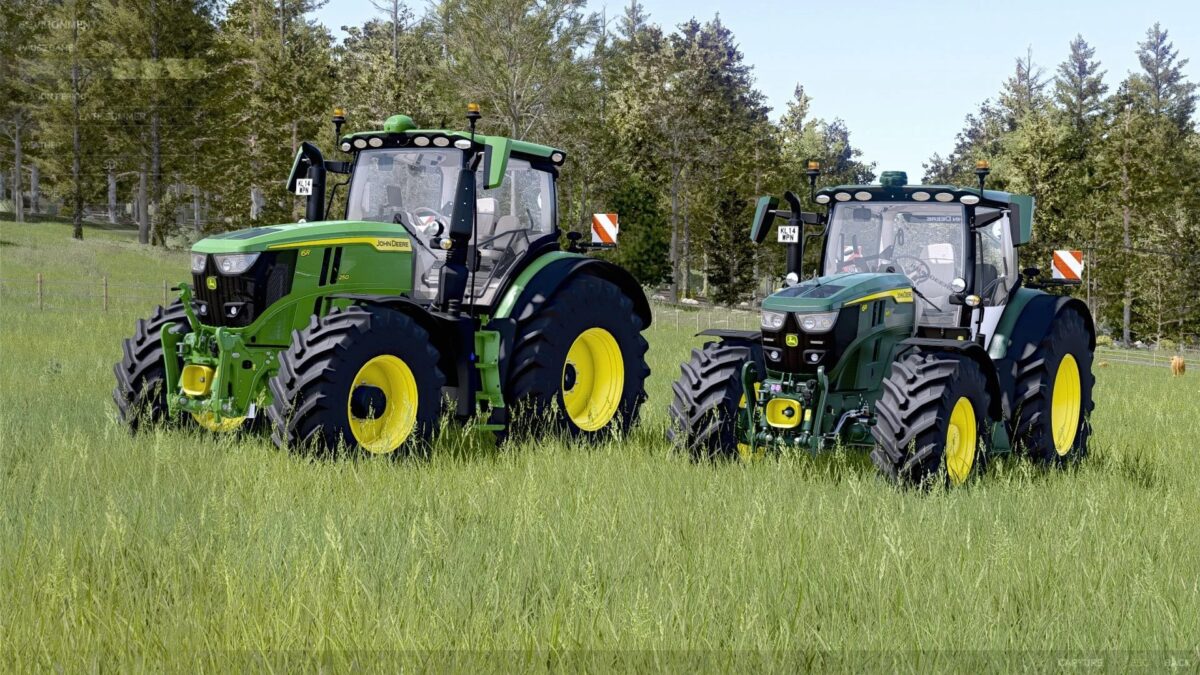
John Deere 6R Pack v 1.0.0.7
Base:
Price: from €268,000
Power: 281 – 301 hp
Top speed: 51 km/h
Configurations:
Tires
Front loader console
Main color
Rim color
Roof
Interior
Seat
Interactive Control functions:
Cycle lights
Windshield wipers
Swiveling seat
Hide camera
Hide hectare counter
Turn signals (left/right)
Left door
Rear window
Steering column
Open hood
Front fenders
Passenger seat
Lowerable front axle
Side mirrors
Hide StarFire receiver
Roof hatch
Cruise control
GPS
John Deere 6R Medium Frame
Price: from €182,000
Power: 192 – 234 hp
Top speed: 51 km/h
Configurations:
Tires
Front loader console
Main color
Rim color
Roof
Interior
Version 1.0.0.7:
* The John Deere 6R pack has been completely overhauled and is now error free
* All vehicles and their associated attachments function correctly
* The ingame log is completely clean and contains no errors, warnings, or other relevant error messages