

John Deere 6R with Agribumper Options v 2.0.3.0

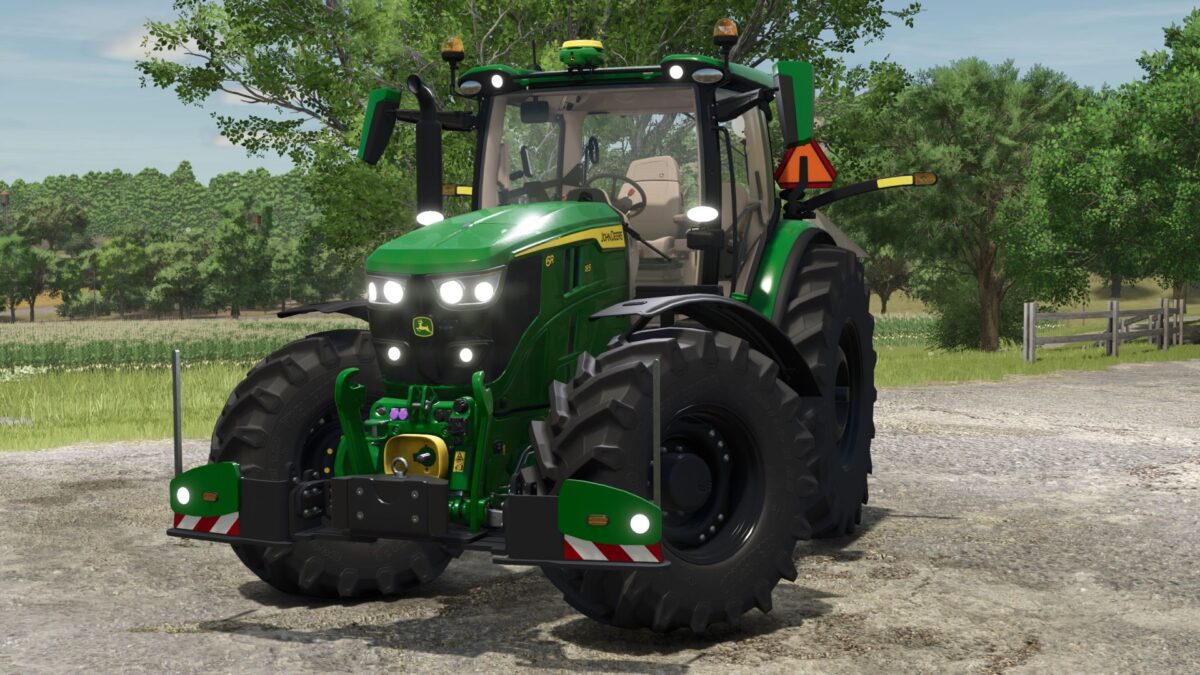
John Deere 6R with Agribumper Options v 2.0.3.0
About the mod:
Agribumper configurable weight 400-1800kg
Configurable main color 6R+Agribumper
Configurable rim color
Agribumper: Configurable radars
Agribumper: Original price
Configurable warning signs
Version 2.0.3.0:
* Added Cable CCI terminal in the interior
* Added Decorative rope on the hood protection (frontloader selection)
* Added Work lamps on the roof now have realistic shadows
* Logo (deer) on the hood is now changed in color
* Fixed Tire pressure control system: Hoses inserted in the front fender, color matched at the back
Credits:
Finanzamt31er