

John Deere 7030 v 1.0


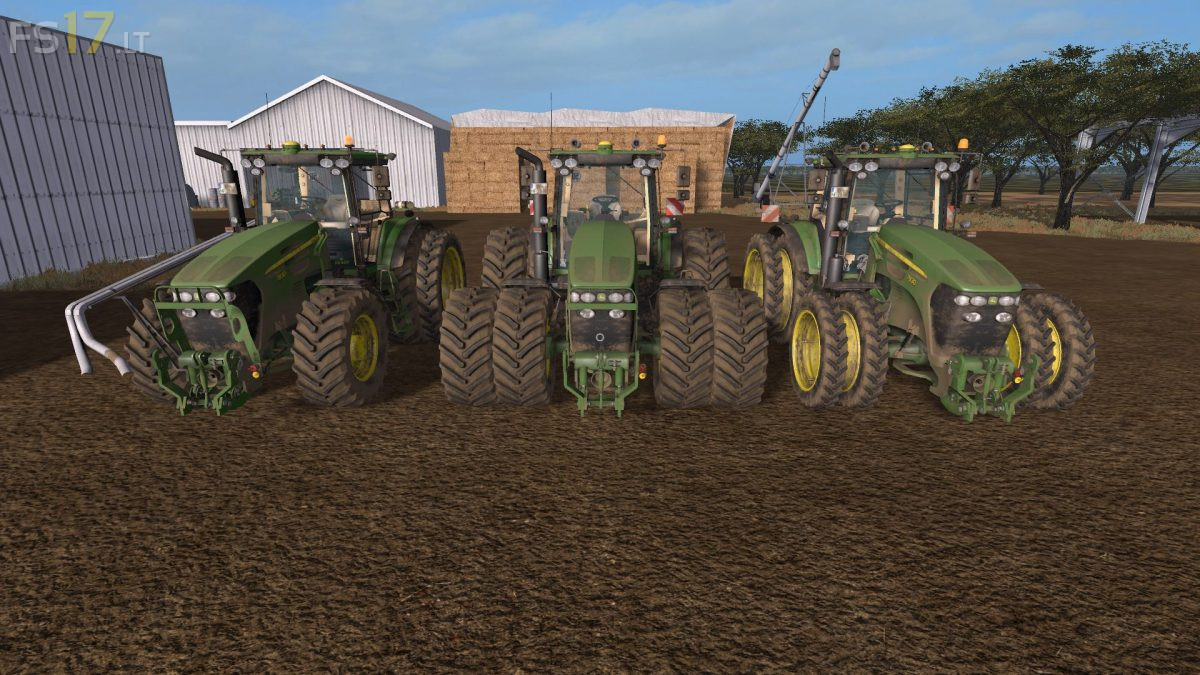
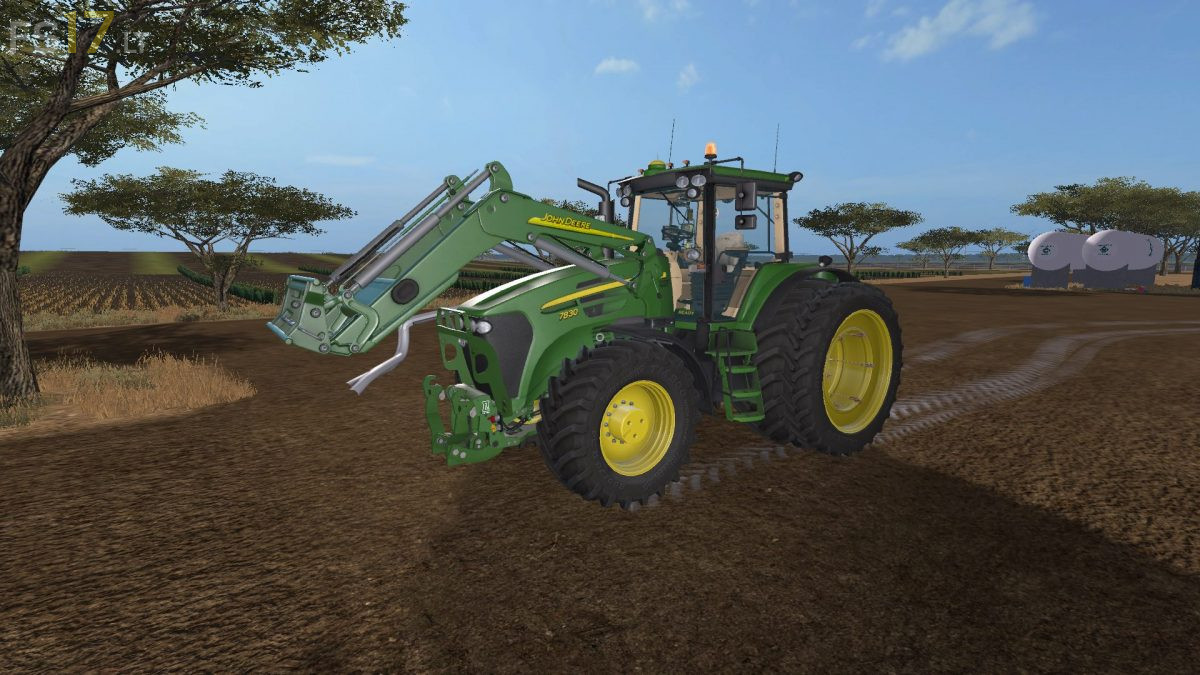
John Deere 7030 v 1.0
About the mod:
– Engine Setup: 215 hp, 225 hp, 245 hp
– Frontloader Attacher, Frontloader Shield
– Included John Deere H480 Frontloader
– Washable
Attachers:
– Standard
– Limiting Lights Special
– Toplights Orange
– Gas Horns
– NR1 + NR2
– NR1 + NR3
– NR2 + NR3
– NR1 + NR2 + NR3
Wheel Setup:
– Standard
– Wheel Weights
– Wide Tires
– Broad + Weights
– Rear Twin Wheels
– Twin Wheels
– Narrow Tires
– Narrow Twin Wheels
Design:
– Standard
– Seed Pipe
– Warning Signs
– Warning Signs Broad
– Terminals
– GPS / Green Star
– GPS + Terminals
Credits:
Sotillo, Ghost_CO, StrModding, TechMod a.s, Nefarius, Thorge Thedens, Mitti88, Ludmilla Power