

John Deere 7430/7530 v 5.0

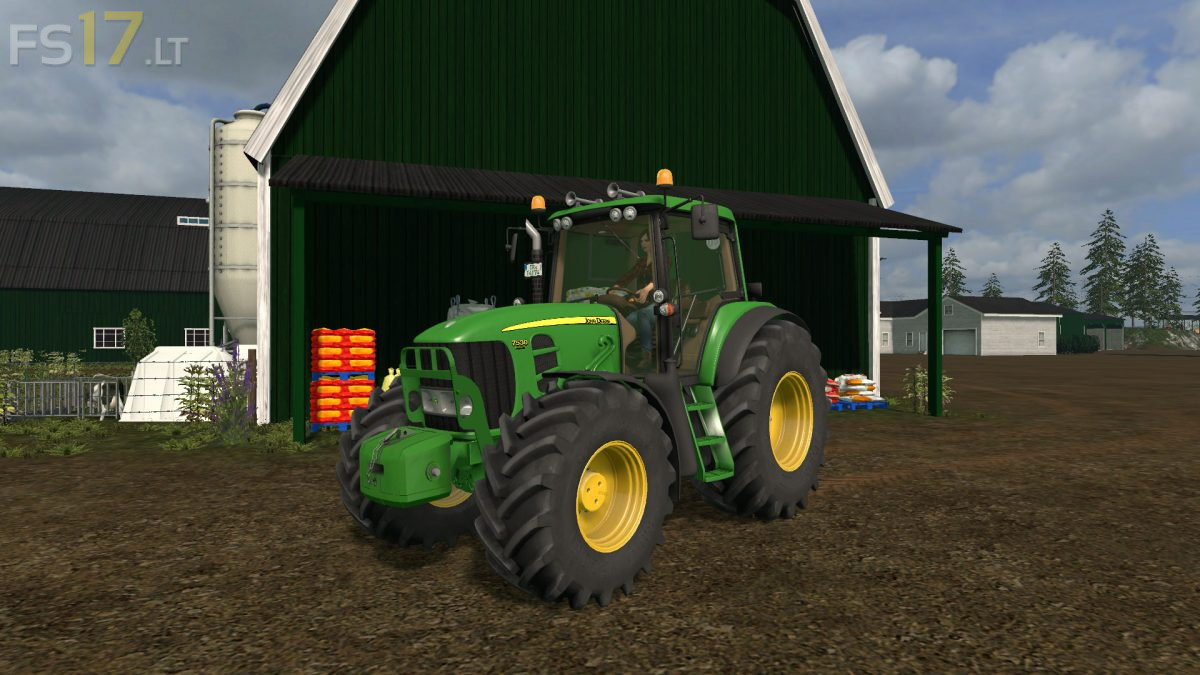

John Deere 7430/7530 v 5.0
About the mod:
– Engine Setup: 195 hp, 210 hp, 245 hp
– Frontloader Attacher
– Selectable Wheels
– Selectable Design
– IC Control
– Washable
– Included John Deere Frontloader
Version 5.0:
* Improvement of optimization, more FPS
* New Model Elements
* Texture changes
* IC animation changes
* Wheel configurations changes
* Visual configurations changes
* Changed Dynamic Pants (also in front)
* New Engine performance
* New Lights System
* New Exhaust System
* Changed Front Hydraulic
* Fixed all bugs
Credits:
T0bi69, CEA Modding, Battle414, MB3D, Bigfarmer, Timber
progi ja sam mata
Bra traktor