

John Deere 7800 American Edit v 2.0

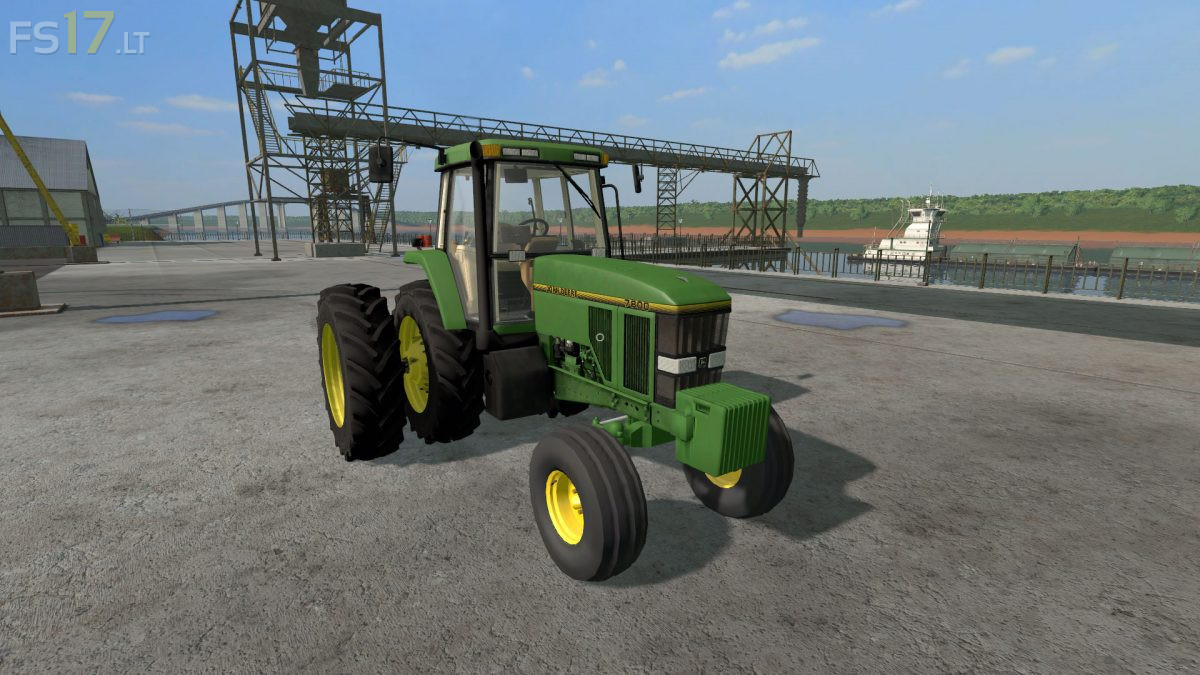
John Deere 7800 American Edit v 2.0
– Power 145 hp
– Speed 40 km/h
– Frontloader Attacher
– Selectable Wheels
– IC Control
Version 2.0:
* Cab has been reworked with extended mirrors and proper front lights, along with correct turn signals now
* New wheels have been added
* New Front Axle
* Upper 3-Point arm now available
* Pivoting front axle
* A rearview mirror has now been added to the cab
* This Tractor is now a true 2wd, which means the front wheels do not move like a 4wd. Drive up to a wall and the front wheels will stop rolling, as the back ones dig into the ground
* New mudguards and step
* The triangle on the back has now been re-textured to the old warning triangle, red and white
* The Tractor now throws smoke when being started
* Passenger script has been added
* The decal stripe is now correct to what a 7800 decal stripe is
* Various parts have been removed such as the toolbox and a few other things
can you move this to fs19??!!