

John Deere 8R (New and Old Model) v 2.0

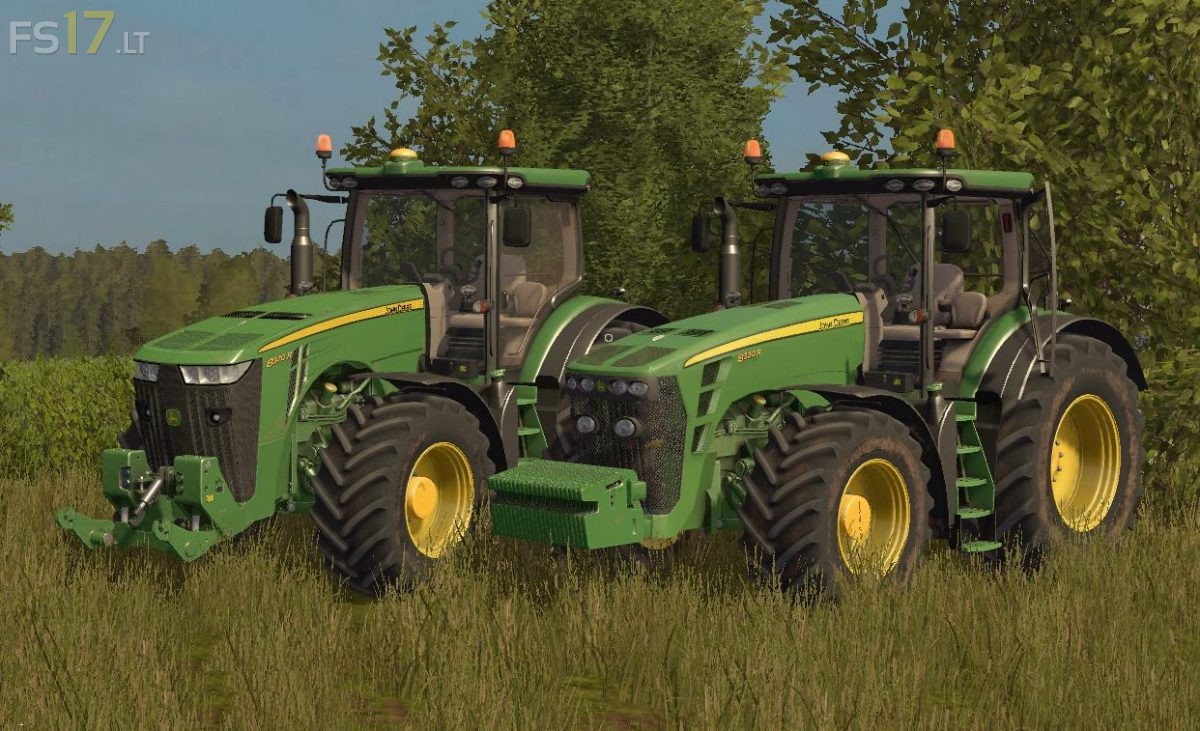
John Deere 8R (New and Old Model) v 2.0
About the mod:
– IC Control
– Michelin Tires
– Back twin wheels
– Weights in wheels
– Frtont weight option
– Openable left door and rear window (IC)
– Indoor Sound
– Folding passenger seat
– Adjust the steering column
– Foldable front arm
– Working light, turn signals, brake lights
– Dust from the wheels
– Tachometer and speedometer
– Movable front fender
– Animated hydraulics
Version 2.0:
* Full Washable
Credits:
Marthu
Hey, they´re not both 8R models, the one to the left is but to the right is a 8030 series…
They are the one on the right was the first r series to be made
http://www.tractordata.com/farm-tractors/005/9/1/5918-john-deere-8320r.html