

John Deere T Series v 3.0

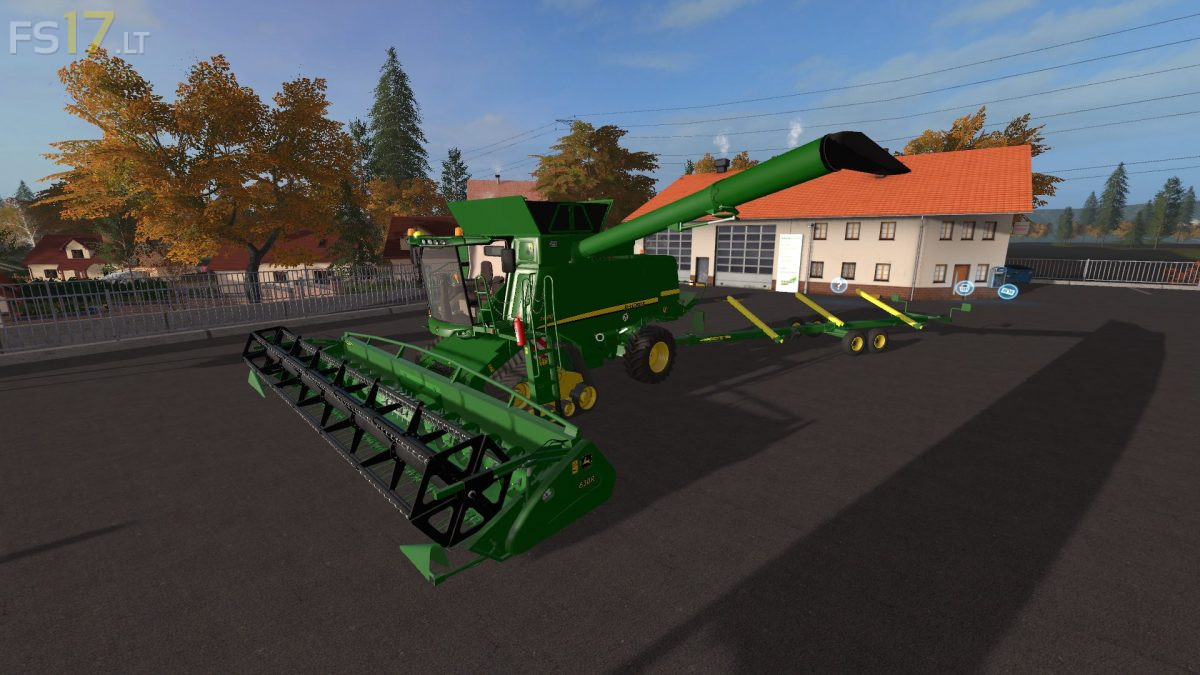
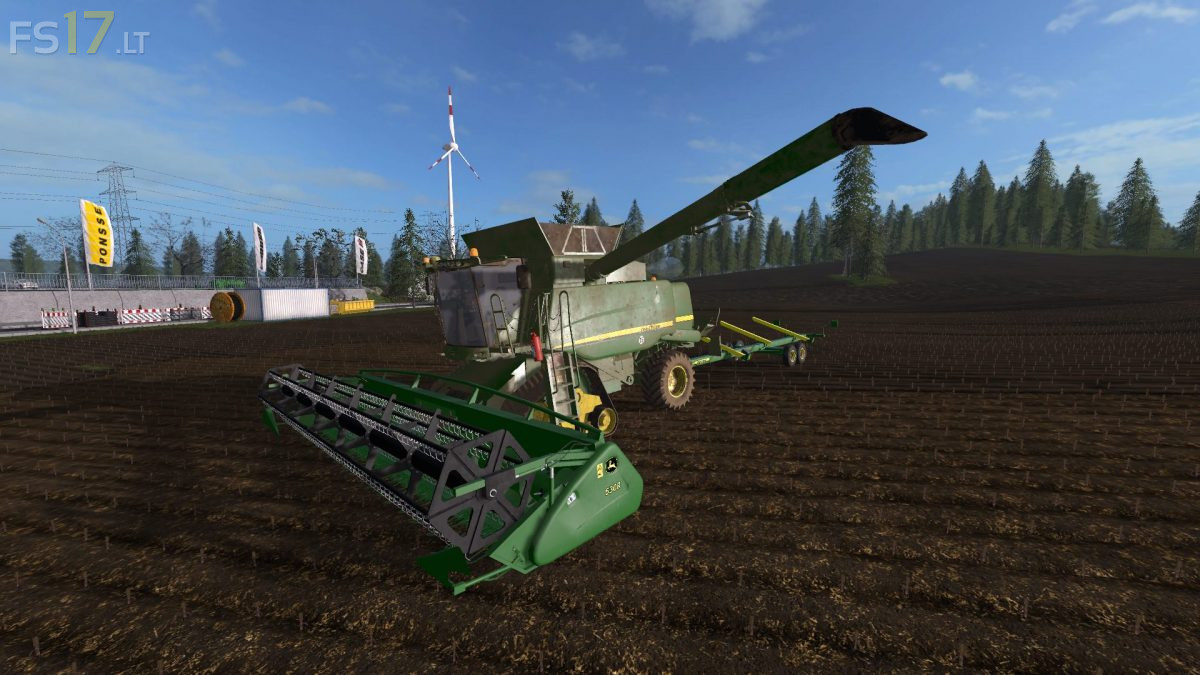
John Deere T Series v 3.0
– Engine Setup: 387 hp, 455 hp, 510 hp
– Selectable Wheels
– IC Control
– Washable
Included:
– John Deere 630R Header: working width 9.1 meters
– John Deere Raps Profi II Header: working width 9.1 meters
– John Deere 612C Header: working width 12 meters
– John Deere TL400 Header Trailer
Version 3.0:
* Texture changes, new color, new rims color
* Dirt and gloss Texture changes
* New attacher rotation (higher), it is easier to put on the cutter Trailer
* Fixed unload system animation from Pipe
* Changed cameras & lights
* Fixed cutter Trailer attacher (more stable)
* Michelin tires as a new configuration
* Fixed markers for models 660 and 670. Now they work correctly
* Change of driving physics and steering
* Added a new corn cutter, John Deere 612C
Dommage qu’on soit toujours obligé de mettre la barre supplémentaire à colza pour battre du blé par exemple! Sinon bravo!