

Kaweco Profi II v 1.0

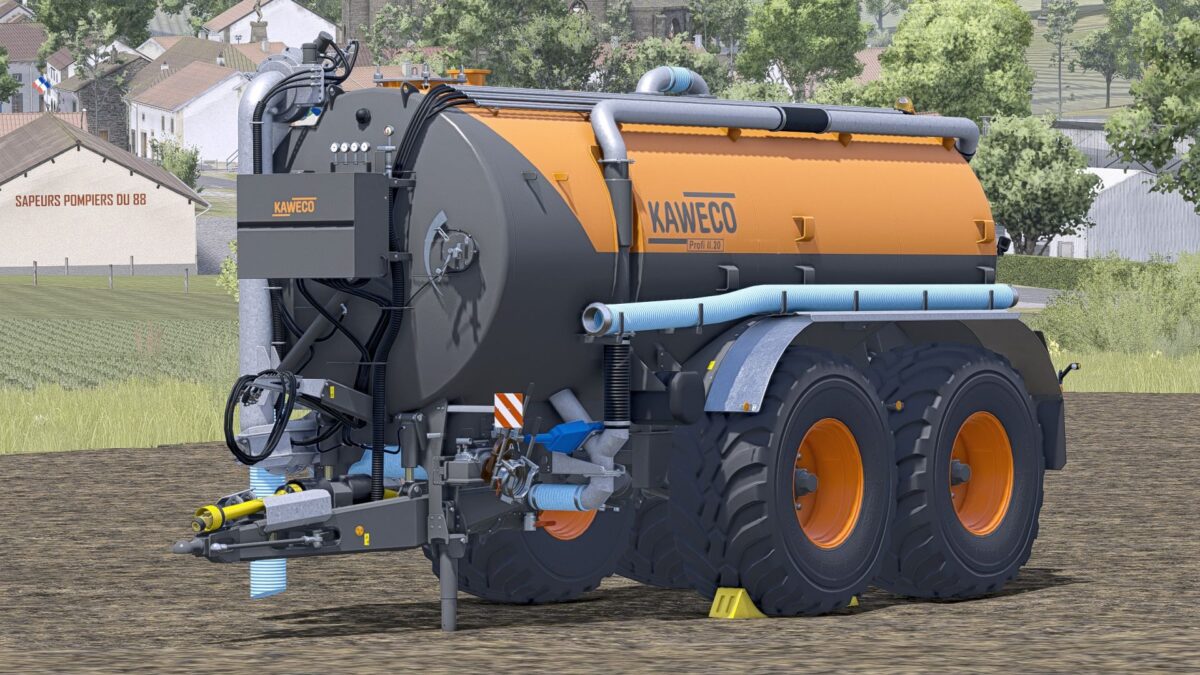
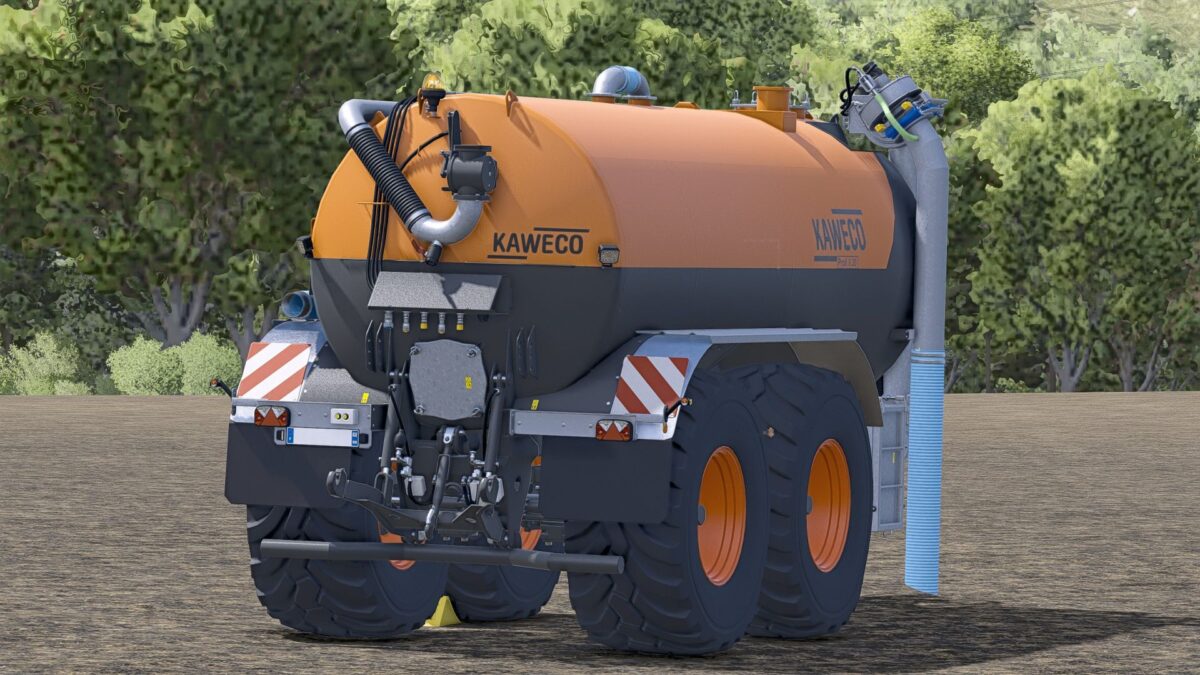
Kaweco Profi II v 1.0
The ultimate high-performance slurry and feed tank for your farm! The DF Hydro-Burner M2 (DF-HB-M2) brings massive power to the field.
This completely redesigned tanker has been optimized for the efficient management of large areas.
With a generous 60,000-liter capacity, it transports water, liquid manure, and digestate at record speed.
Thanks to the integrated 800 L/s high-speed pump, the tanker fills or empties in seconds during loading and unloading.
The “updateMass=false” technology ensures that the entire vehicle combination remains lightweight despite the enormous capacity, preventing your tractors from sinking into the ground.
The operation is accompanied by a powerful, doubled pump sound.
The tanker also boasts the exclusive “Dieselpower” in-house branding.
Features:
– Capacity: 60,000 liters
– High-speed pump: 800 liters per second (loading & unloading)
– No weight issues (updateMass disabled)
– Doubled pumping sound (volumeScale 2.0)
– Custom shop brand: Dieselpower with custom logo
– In-game name when attached: DF-HB-M2
– GIANTS test runner: PASSED (100% clean!)
Main Features & Tuning Details
60,000 liter XXL volume : The capacity has been increased to a whopping 60,000 liters ( capacity=”60000″).
High-speed pump (800 L/sec) : The barrel is filled and emptied synchronously at extremely high speed ( maxFillLitersPerSecond=”800″and litersPerSecond=”800″).
Mass barrier active : This ensures that updateMass=”false”the slurry tanker and feeder retain their light weight despite a 60-ton load. Tractors do not sink.
Rich sound : The heavy gurgling and working of the pump has been volumeScale=”2.0″doubled.
Specific private label : In the shop, the barrel shines under your own tuning brand “Dieselpower” including custom brand logo.
Clean in-game detection : When connected, the device is briefly and concisely declared as DF-HB-M2 in the F1 menu .
The ultimate high-performance slurry and feed tank for your farm! The DF Hydro-Burner M2 (DF-HB-M2) brings massive power to the field.